La 1337 Guide to Making Movies
I make all my animations with one of two methods. The second one is better if you know how to use it right.
Pre-Making:- Think of an idea. Make it original, and possibly funny. And if you�re a beginner, you might want something easier.
First Method - Windows Movie Maker (Result - .wmv)
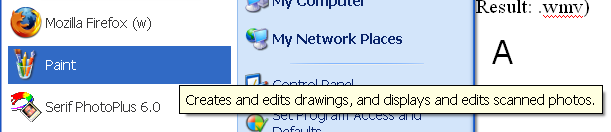
- Open up PAINT. (Image A)
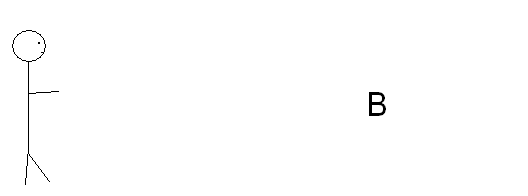
- Create your first image. Pixeling is a good way to create images. (Pixeling guide is coming soon!) (Image B)
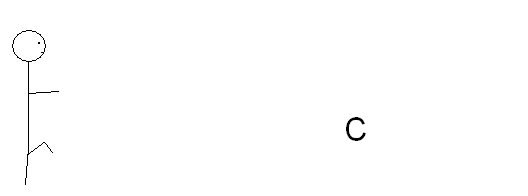
- Create the rest of your images. Don�t make too much of a difference between each one, unless you want a super fast movie. (Image C)
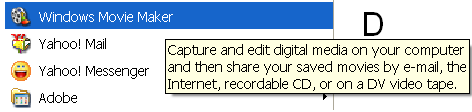
- Open up Windows Movie Maker. (Image D)
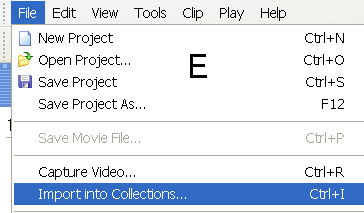
- Go under File, in the top left corner
- Choose �Import into Collections�� (Image E)
- Navigate to the folder your images are in.
- Select all of them. (You can choose more than one at once)
- Press "Import".
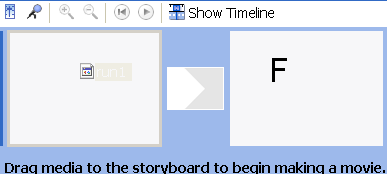
- Select your first image.
- Drag it into the first space, and let go (Image F)
- If you wish to have it a little slower, insert the image more than once.
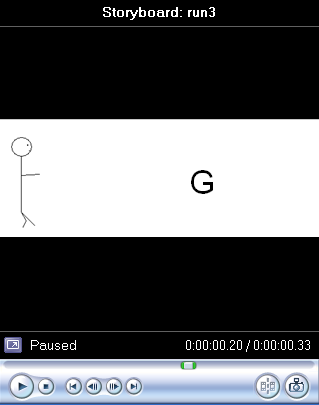
- Press the play button to see what you have so far. (Image G)
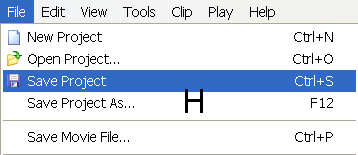
- Save the project. (Image H)
- Save the movie.
Notes:
-You don�t only have to use images! You can combine videos if you want!
-The file comes out as .wmv, and will require Windows Media Player to view.
Second method � Serif PhotoPlus (6.0) (Result: .gif)
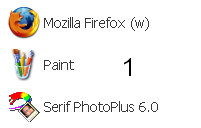
- Open up PhotoPlus. (Image 1)
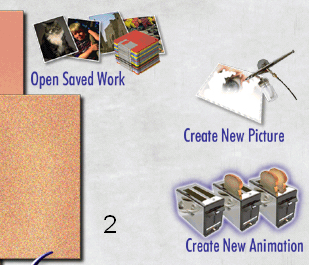
- Choose �Create New Animation� (Image 2)
- Choose your dimensions.
- Create your first image.
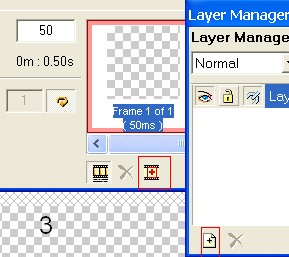
- Two key buttons are �New Frame� and �New Layer�. (Image 3)
- For every new frame, create a new layer. When you want to edit a layer, click on the layer.
- Run through the animation once before you save it.
- Save it.
Notes:
-A better �guide� would be the help section of PhotoPlus. It can be confusing at first, but once you get the hang of it, you�ll be making master movies in no time.
-It�s saved as .gif, so it counts as an image. You can use it as a background on your site!
-PhotoPlus is kind of hard to make a tutorial for. I might add a little more soon though.
THIS GUIDE IS NOT COMPLETE. MORE WILL BE ADDED.