One Summer Night
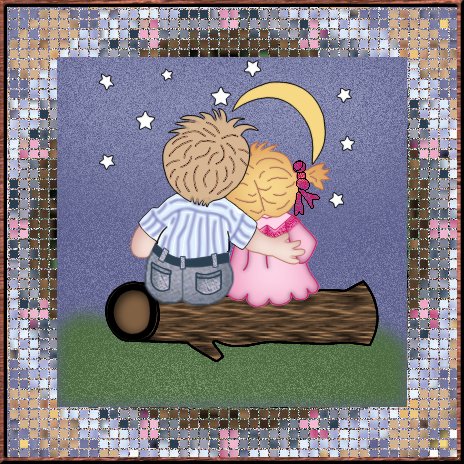
To create the border, I did the following. Duplicate the image and work with the copied image. Resize image (all layers) by 150%. Then use kaleidescope effect with these settings: Horizontal offset 10%; Vertical offset -75%; Rotation angle 90; Scale Factor -70; Number of petals 16; Number of orbits 0; Radial suction 2. After this, I used the Mosaic Antique effect with the following settings: Columns and rows 50; Symmetric checked; Tile opacity 70; Grout Width 2; Grout opacity 50. They I adjusted the canvas size down to 450x450. Finally I added a border that was symmetrical and 7 pixels. Select the new border, float. Then apply the preset Mahogony sculpture effect. Then I took the original image, copied and pasted it as a new layer onto my frame (which centered it perfectly). Voila! Save! Done! |