1. This is online-tool so first step that you have to do
is open this web site by insert http://www.in-silico.com in address box on
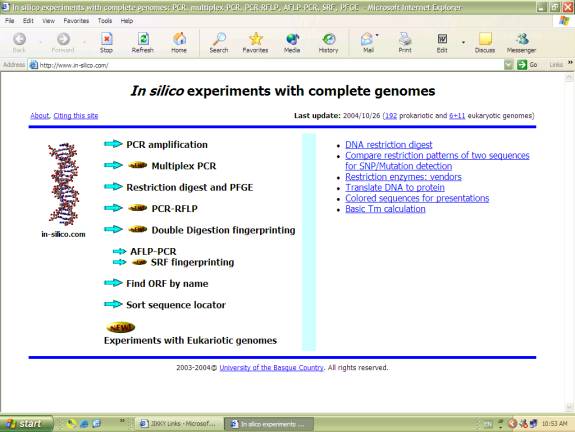
your internet explorer. Then you will see this picture on your screen.
This web site allow you to perform in silico experiments
with complete genomes both prokariotic and eukariotic genomes.
The example of experiments
Beside in silico experiments, this site have other tools such as
In this assignment, I will show only in silico experiment by performing PCR with complete genome of Mycobacterium tuberculosis so click on “PCR amplification” icon.
2.Then you will see this picture on your screen.
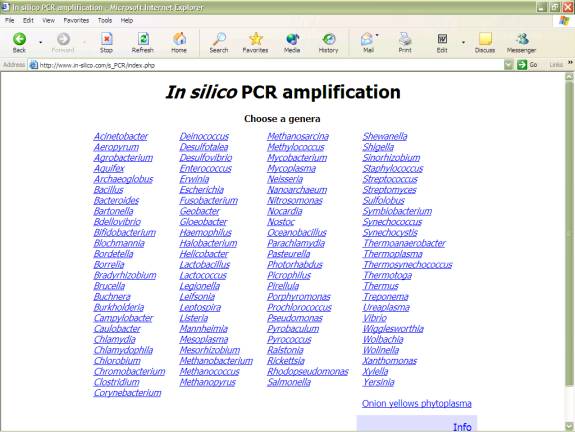
This page show you the list of organism’s complete genomes.In my sample, click on “Mycobacteria”.
3.Put sequence of your Primers, select Mycobacteria species and set Maximum lenght of PCR product as shown in this picture.Then click “Amplify”
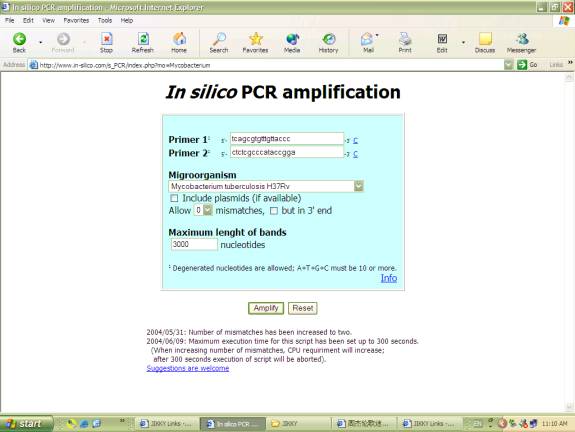
4.The result of PCR will be show in this page.You will get the position and size of PCR product.Then click on Position of amplification to see your PCR product sequence.
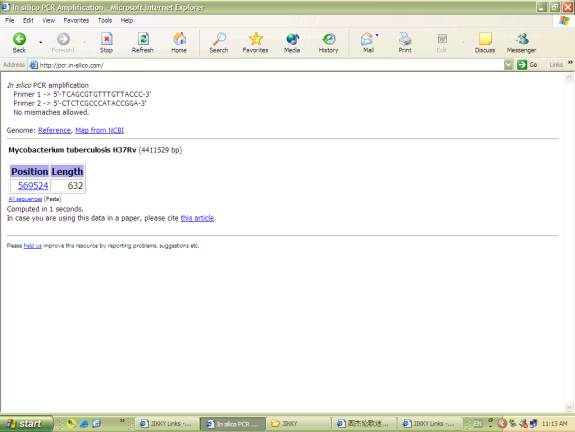
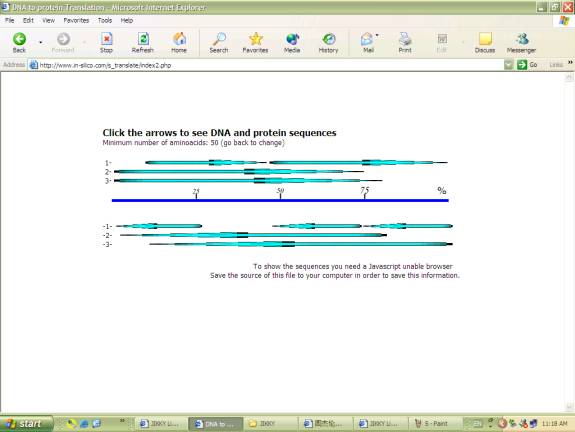
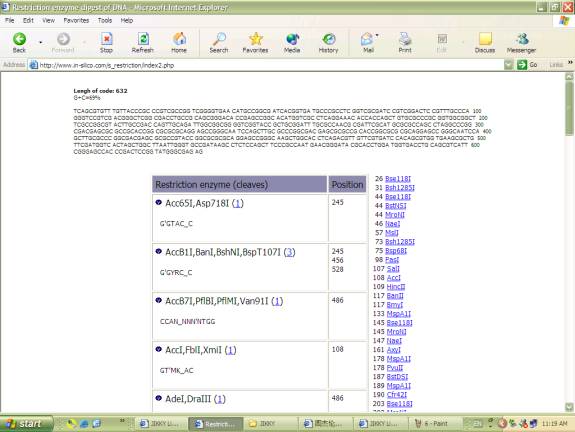
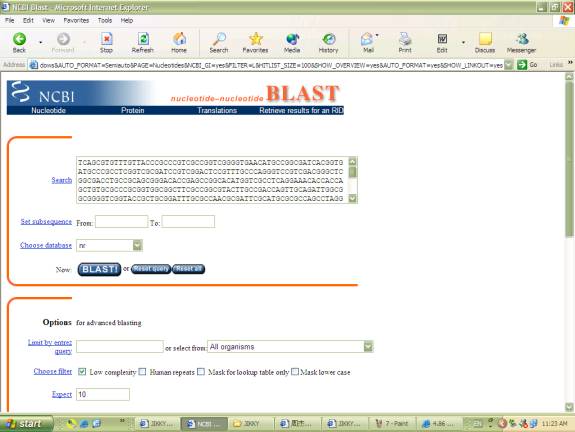
5.This page shows PCR product sequence, start and end position of PCR, links to other tools such as tools for translate to protein, Restriction digest, BLAST, design primers and Map on NCBI.
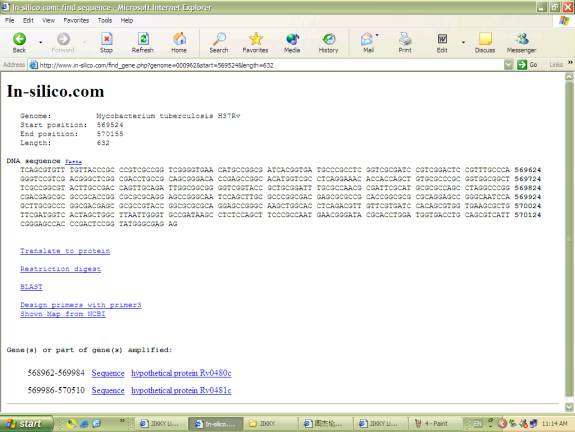
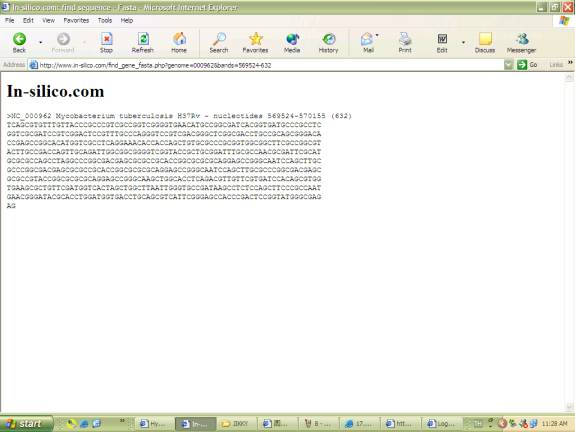
6.use other tools perform experiments with your PCR product.