image

AutoBiography

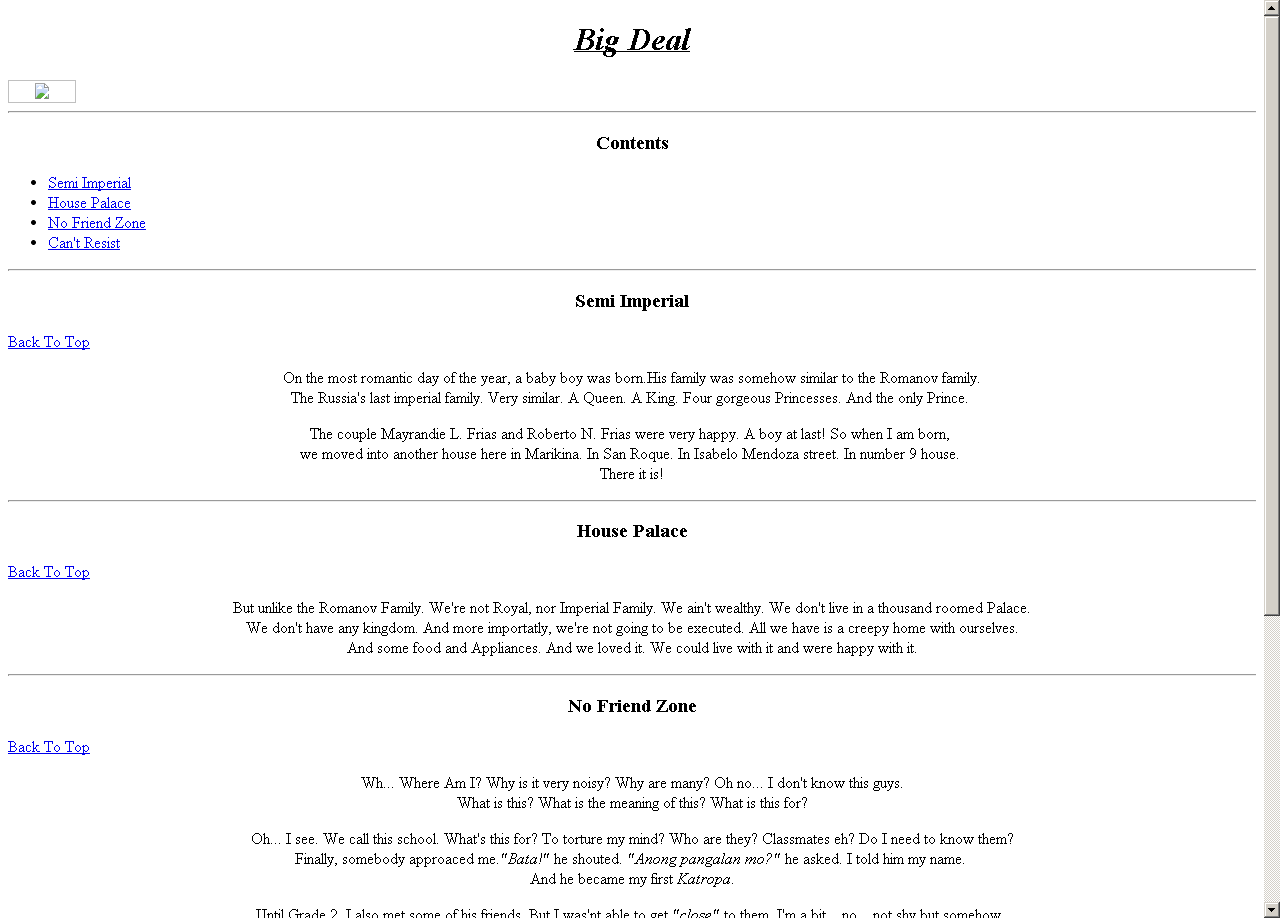
This webpage is all about me. It’s an AutoBiography. Our activity in which we used some of the basic tags used in HTML. In my work, I entitled it "Big Deal". And since I am a still a beginner that time.. It’s raw. No scripts, no CSS, no styles...
image

Text Formatting

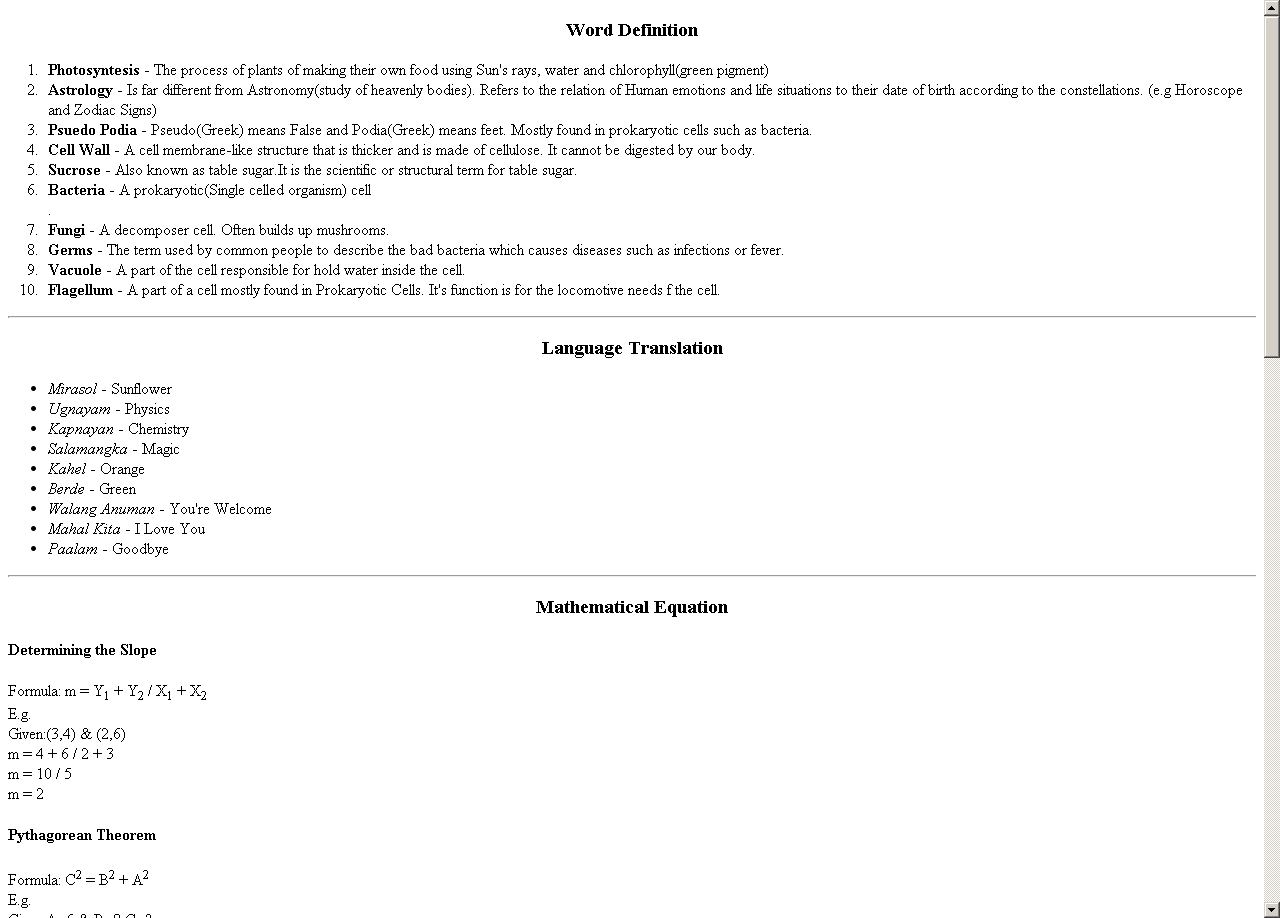
In this activity, we applied the new lessons we learned. The Text Formatting Tags. Separated by a single horizontal rule are different Text formatting tags which includes the Bold and Italicize tags.


image

Definition List

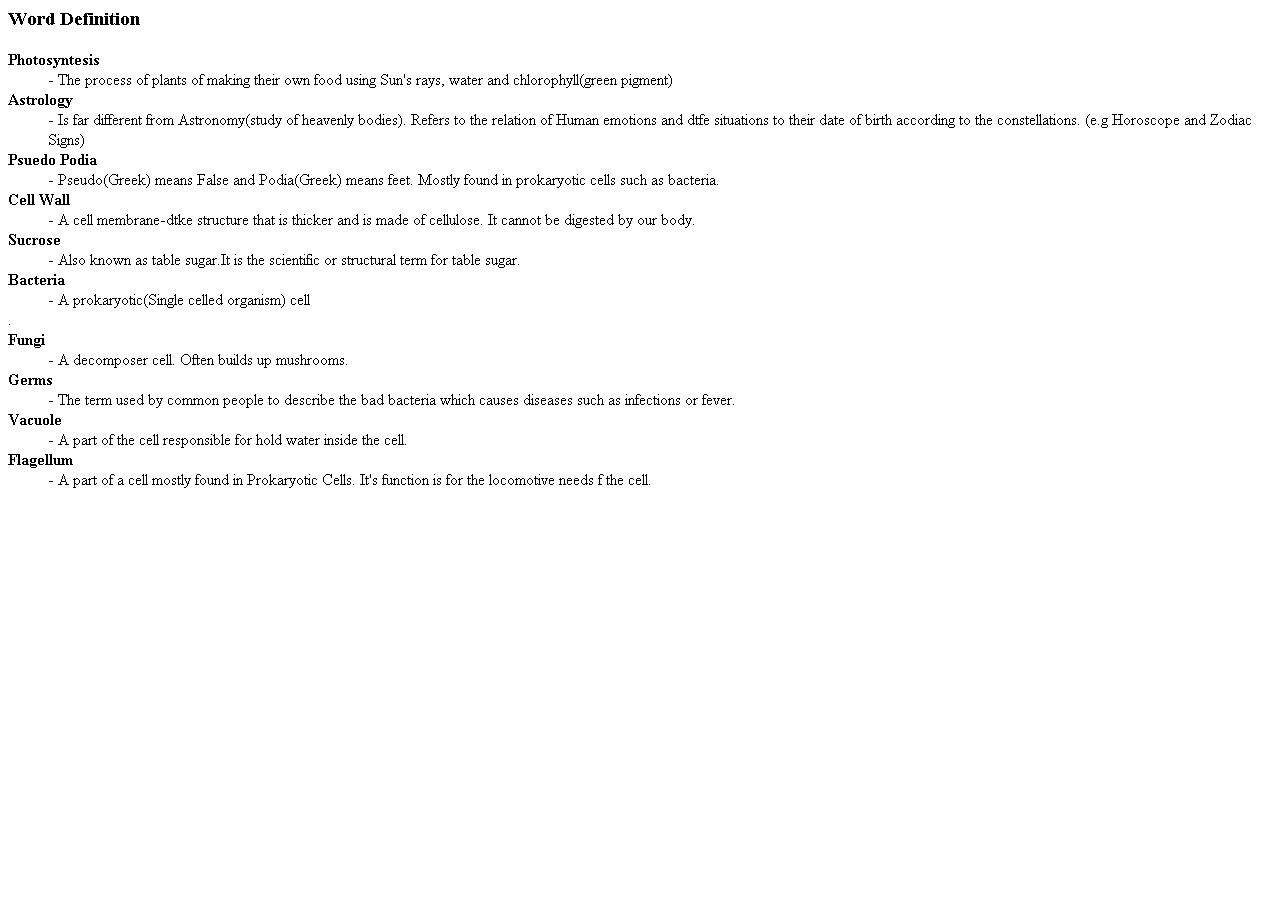
In this activity, we used the definition tag to make, obviously a definition list. For me, it’s the easiest one. Because it has long time limit, but the work is very short. The definition tag is used to make the defined word emphasized and the definition obvious.


image

Image Mapping

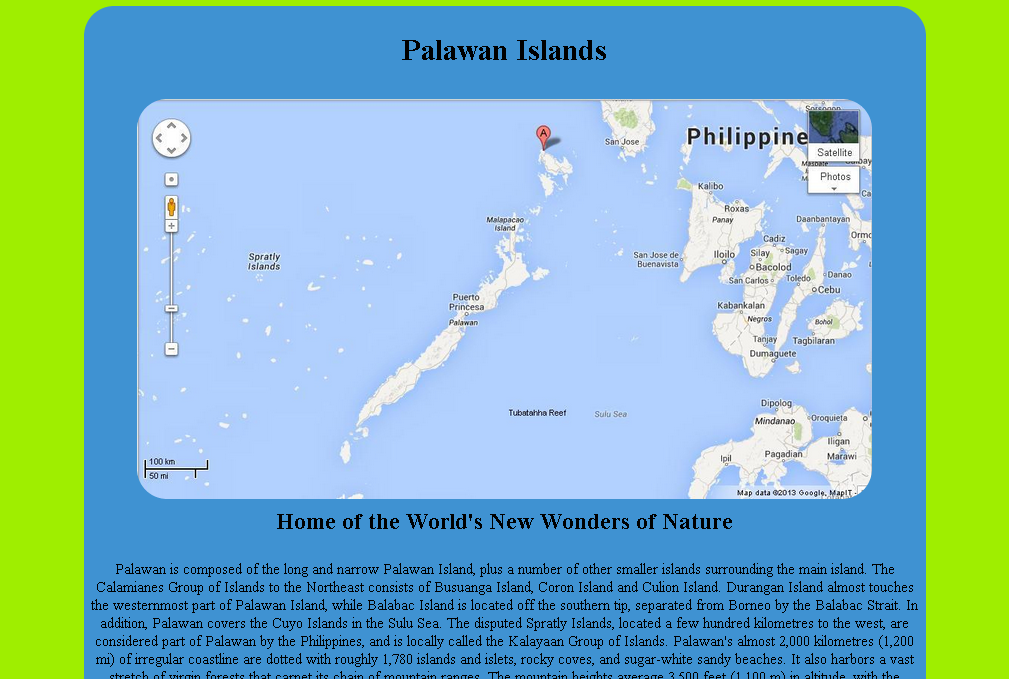
This image mapping activity is the very first exciting thing that come to us. Bringing up some images and map them to add some more features like a hover title, a link or some other effects which concerns the motion of the mouse on the image given.


image

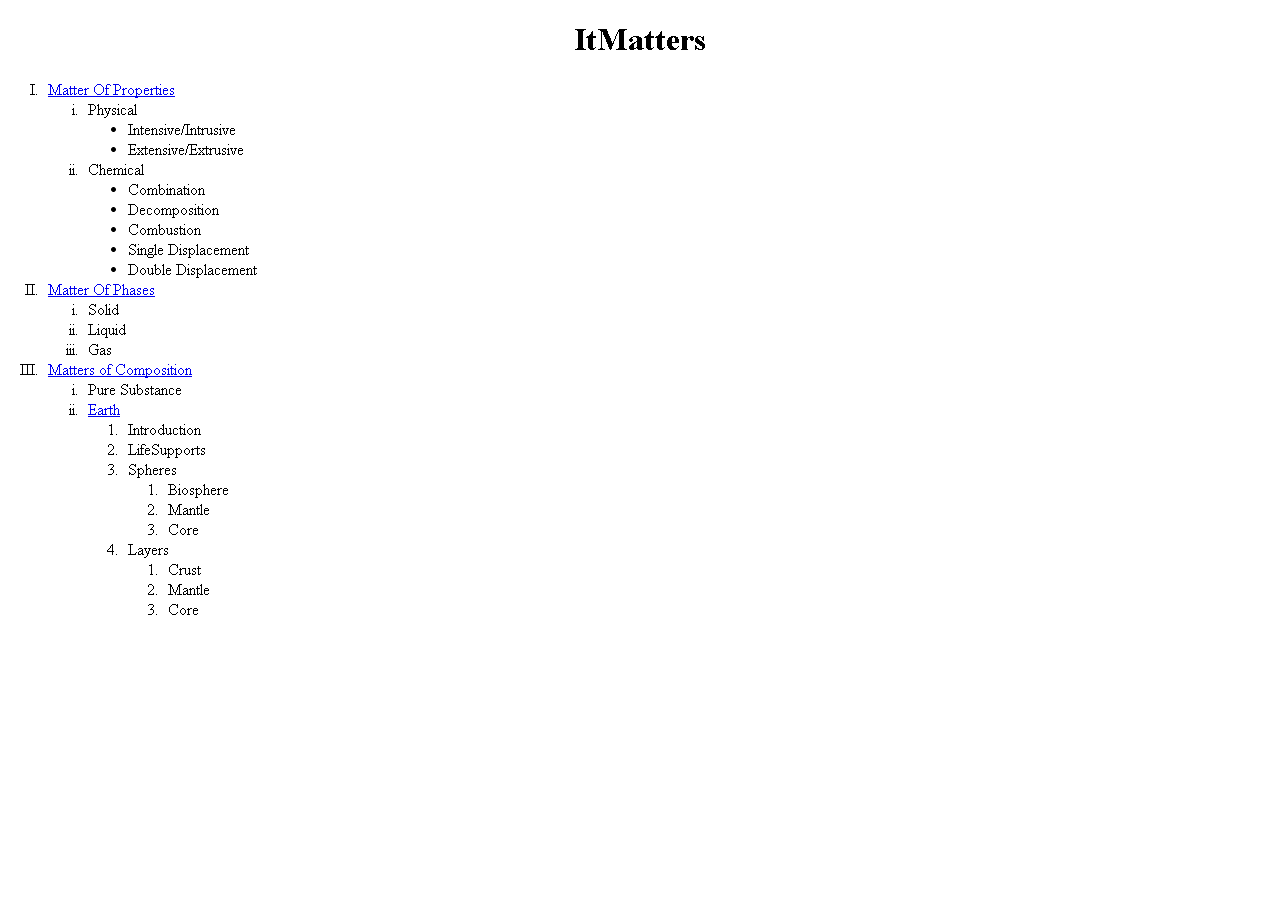
Outline

This activity is just an outline of our supposedly final project. Like a plan of the pages or a directory tree of the website including the links where we plan to get our contents. Of course we need to provide a certain bibliography and declare our references to abide ot the copyright law.


image

HTML Images

This activity involves putting images in HTML files and setting their known attributes like src, alt, sizes and other more. It also includes laying out these images on their desired size and positioning


image

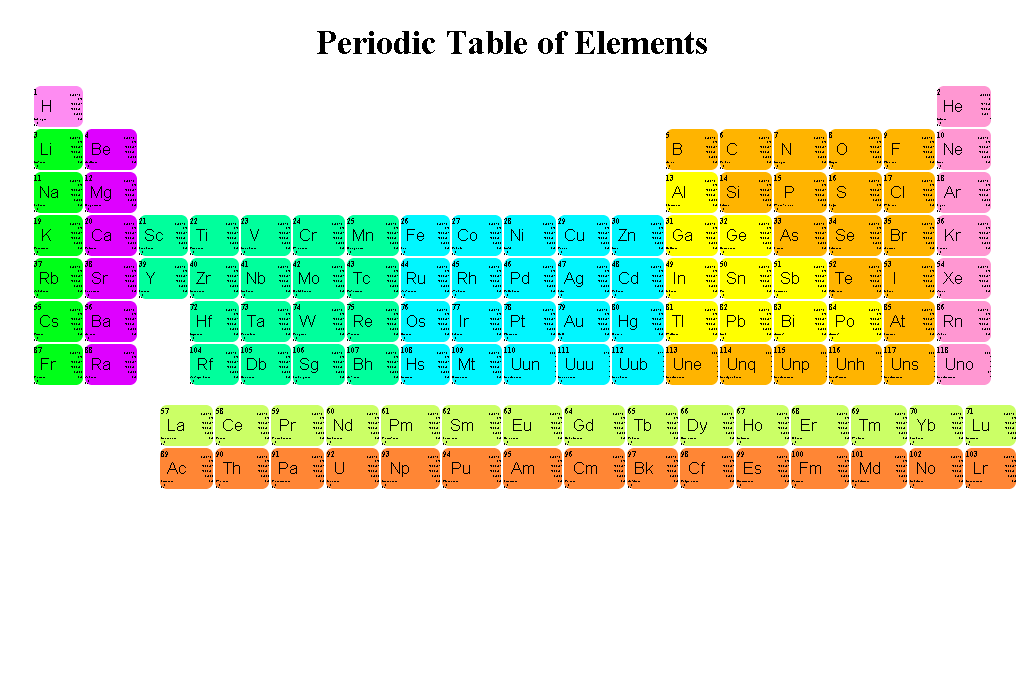
Table of the Elements

This activity really challenges us. It has a lot of work like copying the exact shape of the Periodic Table of Elements and getting rid pf the extra lines/borders of the unused table cells. Also, gathering the data of all the 118 elements and making them a pop out window.


image

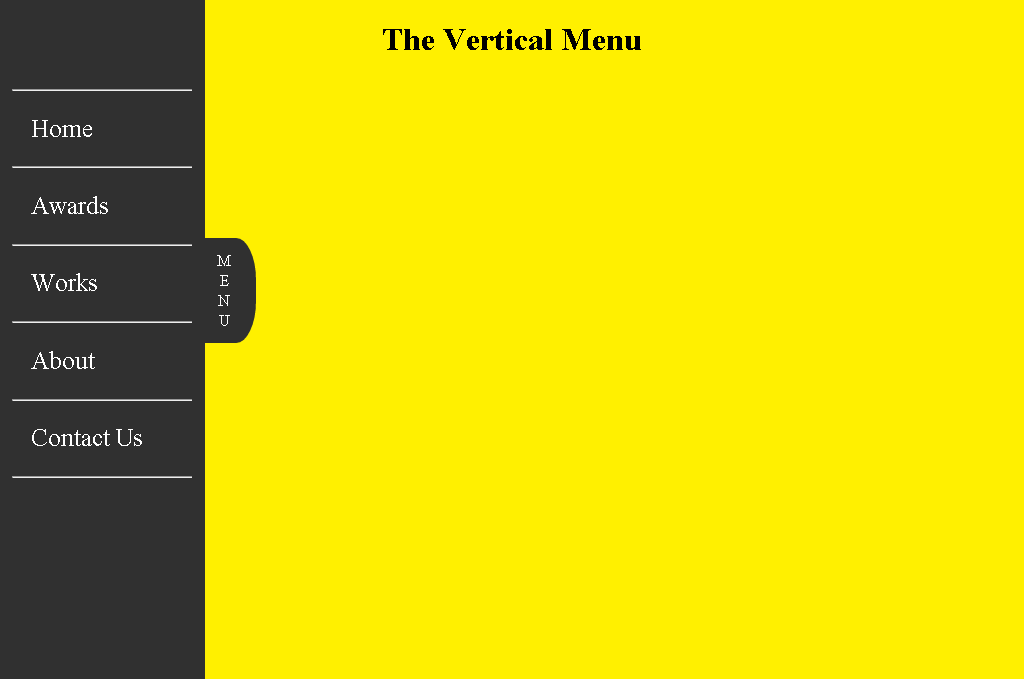
Vertical Menu

In this activity, we are tackling about responsive menus and navigation. This vertical menu is applicable whenever the layout is lengthy or wide. Aside from the drop down menu, a sliding menu might also come in handy.


image

Image Pop-Up

This activity is about how to make a certain image pop up whenever hovered by mouse or clicked. And it actually took us more time looking for ideas than making it itself. This group activity is based on a sample we saw on a certain CSS all about site.


image

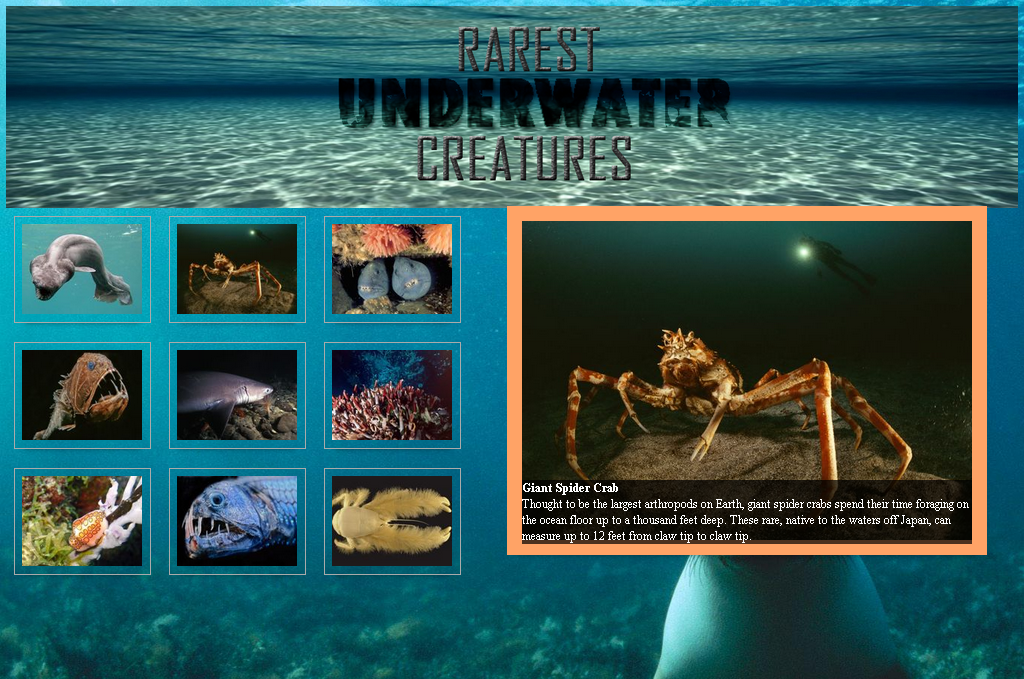
Group Splash Page

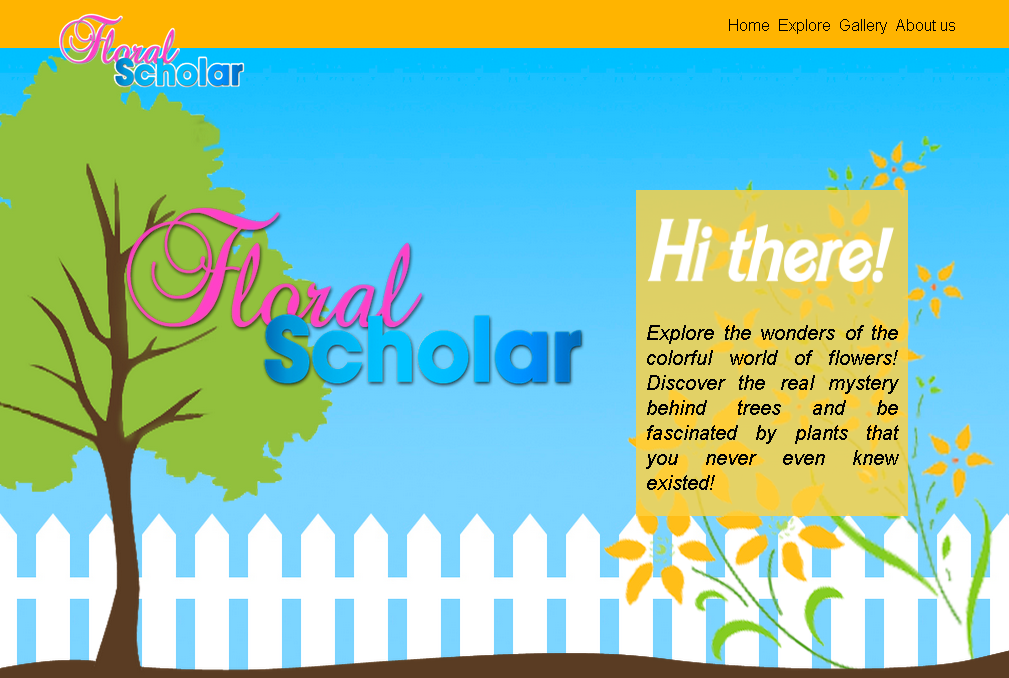
In this group activity, we are assigned to the same group where we made the Image Pop-up. A splash a is like a page where you can find everything about the site like where it is about and other informations. But since we are HTML students, we need to make it like one of the best "Killer" splash pages.


image

Partner Splash Page

This activity more like the Splash Page activity above but is between me Diana since we are two Sir's choices for ICT contestants. We are not allowed to encode directly on the activity above but only to give them advices and are assigned to make our own Splash Page Activity different from our group's.


image

User Interface

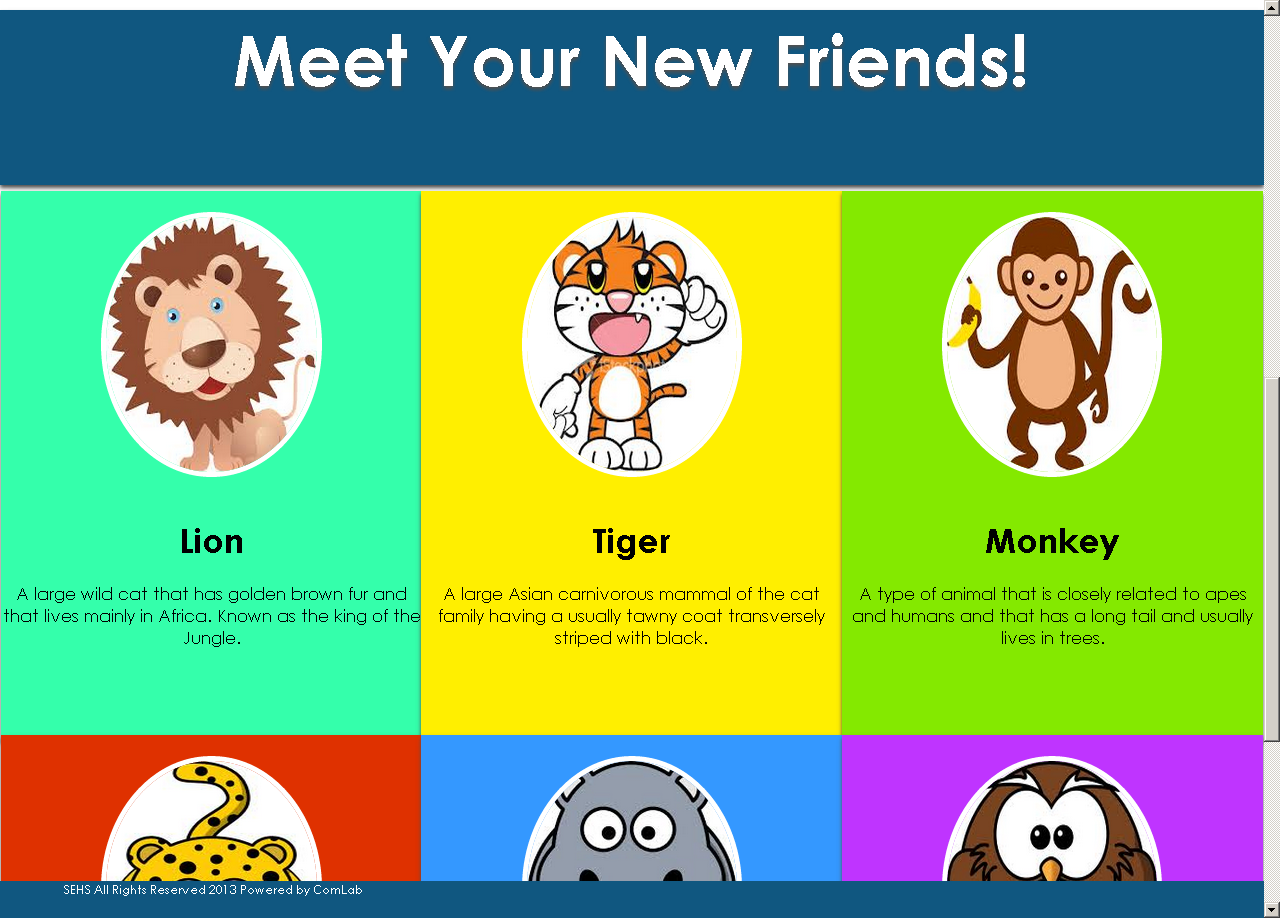
Our group was assigned to make a responsive user interface that gradually changes layout when resized to a different screen resolution. And we failed. We were too much blinded by the transition effects (that's why our group is named Team Transition) and failed to comply to the main objective.


image

Tool Of The Philippines

In this activity, Sir challenges us four (Jeshua, Kershey, Diana and Me) to copy or remake a website that we like. And I chose this site called "Tool Of North America" that I really liked. So I finished this even though forgot about this and the other did not finish theirs.


image

Marikina Web Site

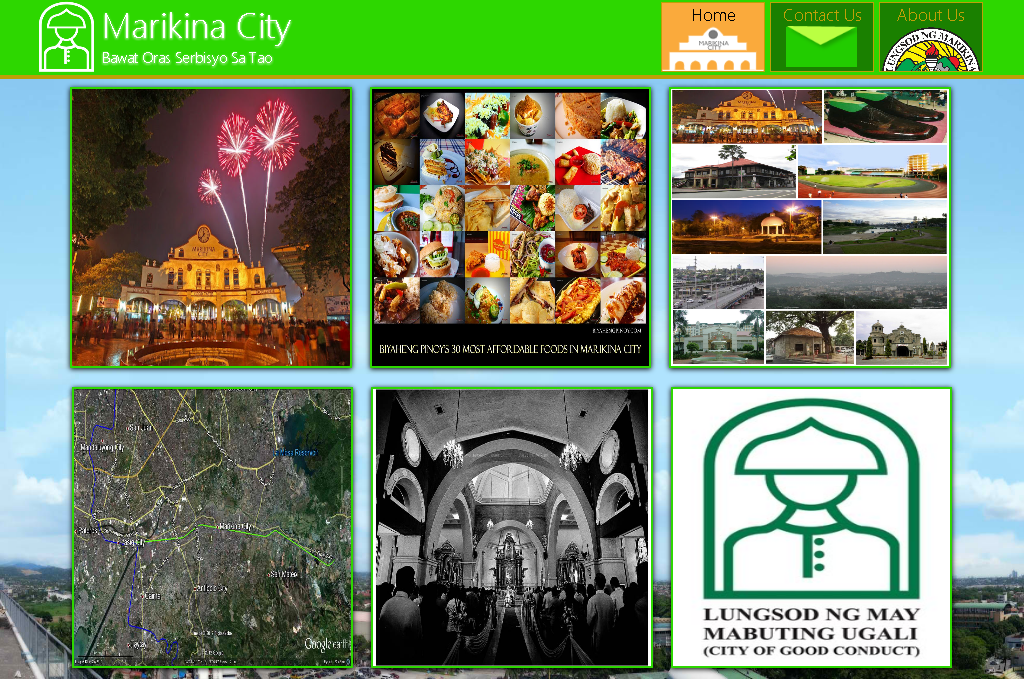
This activity is the last activity to be done by us four (mentioned above) so sir can finally choose who will be the contestant. We are required to make at least two pages with a theme of Marikina City. So I based it on the official site of Marikina City.


image

CSS3

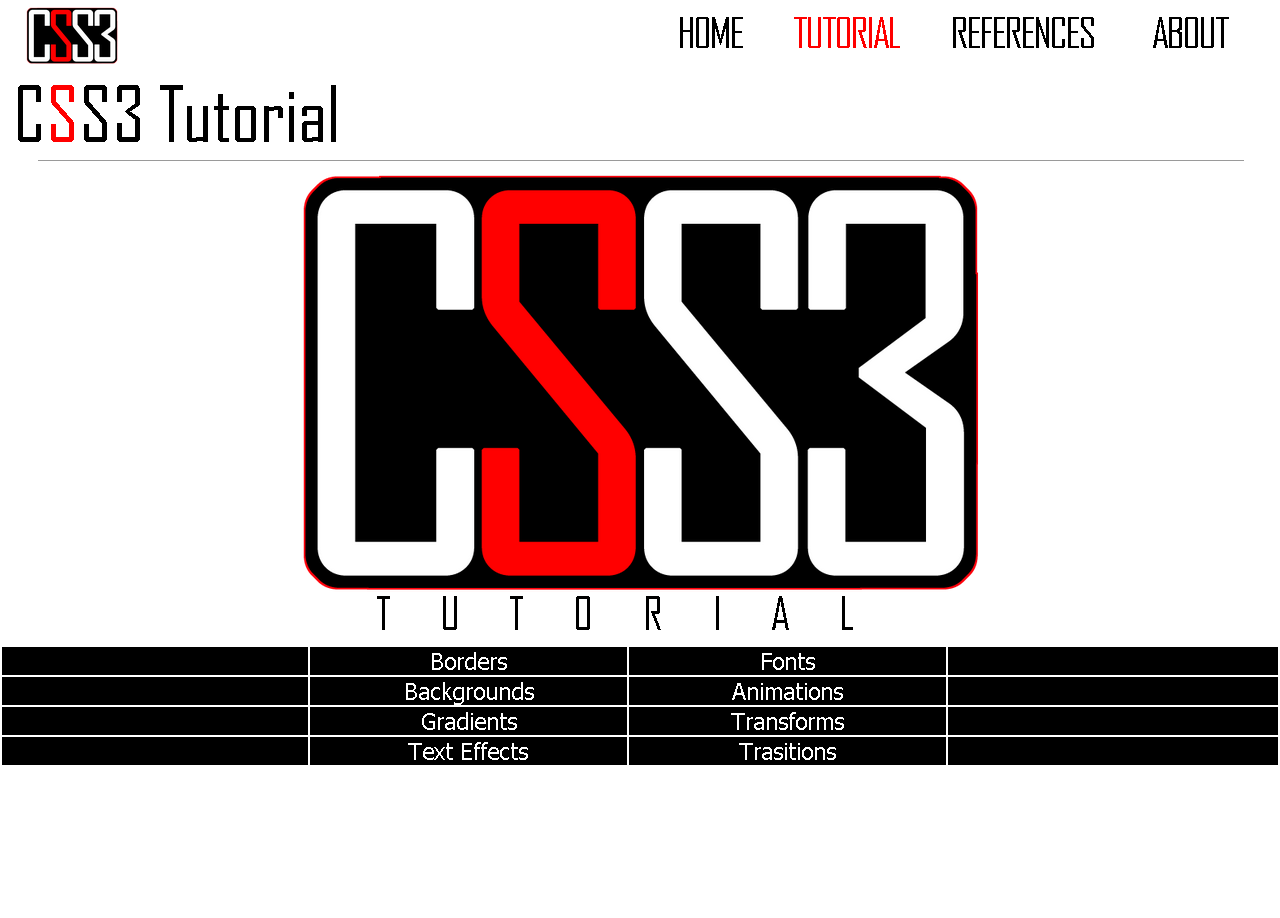
This website is our final project on our third quarter and is the most challenging. First, because this is our first website to completely completed and second, because of the plot twist. We are not allowed to have multiple css files.


image

Form Quiz

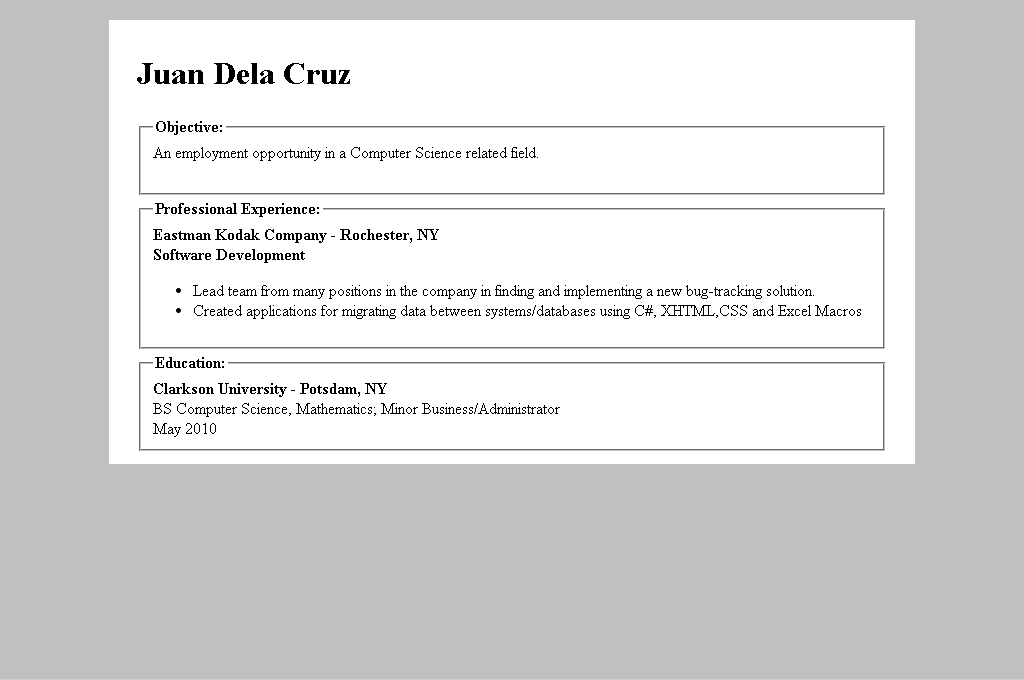
In this quiz, we were told to copy a given form or biodata using the newly introduced tags related to making a form, biodata, etc.


image

BioData

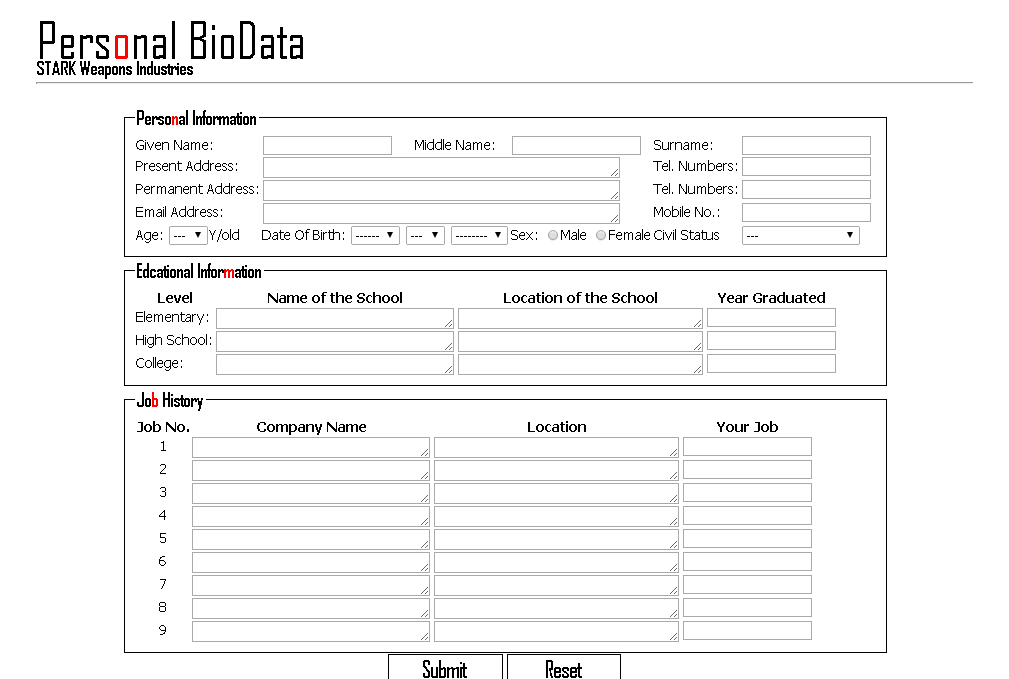
As expected, we made a Bio Data to be filled up using the input tags and others. I made it look like you were applying for a job on a fictional company "Stark" which belongs to Tony Stark who is Iron Man.