Configuring JMTOrgan v1.02
© 2007, Jeroen Donkers, www.jedosoft.info, [email protected]
JMTOrgan v1.02 configuration is stored in config.xml.
From version 1.02 on, you do not have to change this file by hand anymore. Select "edit configuration" in the setup menu. In the configuration dialog, four tabs indicate the four parts of JMTOrgan's configuration: midi setup, preset banks, scales, and pitches.
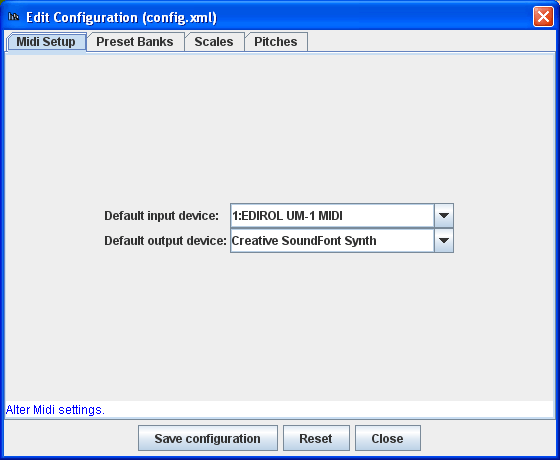
Midi setup
In the first tab, indicate the midi device for input and output that have to be connected at startup. Select "none" if you do not want for a device to be connected at startup.
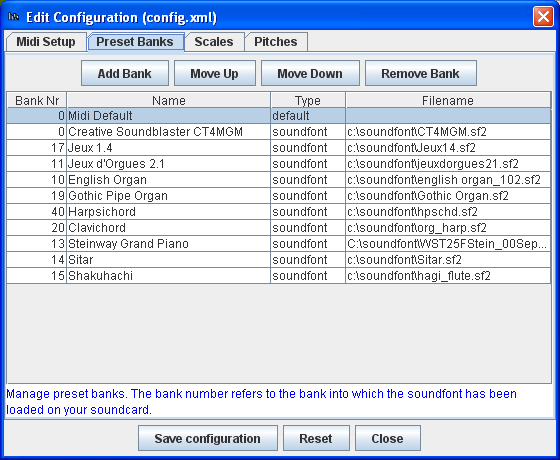
Setting-up preset banks (soundfonts)
In the second tab of the configuration screen, you can edit the list of soundfonts that you have loaded on your soundcard. Unfortunately, JMTOrgan cannot load soundfonts to your card, nor can it detect which soundfonts are loaded. You have to specify in this list to which bank number (first column) you have loaded which soundfont (fourth column). You can provide a convenient name for each soundfont in the second column. JMTOrgan reads all soundfonts at startup and detects the presets defined in them.
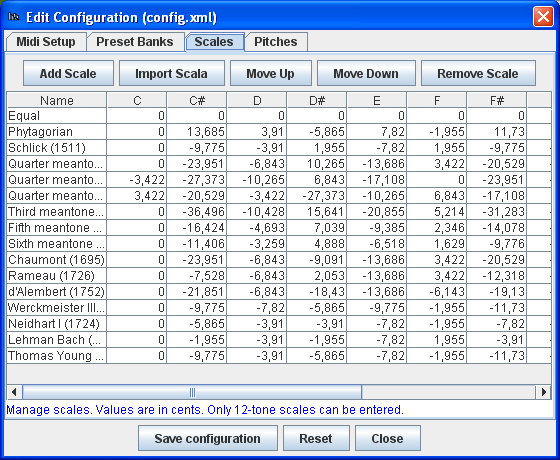
Setting up predefined temperaments
In the third tab you can edit the predefined temperaments (scales). At the moment, JMTOrgan only supports predefined scales with 12 degrees. For each scale, you enter per degree the difference in cents from 12-tones equal temperament. Using the "Import Scala" button you can add the contents of a scala .scl file to this list.
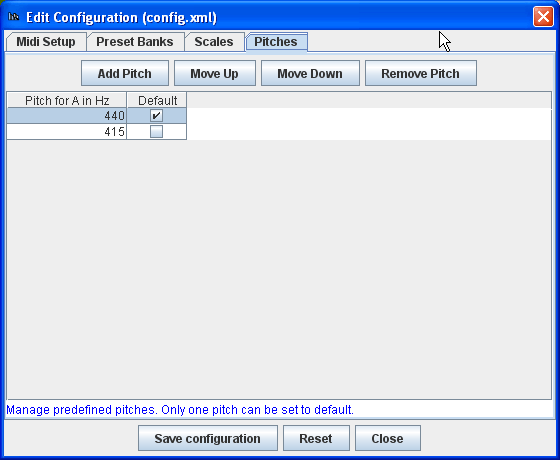
Setting up predefined pitches
The last tab lets you edit the list of predefined pitches. You can enter decimal values for pitches, if needed.
Saving the configuration
The changes to the configuration are only saved when you press the "Save configuration" button. This action overwrites "config.xml" but the changes are not directly visible in the program. You must restart JMTOrgan to see the changes. The "Reset" button resets the current configuration and undoes all changes (even in case you saved the configuration).
Back to the JMTOrgan page.Send comments and questions to: [email protected].