Select
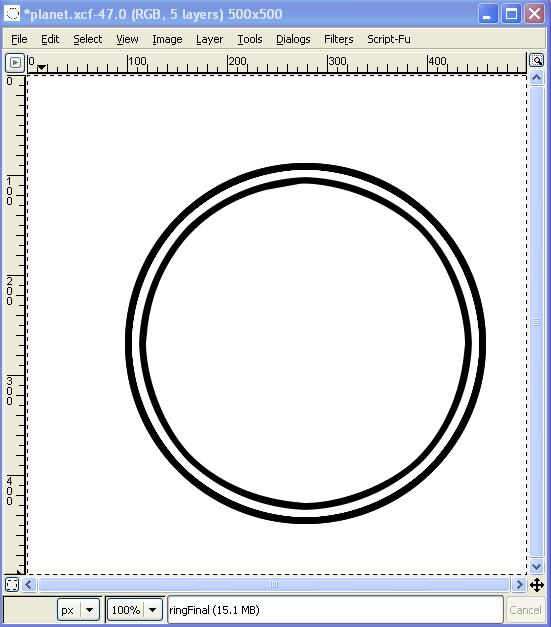
a circle, convert it to a path. Stroke it with
black.
Shrink the selection by 7 pixels, convert it to a
path, and stroke that with white.
Shrink the selection once
again by 7 pixels, and stroke it with white. You should
have something like this:
(Click images to see bigger
versions) |
 |
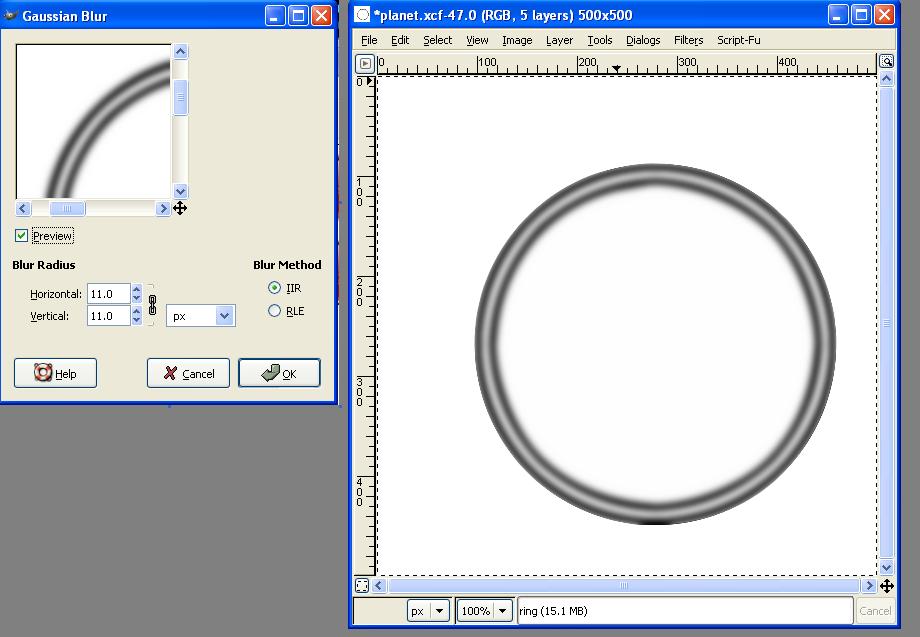
| Then apply a guassian blur to it. |
 |
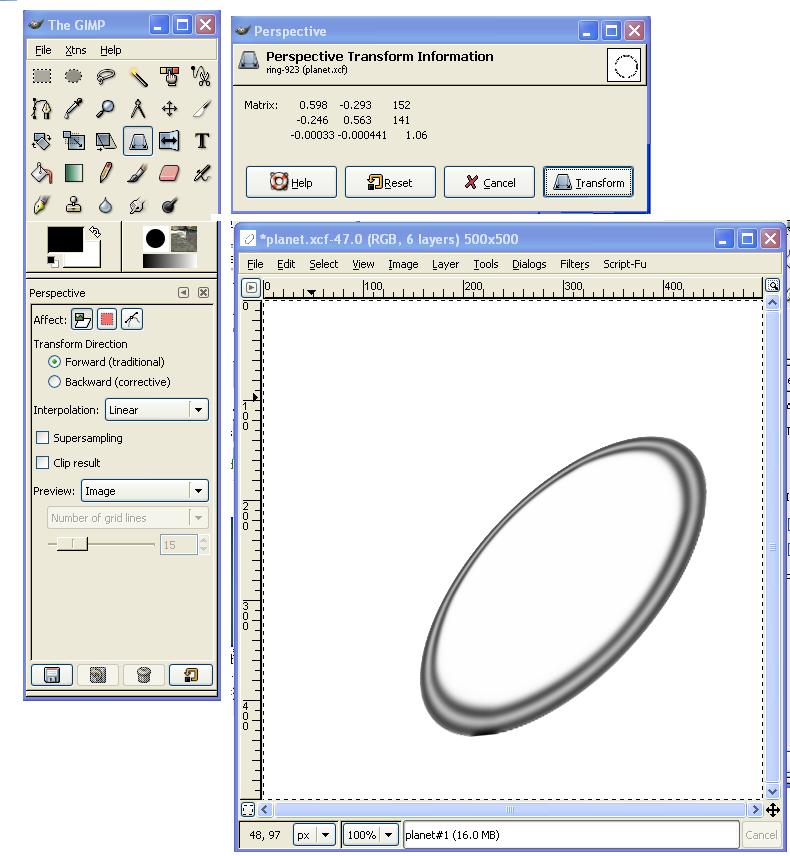
Now a perspective transformation.
There's your
ring.! |
 |
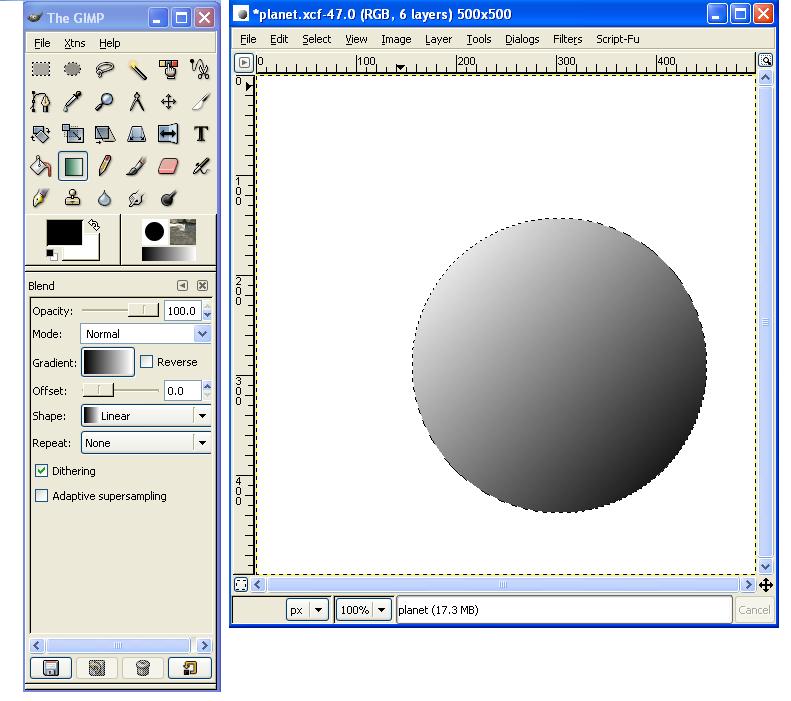
Then create a new layer. Select a circle about the
size of your planet. Save this as a path, for
later.
Apply a gradient across the entire selection. |
 |
| Bring your ring layer to the top, then do a path to
selection on the path we created in the previous step. |
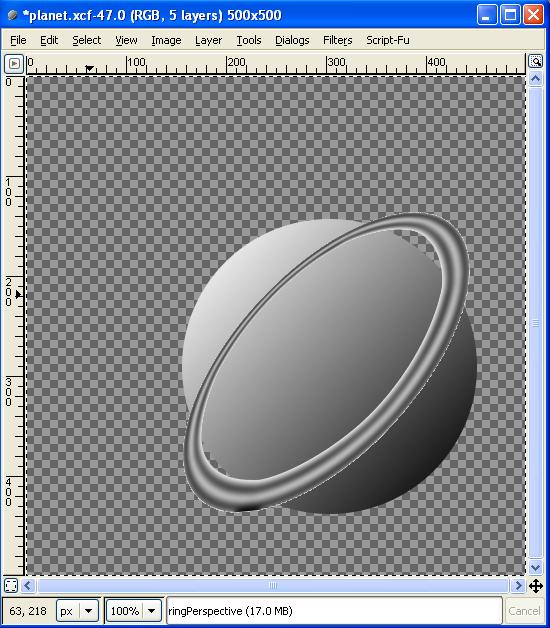 |
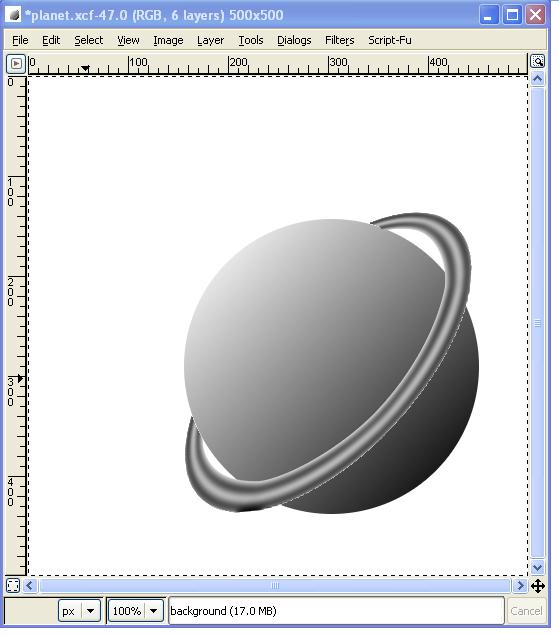
Now erase the part of the ring that belongs "behind" the
planet. And there you have a planet with a
ring!
Be sure to experiment with different ring and
planet patterns! |
 |
