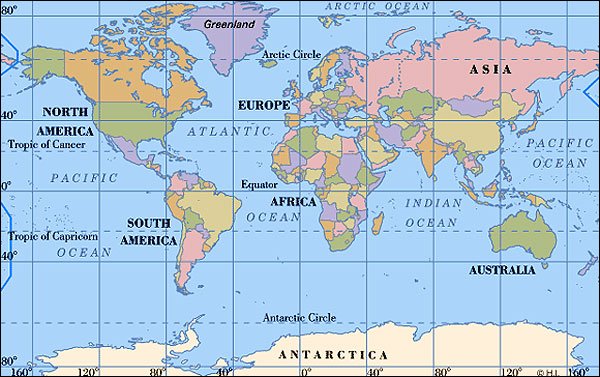
This is an image map. It works by moving the mouse over parts of the map and when the arrow pointer changes to a hand symbol, it has reached a hotspot. If you click on it, you will be directed to a preset web link. In this case I have only put two hotspots on: North America and Asia. They are linked to Wikipedia.

This is an example of a rollover. It is actually two images: the image whiich is displayed on the webpage, and the rollover image, which it changes to when the mouse is placed on it. It is linked to another webpage, either within your own site, or an external site. In this case, mine is linked to the Google homepage. The rollover is good for drawing attention to links and definitely adds flashy style to a webpage.
This is a link to an alternate homepage designed using one of the tutorials and creating hotspots to make links to the webpages in my site. I think that this method is probably the most interesting, yet time consuming design type and it requires a fairly creative mind. I also learned that you should really storyboard this if you are considering doing this type as a homepage. Enough said about that. Check out the link@: imagemap