125 sliders and buttons are a invitation
to dust and the JD-800 is very sensible to that!
|
|
Your JD-800 appears to "edit"
the patches alone like a ghost inside?
You see that two point near the patch
number flashing alone?
|
 |
|
The values and the parameters change
without your desire?
Don´t panic!
This is because dust have gone inside
the sliders and buttons panel and need a cleanup.
What to do:
1) A temporary aproach, is block this
just pressing Edit and turning off the Tones selected to
real time editing as show next.
2) Send it to the Roland Service to a
cleanup or do by yourself at your own risk.
|
| Important:
The auto-edit does not affect
saved patches, only the current patch. When reloaded,
you have the original saved patch.
|
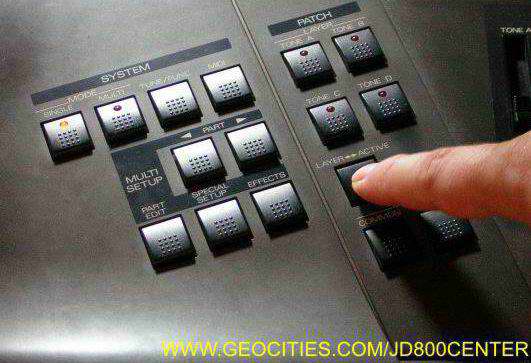
| Press Layer->Active
to enter the Active Tone Edit.
In this example, you will note
no tones are allowed to edit.
|
 |
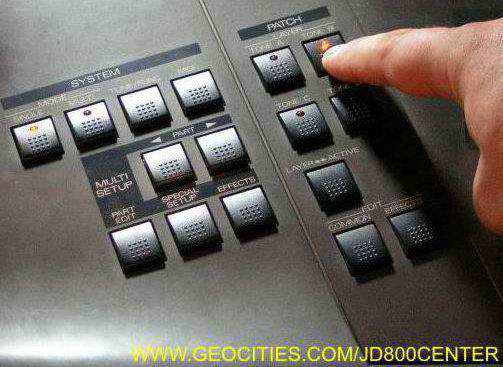
| Select the Tones you
want to allow editing. Each one will flash the led.
Important:
To prevent a misuse, I strongly
sugest you disable all tones and save the patch as the
usual mode.
The JD-800 save this
configuration, so if you want to do real-time changes
to your patch, just select what tones you will be
changing live and |
 |
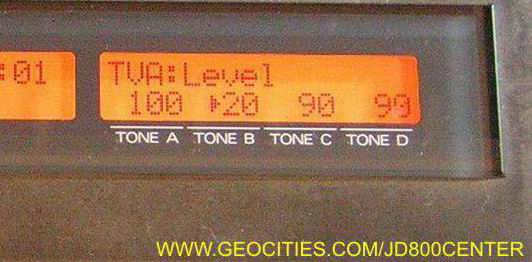
| You will see an arrow
">" sign left side of the selected tone.
In this sample, we have a
parameter changing, TVA Level. |
 |
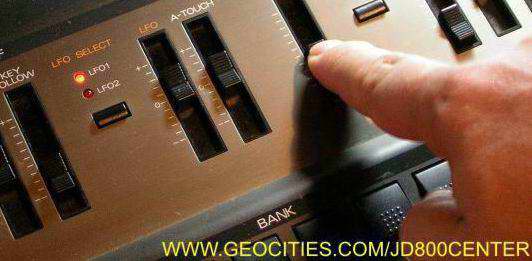
| To asure this
parameter have some persistent dust, just move the
slider or button. This can remove the dust for a while. |
 |
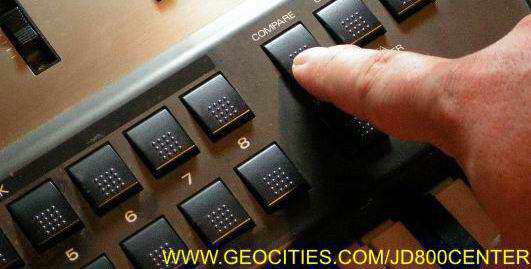
| You can use the
Compare Button to verify the original value of the
parameter. |
 |
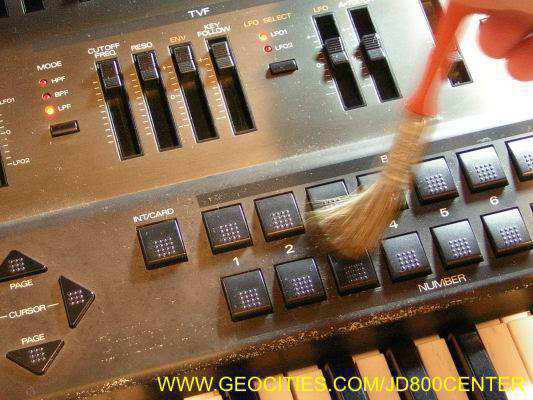
| I use to clean in a
very basic way my machine, the best still is to keep
it away from dust, and send it to technical service
when possible. |
 |