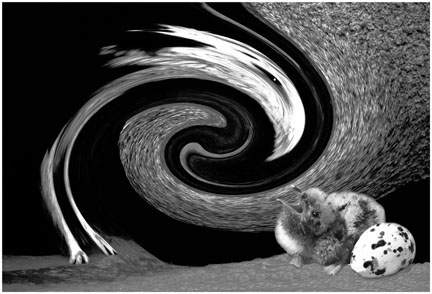
 The Predator
by John Boretos
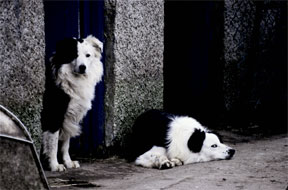 Original Image
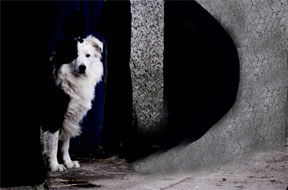 Modification 1
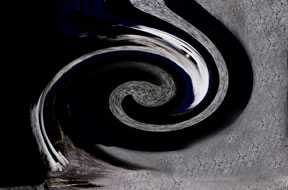 Modification 2
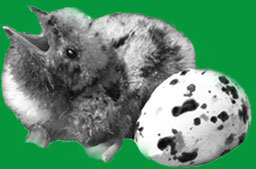 Addition to Modification 2
Creative Image
Using Photoshop Distort Filter
Here is how it was done.
On the original image, use the magic wand set
at 100% tolerance and
Addition to Modification 2
Creative Image
Using Photoshop Distort Filter
Here is how it was done.
On the original image, use the magic wand set
at 100% tolerance and
select the white parts of lying dog. Fill the white area with
black via Edit > Fill.
Paint out the metal chair & left wall using black paint brush.
Copy center column and place on right side to add more grain structure.
Flatten image.
Twirl the image using Filter > Distort > Twirl set at 400
degress angle.
Add white spot for the eye with soft white brush set at 35 and
95% opacity.
On another image, select out the chick and egg.
Edit > Copy and Paste to distorted dog image.
Flatten layers. Smooth out base using the clone tool.
Filter > Sharpen > Unsharp Mash
Music Box
|