 |
| How to make Manga scans |
| Hi everyone!!! Well, like you know, right now, I am the only one that makes Manga scans. So I thought, that I will teach you do it. Maybe you could even help in the future. I made it really easy. Just follow the pictures and the text next to it. If you want to help me, please E-mail me at [email protected] |
| First |
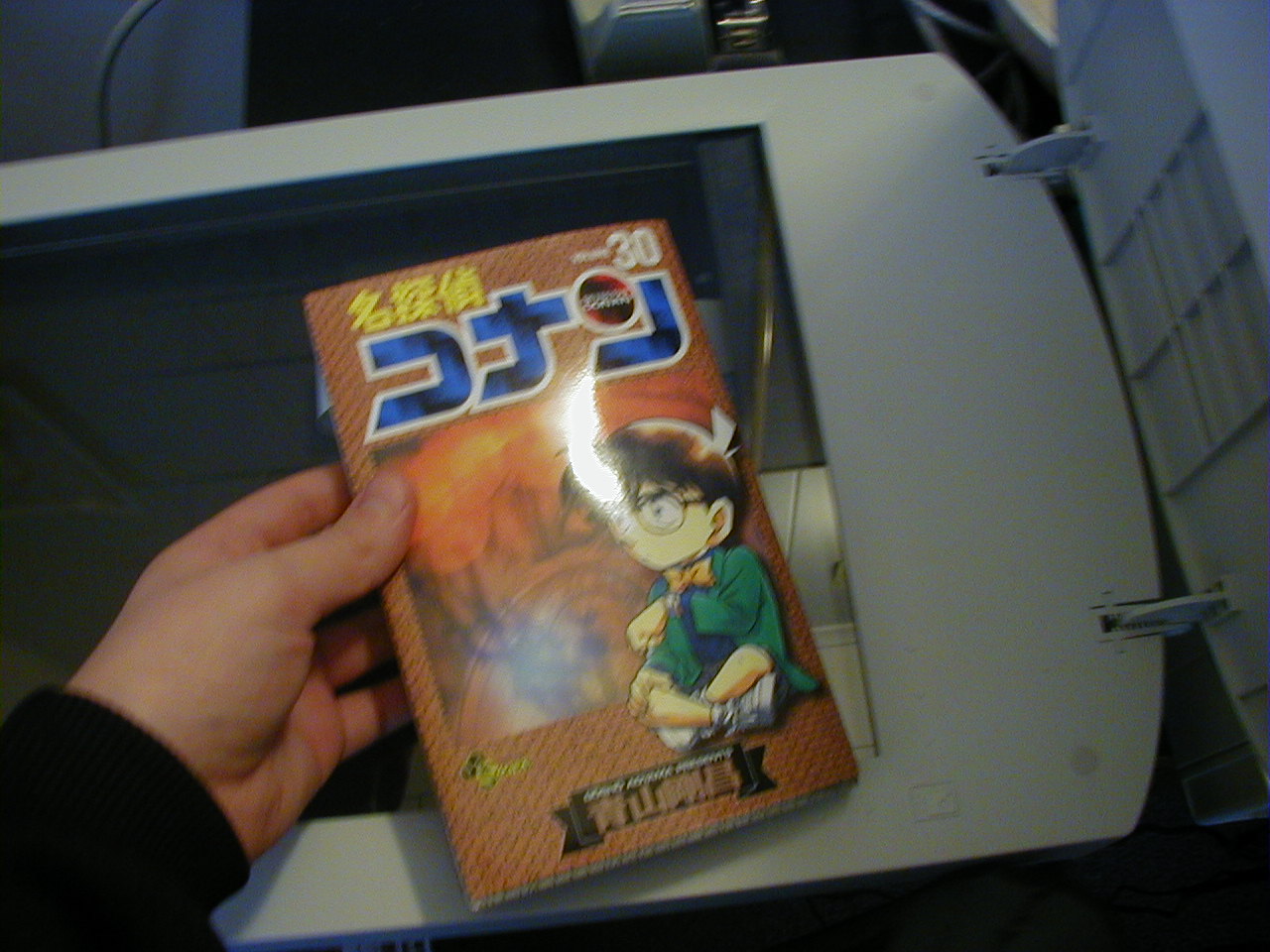
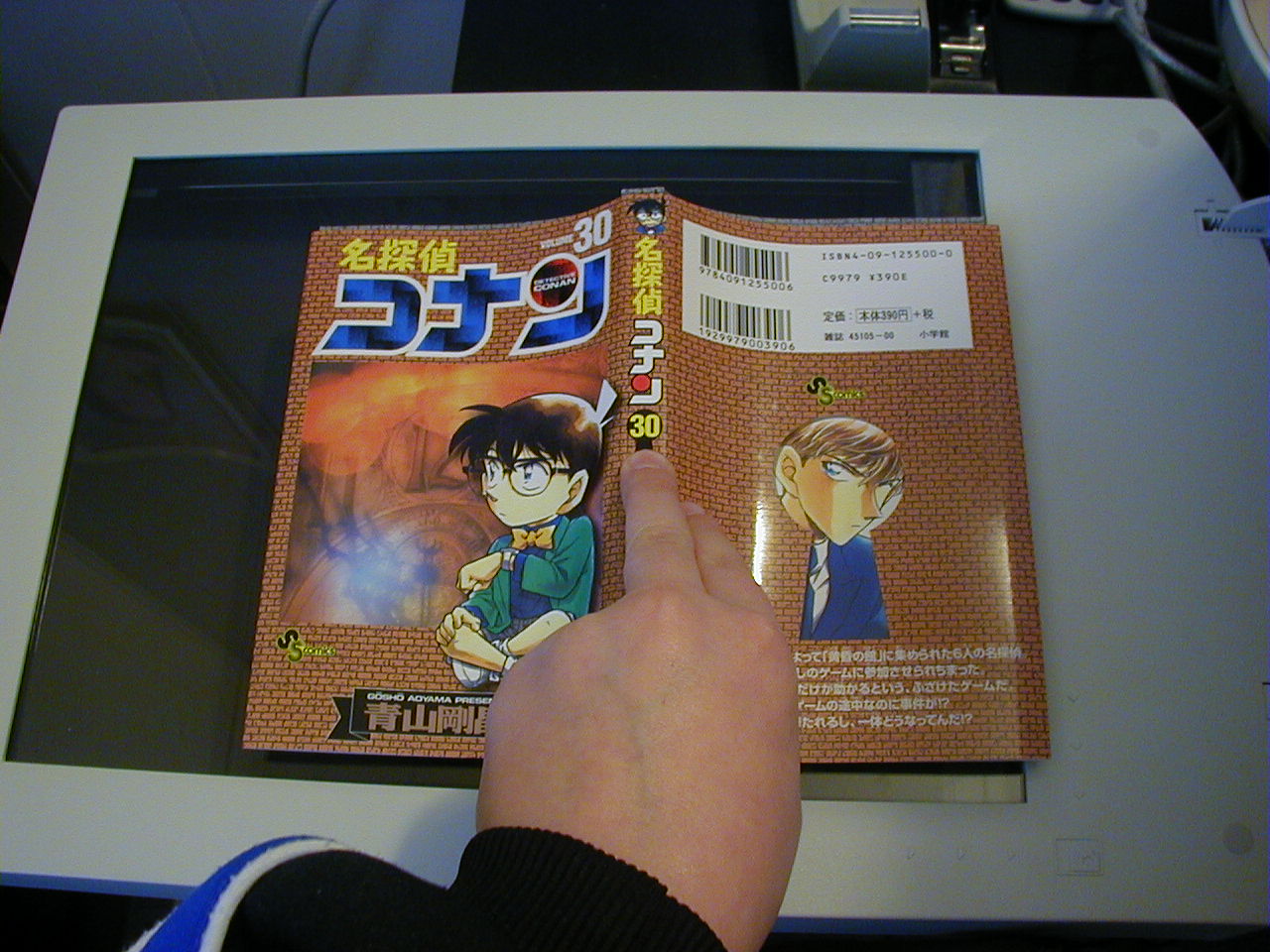
| First take the Manga that you want to scan (in any languages that you have),and scan it. (If you don`t have any Mangas and want to help out tell me then I`ll scan you the Files). |
 |
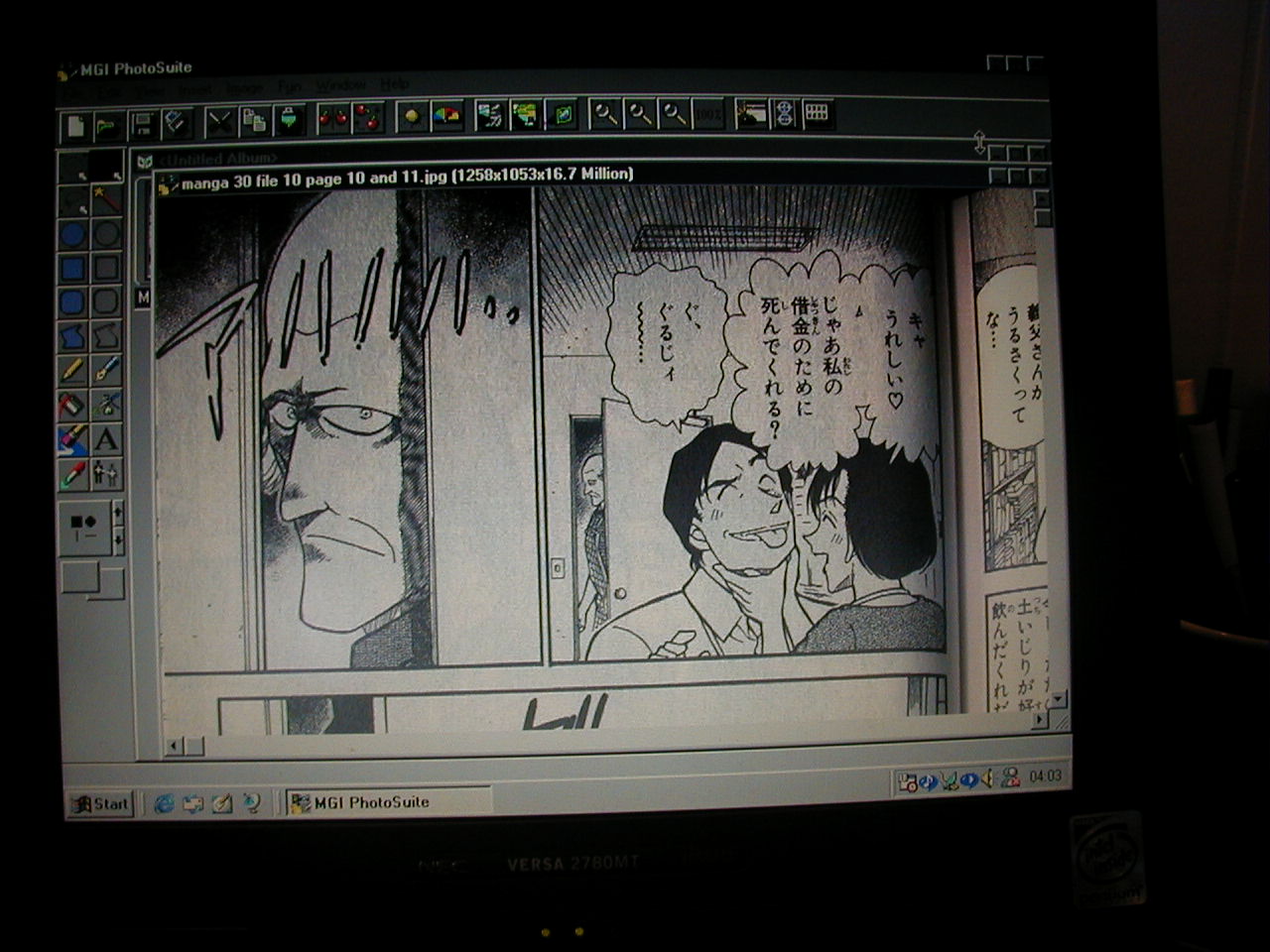 |
| Now, you have scanned page, which you wanted. Then open your software, where you plan to do all of the rest. (I use MGI PhotoSuite 8.05) and it works pretty good. Anway. when you scan you can probably do two pages at a time (that saves you time ^_^) sAo cut out a page and paste it.... |
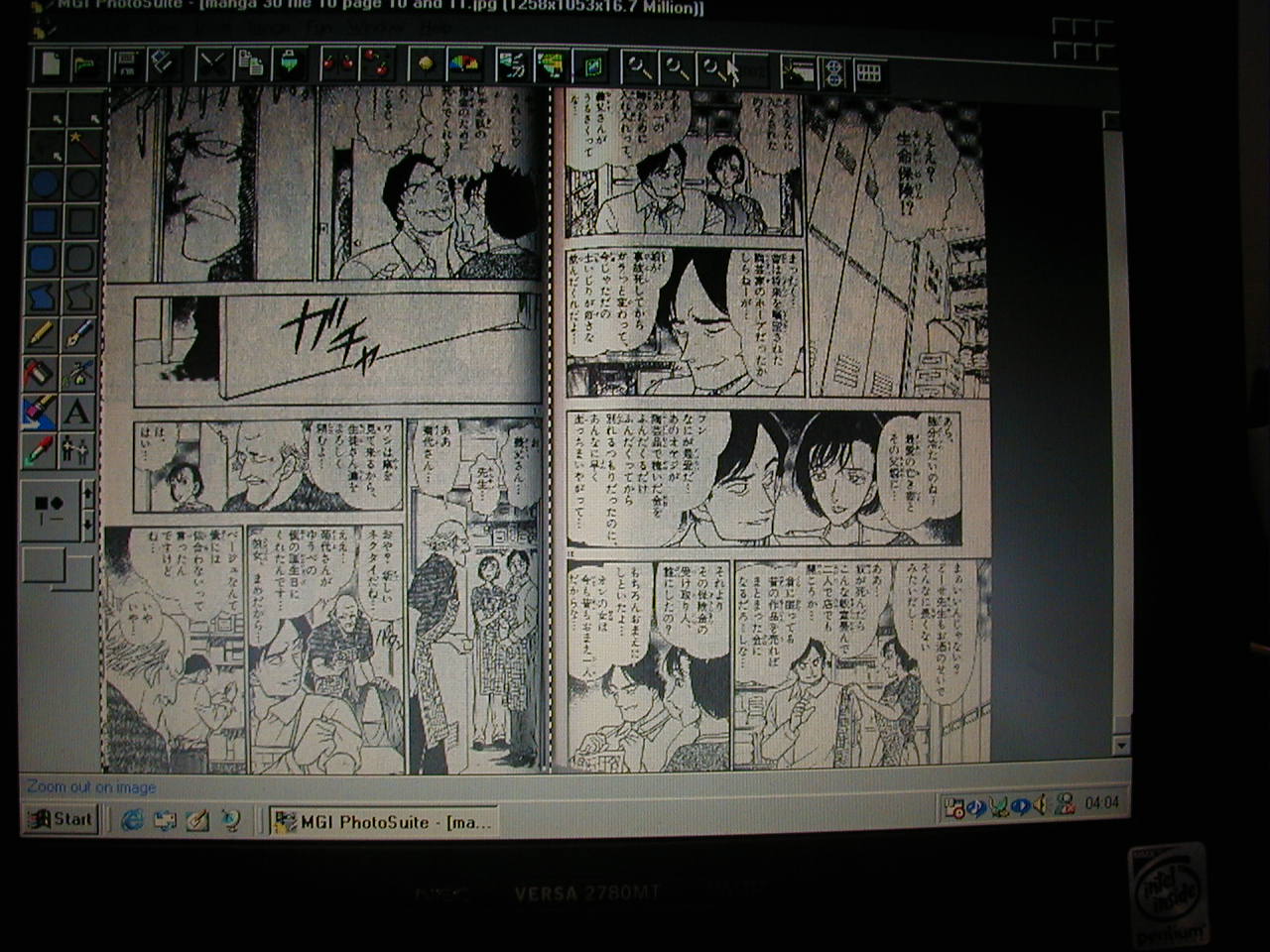 |
| Here you can see, that there are two pages. So copy and past it to one page only. |
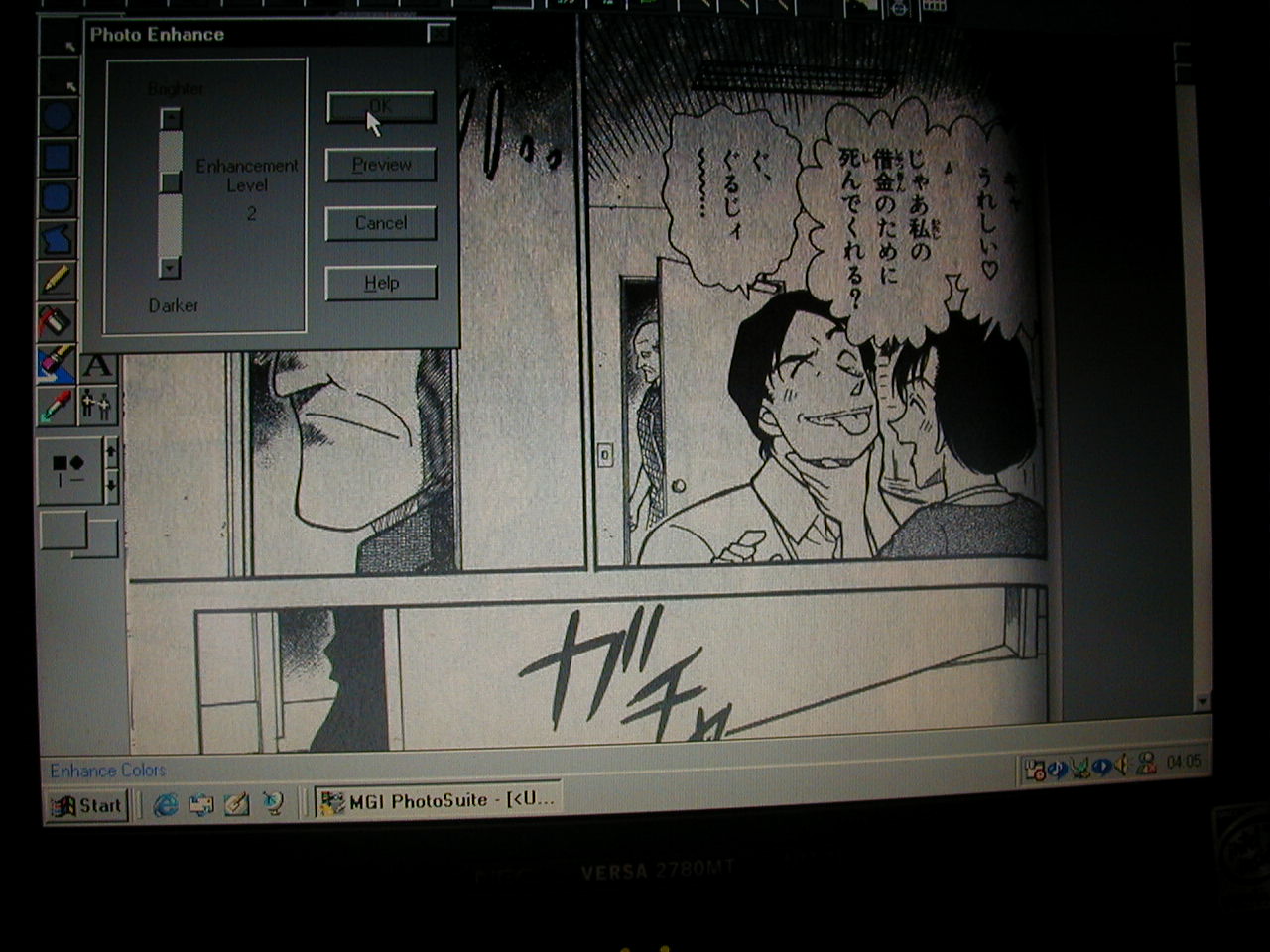 |
| If your scanner makes the pages darker, than the usual,(like my :p), brighten them up a little |
|
|
| Second |