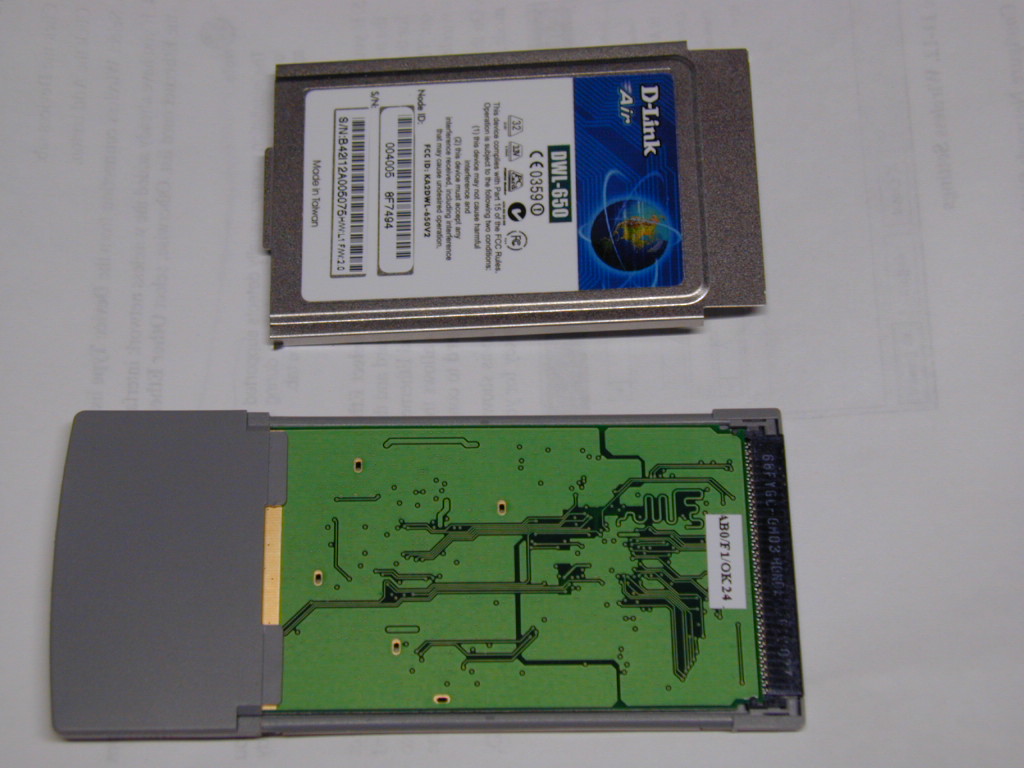
Once you have the metal base cover off you should see the PCB inside.
I bought a DWL650 card from Tigerdirect last week with the plan to add an external antenna connector to it, as described at http://c0rtex.com/~will/antenna/
The package arrived and I anxiously unpacked it and to my horror the card didn't look the same as the card pictured in Will's articles. Anyway I decided to see if I could get the plastic covers off the antenna and see what was different inside.
After examining it from all angles and a bit of trial and error, I worked out how to get into the inner workings of the card AND put it back together again without breaking it. Here's how:
First you must remove the bottom metal cover from the card. It is held in place by two tabs on the card edge which you must prise out with a small jewelers screwdriver or other appropriate tool. Then gently prise the edge seams apart, they are basically a "wrap around" fit. Prise the base from the card carefully assisting the two locking tabs near the cardbus connector out of the gray plastic frame. Try to be gentle and not put any bends in the cover. Once you get a bend in it it will never straighten out like new. Next remove the underside of the gray plastic covering the antennas. This is held in place by lug's in four locations. Try to bend the sidewall (part of top antenna cover) outwards as you prise the cover off.
Once you have the metal base cover off you
should see the PCB inside.
To my surprise I could now see there was already a connector soldered to the cct board. “Maybe this is worth doing after all”. After reading Will's article about modifying the older DWL650 I suspected the connector would not be coupled to the transmitter and we would have to move a capacitor as he did. I could not see for sure how the component side of the board was laid out so I had to get the other side of the antenna cover off. This was much more difficult than the first side.
First you have to get the top metal cover off. This is held in place at the antenna end by four tabs pressed into the upper antenna cover. Gently prise them from the plastic and once again be careful with the tabs at the cardbus end.
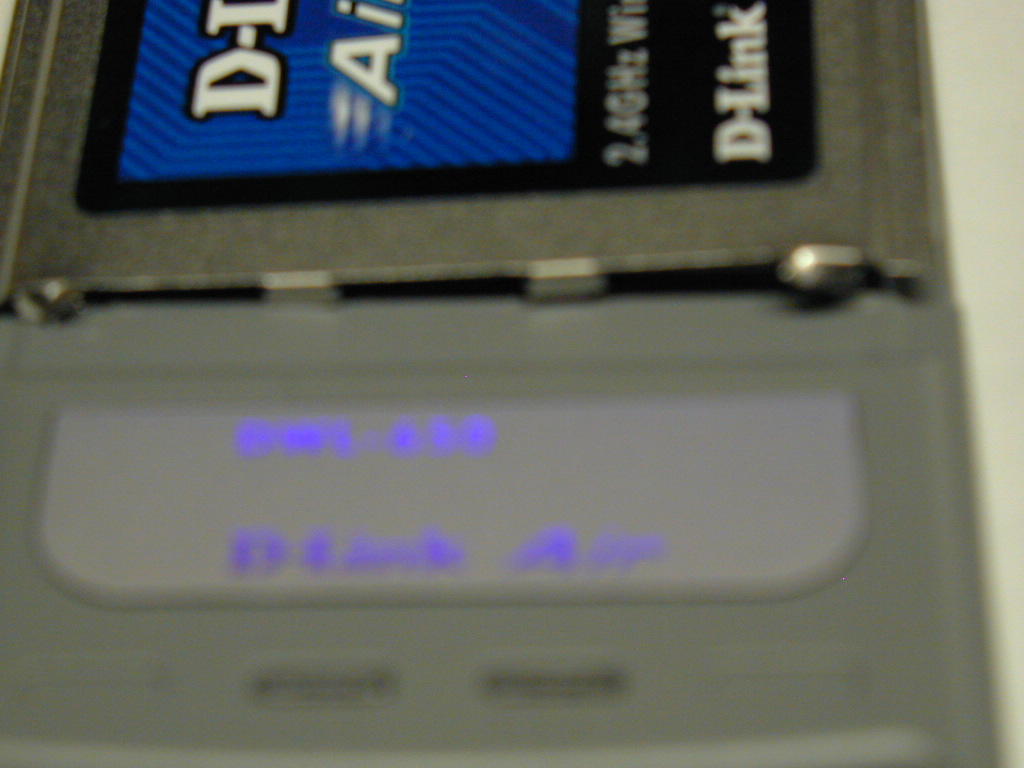
Four
metal Lugs holding top metal cover to antenna cover. It's out of
focus I know but I am not pulling my card apart again to take another
picture !!
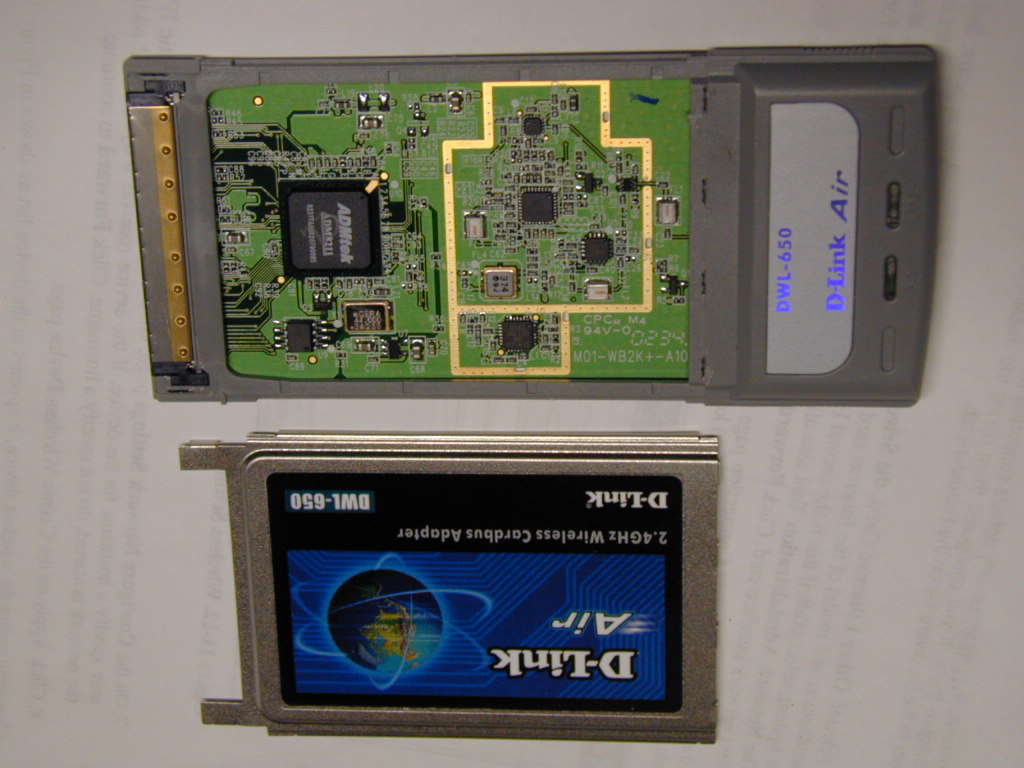
Top
metal cover removed
Once you have that off you can separate the PCB from the Plastic frame and get at the coupling capacitor.
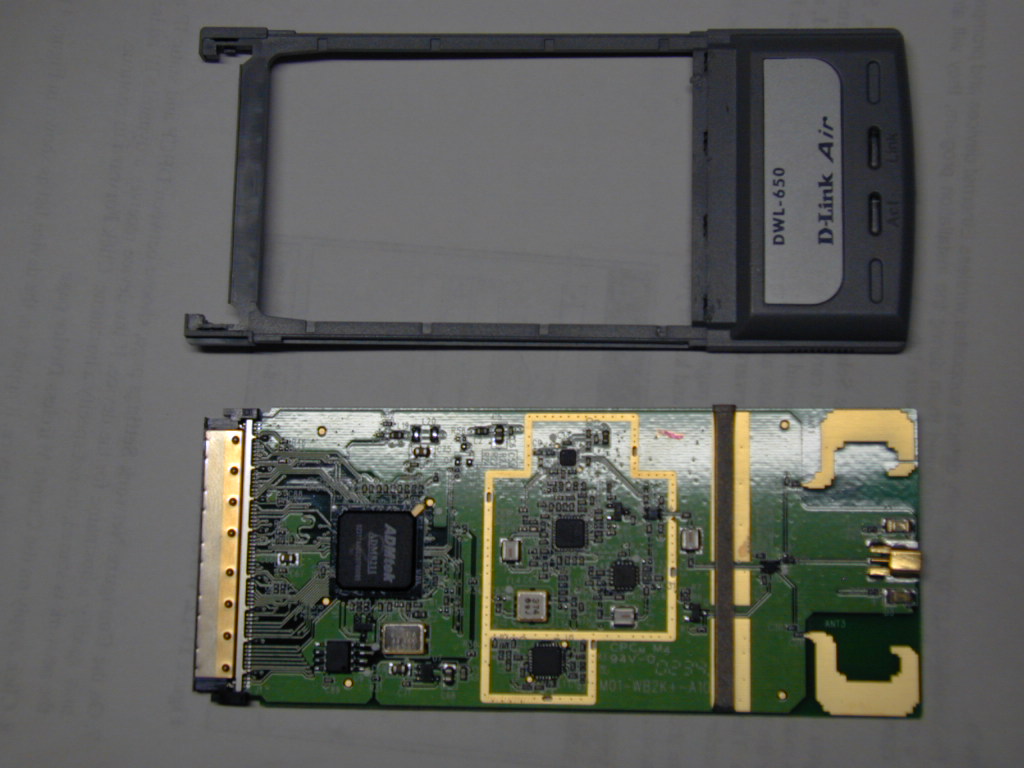
Now you have all the plastic removed:
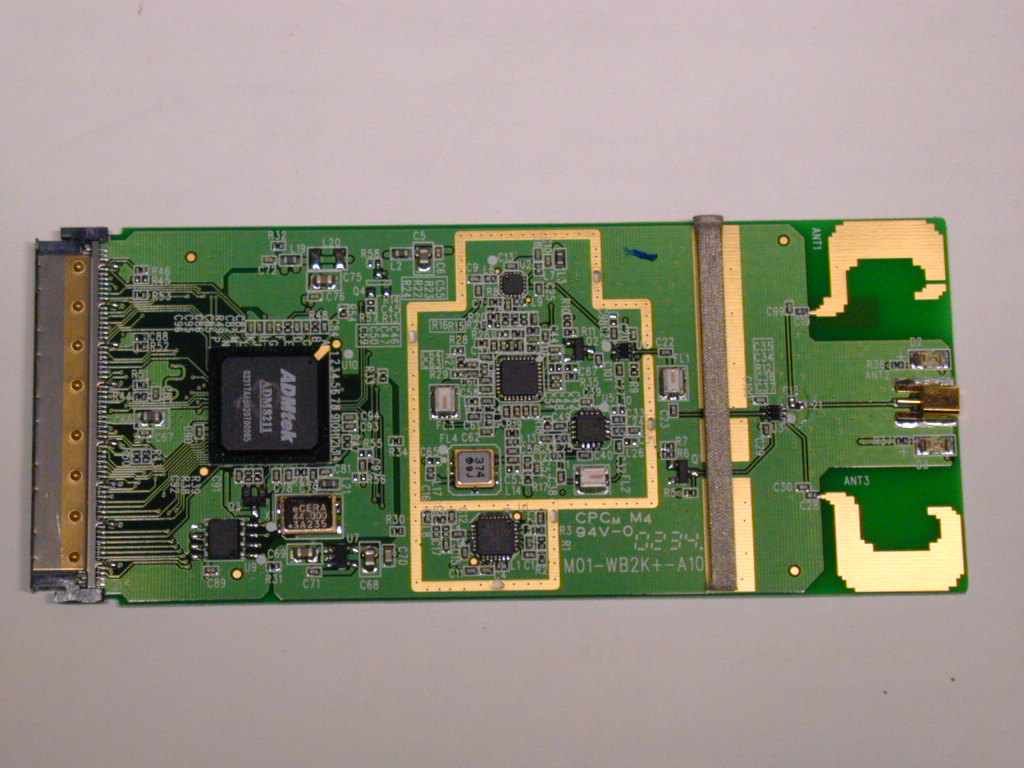
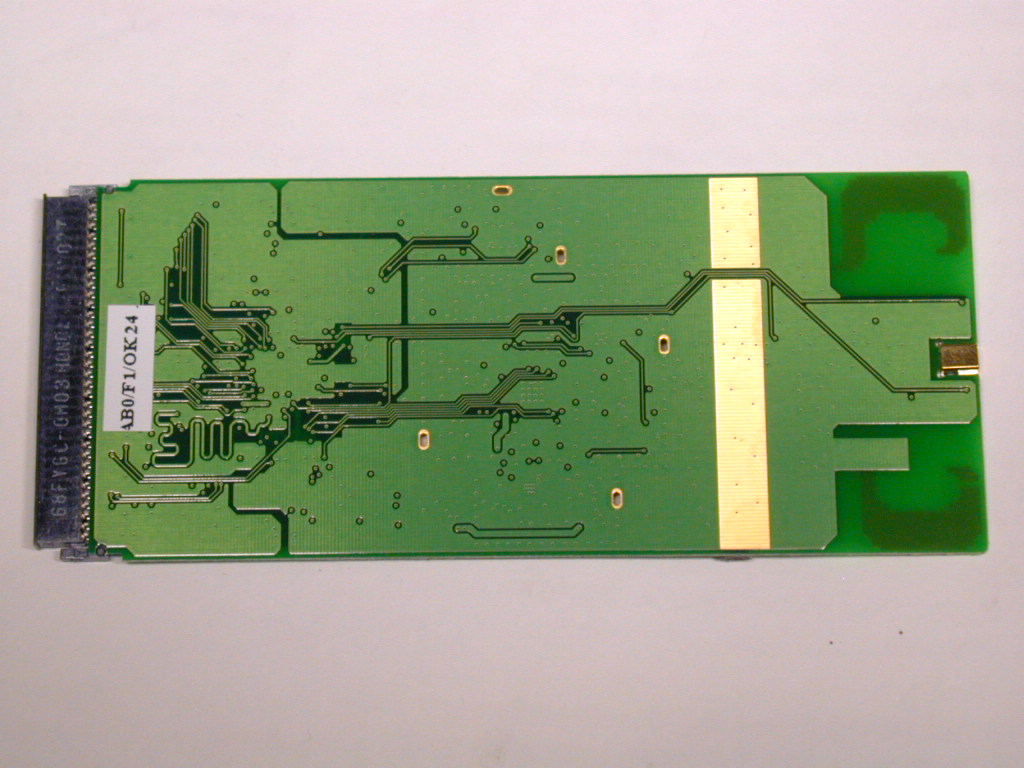
Here is two close ups of the antenna board showing C18 and C21 (folllow track from antenna connector to center of board):
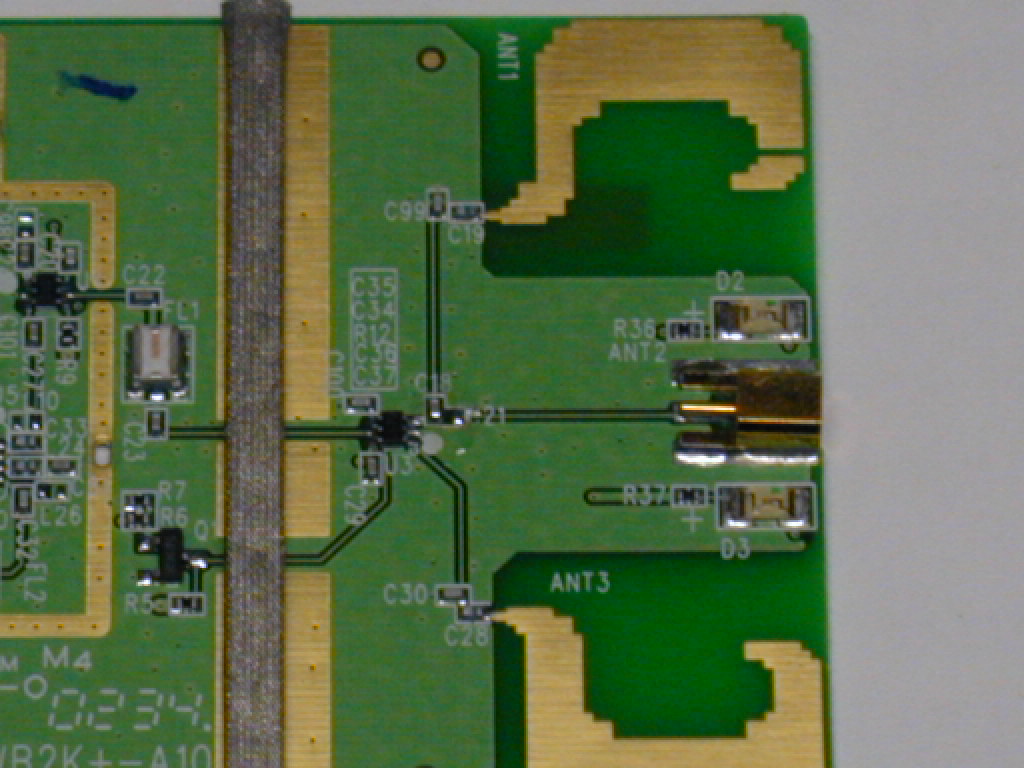
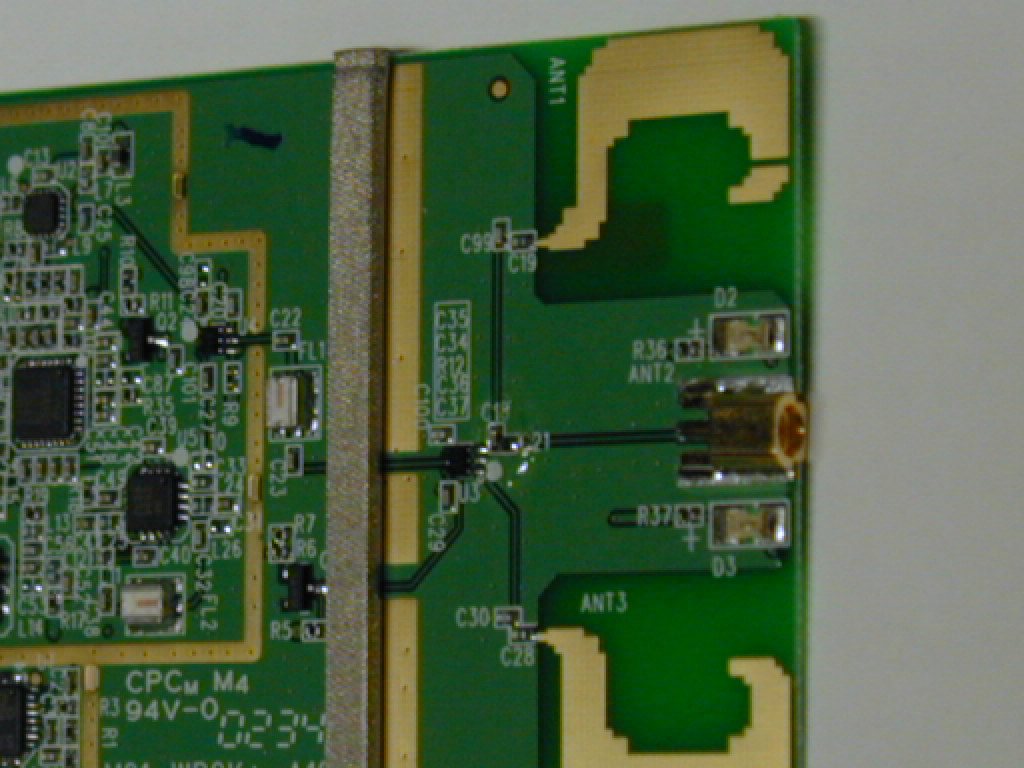
With a small soldering iron move capacitor C18 (next to the black IC U3) to the C21 position (easier said than done)
Next step is to cut a hole in the end of the antenna cover to allow us to plug into the socket that we have enabled.
I started with a drill but ended up using a sharp cutting knife. Don't forget to trim the bottom plastic cover as well.
Then you just need to assemble in the reverse order. Take it slow and all should be well.
Here is a few more photos of the card showing the F/W and H/W revisions. The F/W and H/W revision can be found on the outside of the box next to the UPC barcode (so you will know what to expect inside). As you can see this card was H/W: L1 and F/W:2.0
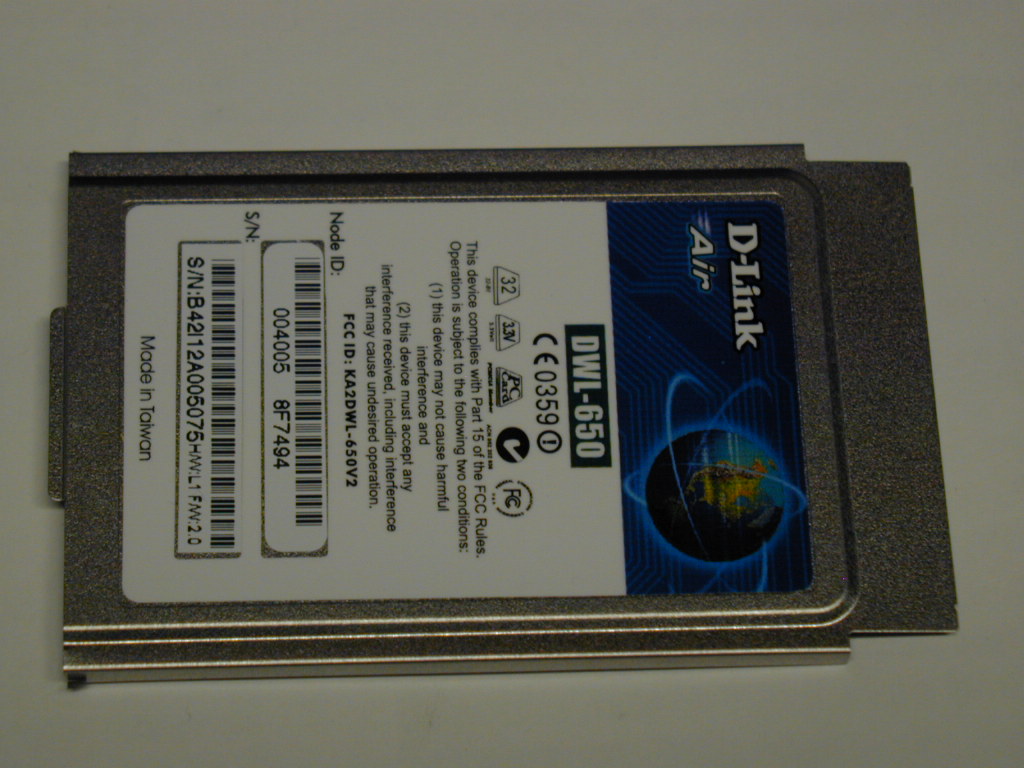
Here is the card back together top and bottom:
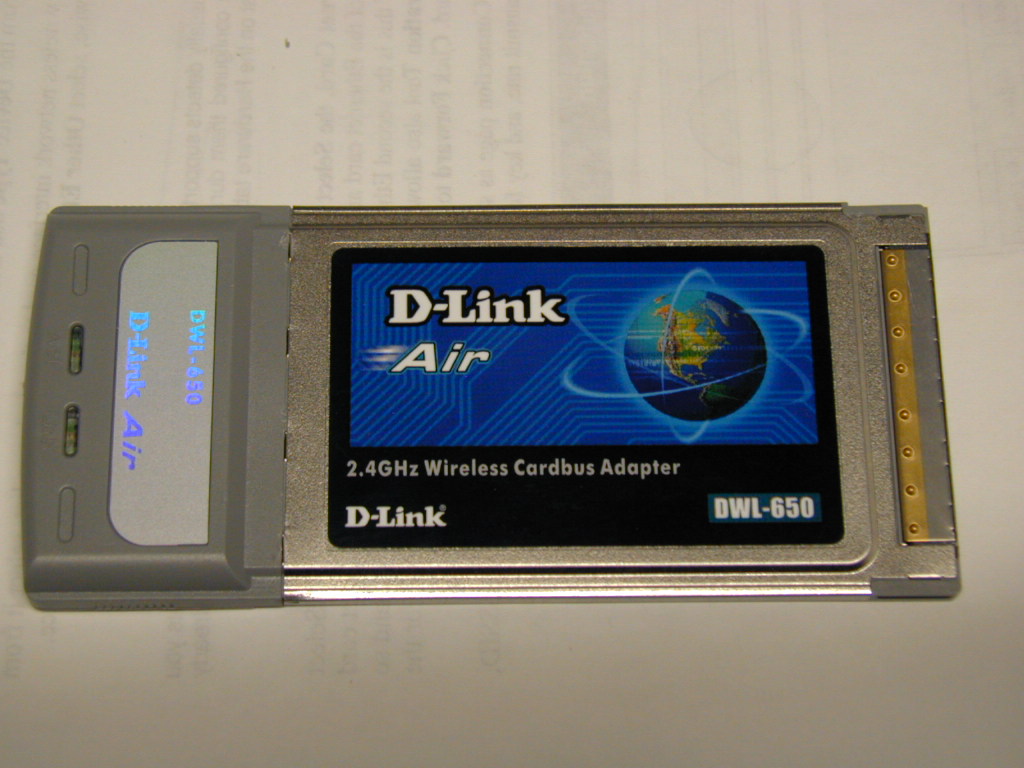
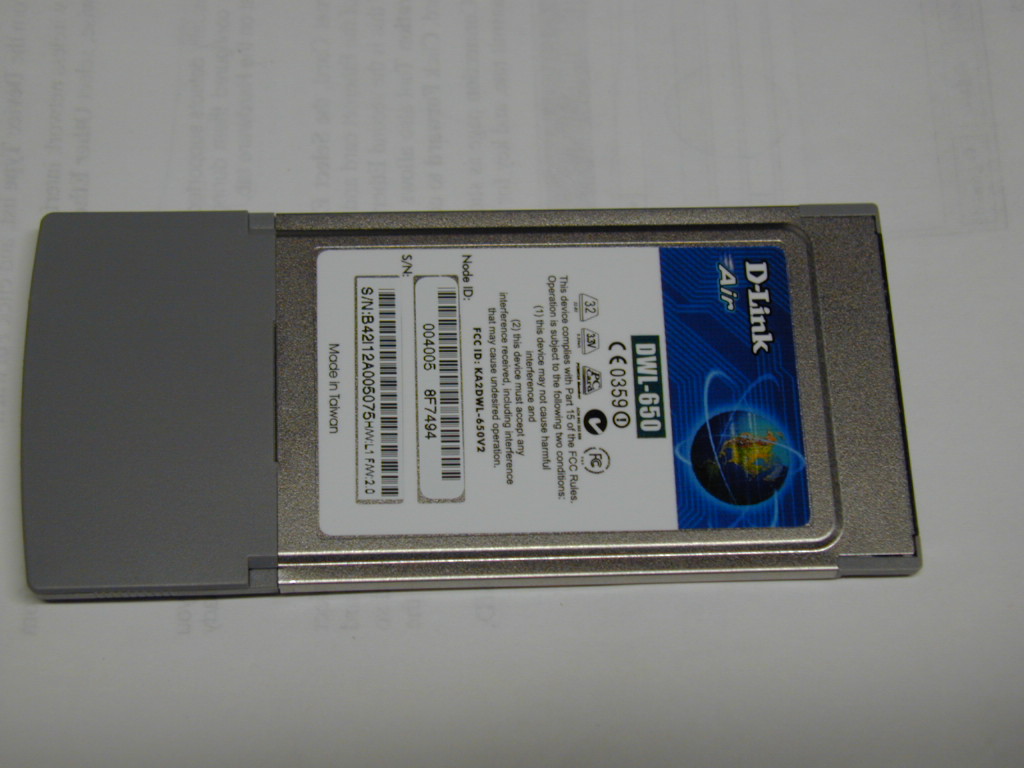
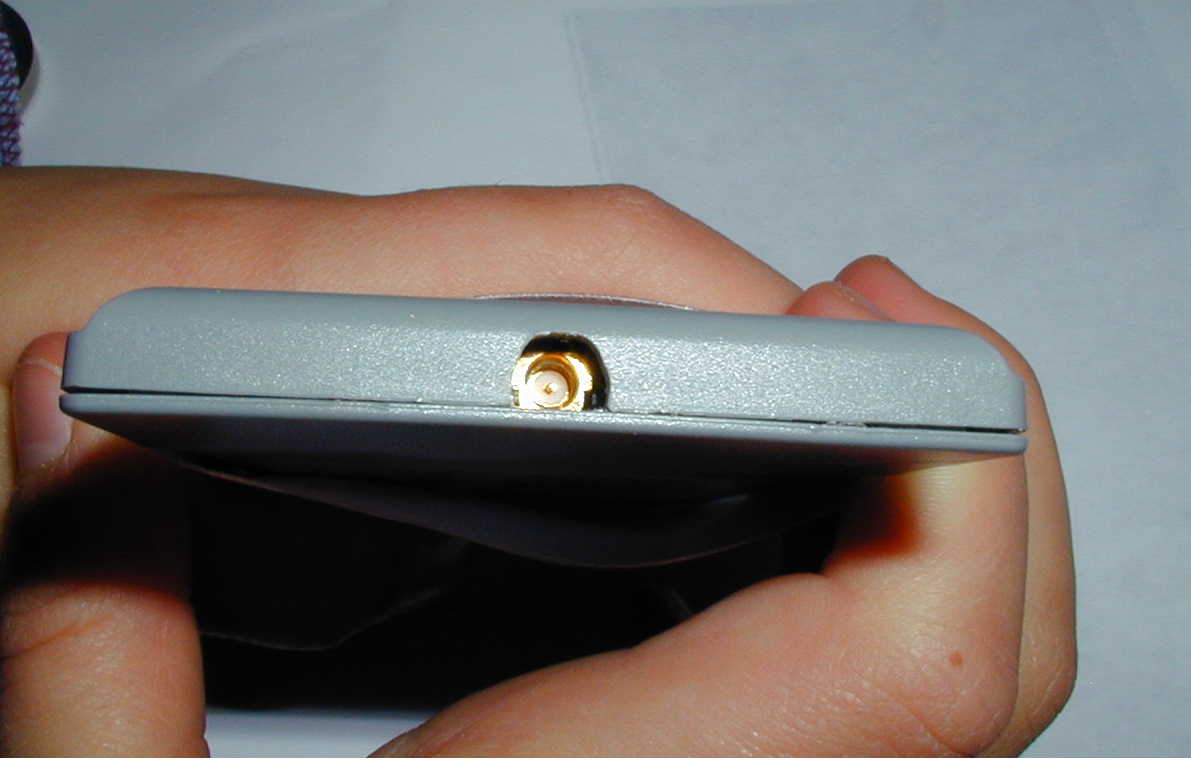
Once it is all back together you should have a neat hole on the end of your card for a pigtail !!
I have considered removing the label on the top antenna cover and cutting away the plastic to access C18 and move it to C21 but I don't think you would have enough room to move it without a lot of frustration.
After looking at it and comparing it to pictures on the web I have concluded it is a RP-MMCX connector. (a male pin in a tubular socket). Before I ordered a pigtail for it I checked to see if there were drivers for this card written for linux, So far there isn't so I lost interest in it. If I was to use it I think I would remove the connector from the PCB and solder some coax with a connector directly onto the PCB. Pigtails are expensive and cause some signal loss so it's better to do without them if you can.
If anyone hears of a linux driver being written for this card please email me.
Last Updated 5/5/2003
