THE-SING-ALONG
BY JULIAN FROST VERSION. BETA 1.
This Program has been tested to an extent. But you use it on the understanding there are no guaranties and under your own risk. I will make an effort to offer backup to this free product by Email as and when I get time. Emailme at [email protected] with any comments or problems.
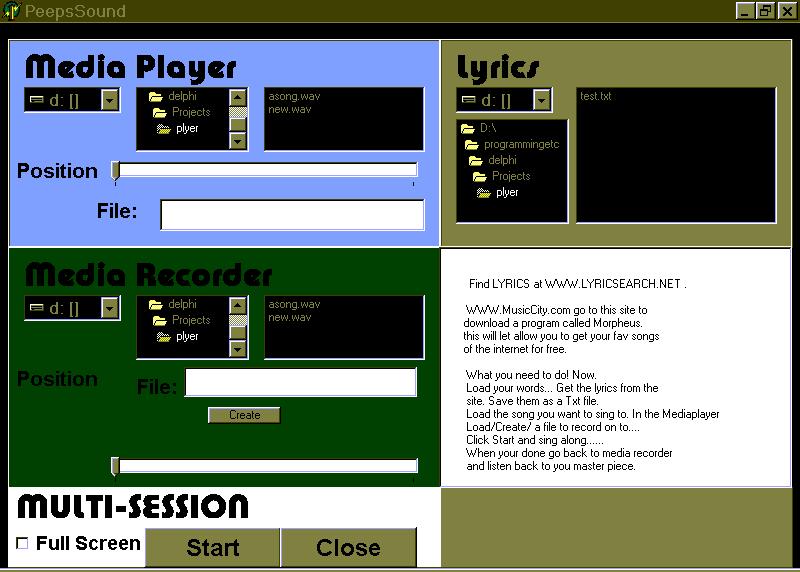
The TheSingAlong is a Karaoke machine for your computer.
This machine allows you to play the songs you most like to sing along to. Record to a separate file. Whilst reading the lyrics off the screen, and all these can be activated by the press of 1 button.
This is a program that allows you to play the songs you would like to sing along to. Whilst Recording what you are singing; and reading the lyrics of the screen.
Or if you please it allows you to do each of these as a separate components.
What follows are instructions of how each part of this program works.
Once you have Unzipped the program the 1st thing you want to do is run the program called Installthesingalong. Which will do just that.
Click here to get PKUNZIP to unzip this program. If not installed already.
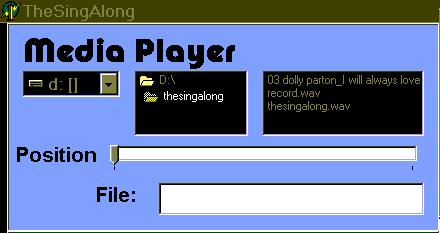
You can open these files by clicking on them in the filebox.
The Play and Stop button will show. Which allow you to play these files. The File: label will show what file you opened and the Position pointer will show it has content
You can now move the position pointer and start playing your file from any point within it. Play the file by pressing the play button. Stop playing it by pressing the stop button.
The black boxes are the file discovery boxes. To the left is the drive you are looking in. Middle is the Directory list and to the right is the file list.
You change the drive you want to look in by clicking on the triangle next to the drive box, and selecting the drive you require. The directory and file box will change to agree with what drive you are on.
You can change what directory you are in by double clicking on the directory box you would like to look in. You will find the file box will change to show you which files you can open. In this version it is MP3 and WAV files.
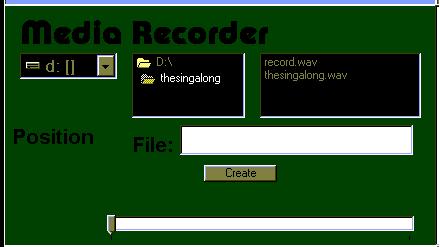
1st) To load a file and play it, read instruction for Mediaplayer.(just to stop me repeating myself).
CREATE BUTTON:-To start with you will see on the screen the Create button. If you don’t want to work with a file you have made already use this button.
To create a file:- you enter the file name. I.e. "Mysong.wav" it's important you end the file with ".WAV" extension. Then you press the Create button. If you decide to create a filename.wav that already exists in that directory it will be overwritten.
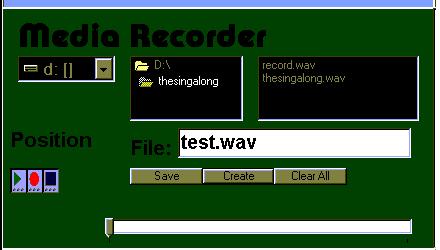
Once you have created or loaded a file several other buttons will appear. The Music control buttons. Play/Record/Stop and the other File Control Buttons will appear Save/Clear all.
So the new Music Control button is record. Press this and you will record what you are singing. You can press play on the Mediaplayer and Record. To sing along to your song. Record starts from where ever it is in the file. See the pointer.
Save:- Press this button and what has been recorded will be saved to the current file.
Clear All:-Clears the current file, to give you a fresh start.
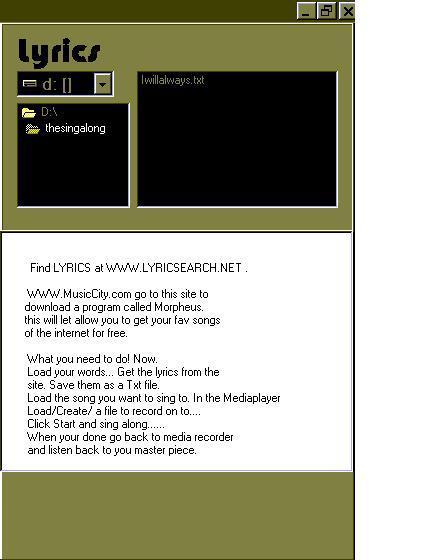
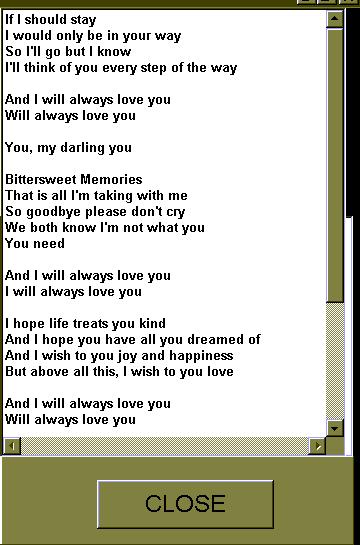
You can open the lyrics if they are saved as .txt files. The way you open them is the same as it is in the media-player and media-recorder. Just click on the file you want. I've saved some in the programs directory.
Once you open a file. You will see the file box will disappear and the words will appear.
When you decide you want to load another set of lyrics. You press the close button and the file box will appear.
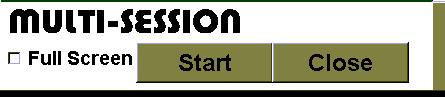
Multi-Session:- If media-player has a song loaded and media-recorder is opened then you can. Play and Record you song by pressing one button.
Start:- Start the media-player playing and the media-recorder recording. Finishes when you press Close or the media-player comes to the end of the song.
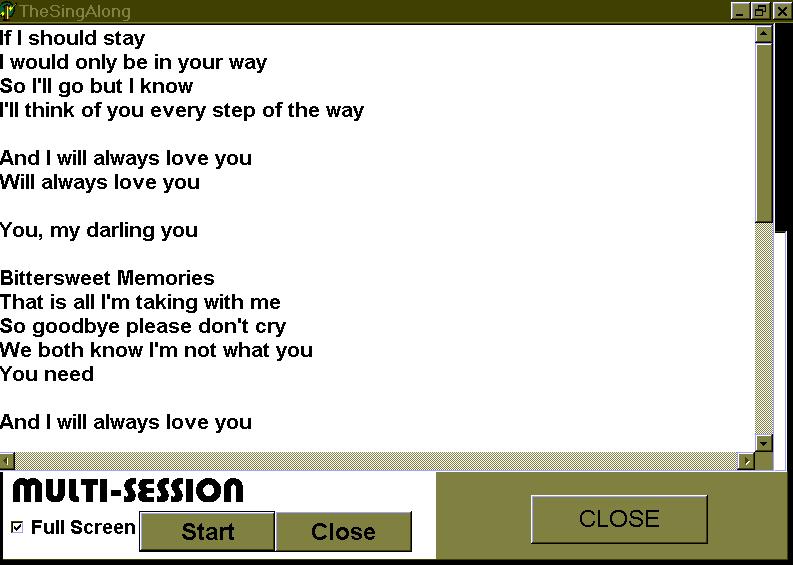
If you click on Full screen, the lyrics will be spread across the length of the screen and increased in size. To make it easier for you to read whilst you are singing.
TheSingAlong By Julian Frost © 18/02/2002
Beta Version 1
You use this at your own risk, has been tested on my computer only.
I will offer any back up I can, Email me with your problems concerning this product.