 |
|
|
|
|
|
|
|
|
|
|
|
|
|
|
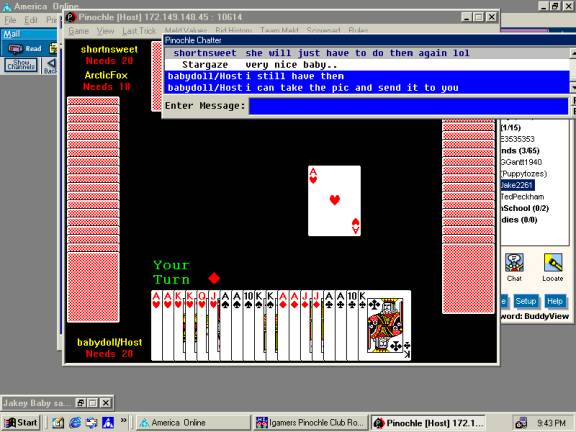
Ever wonder how you could print your screen to send to a host in case you had a question about your game or you thought a ruling was made that was not fair and you needed to tell your side of the story? Or you wanted to send a message to Igames because you thought someone was being offensive or rude? Or how about you got a great hand in the pinochle tourney and you wanted to email mom a copy of it? Well now you can and I am going to tell you how to do just that!!! |
|
|
|
 |
|
|
|
1. With the screen that you want to send on your computer... hit your print screen button ... usually either top row..3rd from right or in the middle with home, page up etc... |
|
|
|
|
|
|
|
|
|
2. Open your word program and paste it.. you can either R click on your mouse and hit paste or just go under edit and then hit paste. Save it and email it ... that simple :) |
|
|
|
|
|
 |
|
|
|
 |
|