| A
simple GUI |
||||
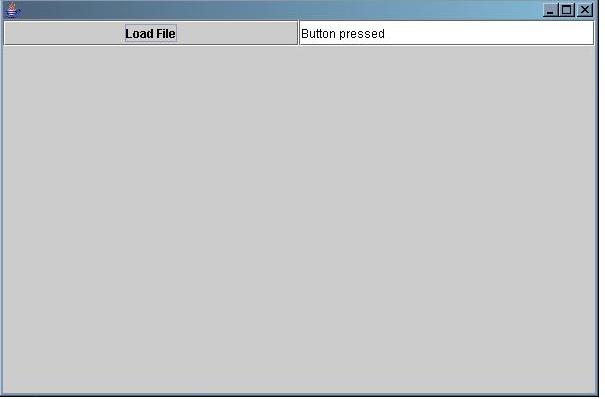
| When
the button is pressed, the text in the box changes. This templ;ate can
be the basis for a simple calculator |
||||
| // GUI Action template:
Use this to create a simple GUI // Import import javax.swing.*; import javax.swing.event.*; import java.util.*; import java.awt.*; import java.awt.event.*; import javax.swing.border.*; // Main Class GTextEditor public class GUIActionTemplate extends JFrame implements ActionListener { // Text Areas and fields JTextField fontTextField = new JTextField(); // Button panel and buttons JPanel buttonPanel = new JPanel( new GridLayout( 1, 3 ) ); JButton btn1 = new JButton( "Load File" ); // Initial values of button click counters // Constructor public GUIActionTemplate() { // Set layout getContentPane().setLayout( new BorderLayout() ); // Resize setSize( new Dimension( 600, 400 ) ); // Build button panel buttonPanel.add(btn1); buttonPanel.add(fontTextField ); // Add button panel getContentPane().add( buttonPanel, BorderLayout.NORTH ); // Add action listener btn1.addActionListener( this ); // window closing addWindowListener ( new WindowAdapter() { public void windowClosing( WindowEvent e ) { System.exit( 0 ); } } ); // Make visible setVisible( true ); } // Action Event Handler public void actionPerformed(ActionEvent e) { if( e.getSource() == btn1 ) { fontTextField.setText("Button pressed"); } // else if( e.getSource() == btnFontCol) // { // // // } } // Main public static void main( String[] args ) { GUIActionTemplate GUIActionTemplateObject = new GUIActionTemplate(); } } |
||||
 |
||||