- Radio Shack 1/4 inch stereo phone jack PN: 274-312B $4.00
- 2" RCA cable with male plugs on at least one side PN: 42-2478 $6.29
- Solder & soldering iron
- Wire stripers
- Drill and drill bit
- Socket wrenches
- Electrical tape
- CD changer Auxiler (list at the bottom) $12.99- $37.99
Directions
1. The first step is to cut one end of the cable off that does not have the male RCA plugs. Then separate the two main cables.
2. Now carefully strip about two inches of insulation off of the each cable. Now carefully expose the center wire by moving the outer wire. Now strip about half of an inch of the insulation off of each inner wire. (The inner wire is positive)
3. Now get the panel jack out of its package. There should be three prongs and two spring like pieces of metal. (The springs are what hold the plug in place when it is inserted) The two tabs that are closest together are the positive tabs, and the other one is negative. First solder the positive wires from the cable on to a tab (it does not matter which one goes where). Then solder both negative wires to the last tab.
4. Now wrap electrical tape around the plug to that the wires are not exposed.
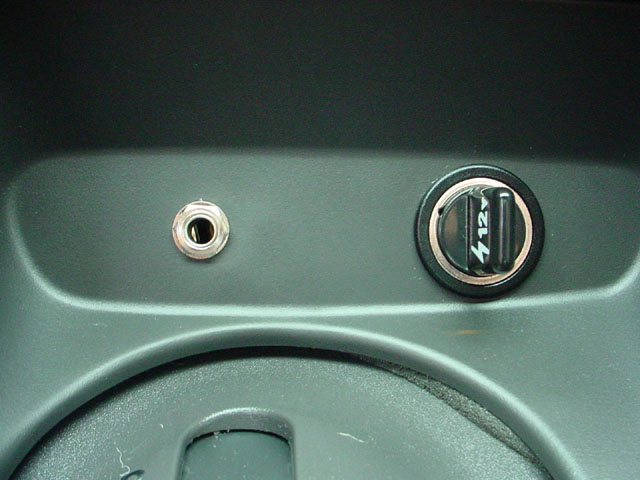
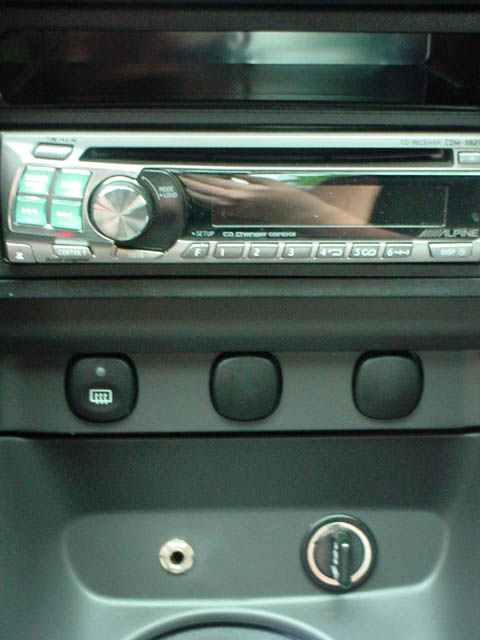
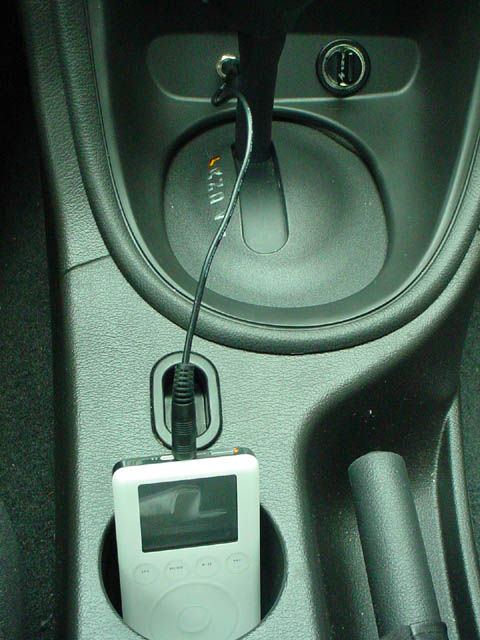
5. Now figure out where you want the plug to be in your car. Take out whatever panel it is and use the drill to drill the correct size hole in that piece. Now put the plug in the hole, and tighten it down with the sockets.
6. Now take out you stereo and connect the converter cable to the CD changer out. Then connect the RCA cables together. Bundle up any loose wires and put the panel that you plug is on back into your car.
7. You should now have everything correctly wired up. Consult your stereo's manual on how to set up the auxiliary input.
[email protected]
-Blaupunkt
-JVC
-Kenwood
-Pioneer