Online Scanner
Post #9
#A----online sc
an at Kaspersky
#B----online scan at Panda
#C----ATF Cleaner---by http://www.atribune.org/
#D----Ewido---by http://www.ewido.net/en/
****************************************************************
****************************************************************
#A
online scan at Kaspersky
- Please go here
to run Kaspersky Online Virus Scanner.
- You will be promted to install an ActiveX
component from Kaspersky, Click Yes.
- The program will launch and then begin
downloading the latest definition files:
- Once the files have been downloaded click on NEXT
- Now click on Scan Settings
- In the scan settings make that the following are
selected:
- Scan using the following
><us database:
Extended
(if available otherwise Standard)
- Scan Options:
Scan
Archives
Scan Mail Bases
- Click OK
- Now under select a target to scan:
- Select My Computer
- This will program will start and scan your
system.
- The scan will take a while so be patient and let
it run.
- Once the scan is complete it will display if
your system has been infected.
- Now click on the Save as
Text button:
- Save the file to your desktop.
- Copy and paste that information in your next
post.
-----------------------------------------------------------------------------------------------------
#B
online scan at Panda
Run Panda's
ActiveScan from here and perform a
full system scan.
- Once you are on the Panda site click the "Scan your PC"
button
- A new window will open...click the big &qquot;Check Now" button
- Enter your Country
- Enter your State/Province
- Enter your Valid Email
- Select either Home User or Comppany
- Click the big Scan Now button
>
- If it wants to install an ActiveX >component allow it
- It will start downloading the files it reequires for the scan (Note: It will take a
couple minutes)
- Click on "Local Disks" tto start the scan
When the scan completes, if anything malicious is detected, click the See
Report button, then Save Report and save it to a convenient
location.
Post Panda scan results in your next reply
-----------------------------------------------------------------------------------------------------
#C
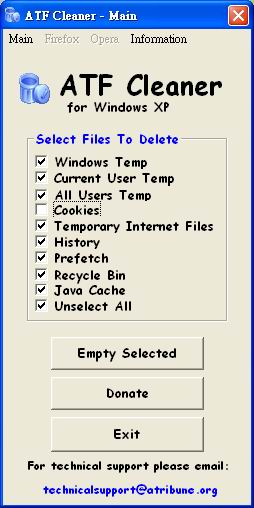
ATF Cleaner by Atribune
一個容易使用清理 Recycle Bins 、Cookies 、Prefetch files 等檔案的工具
下載檔案 ATF-Cleaner.exe,無需安裝:
http://www.atribune.org/ccount/click.php?id=1
使用方式:
按二下 ATF-Cleaner.exe>勾選 Select All>取消勾選 Cookies(各人有選擇性)>Empty
Selected>Exit
-----------------------------------------------------------------------------------------------------
#D
Ewido---by http://www.ewido.net/en/
1.到以下網頁,按 "Download Now",下載 ewido-setup.exe到桌面:
http://www.ewido.net/en/download/
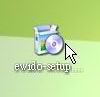
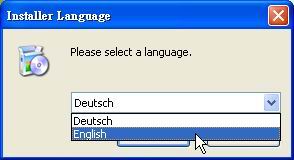
2.按二下 ewido-setup.exe ,在 "Installer Language"視窗中的下拉式方塊中選 "English"
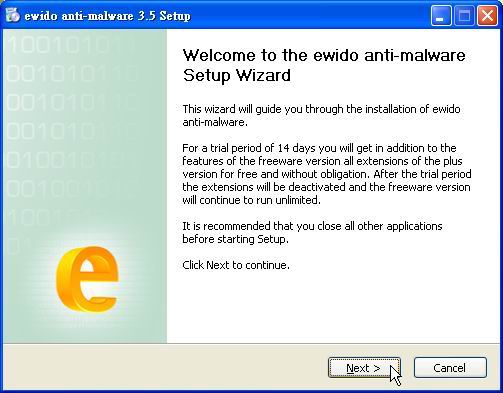
3.按 "Next"
4.按 "I Agree"
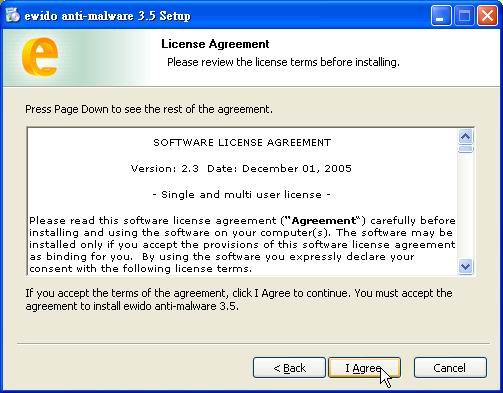
5.按 "Next"
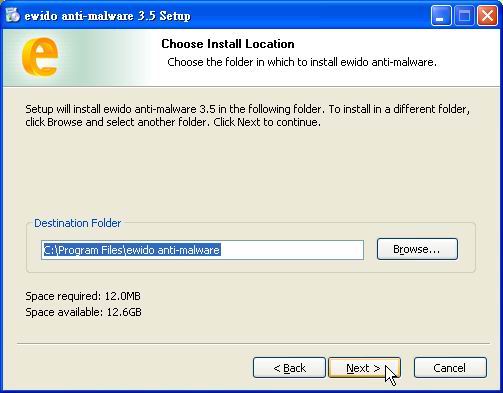
6.按 "Next"
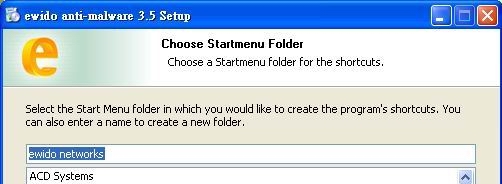
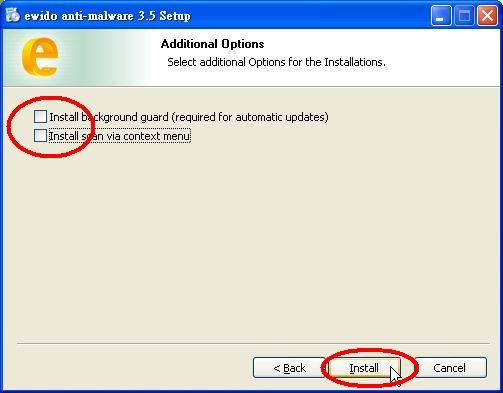
7.在 "Additional Options" 取消勾選:
* Install Background guard(reguired for automatic updates)
* Install scan via context menu
按 "Install"
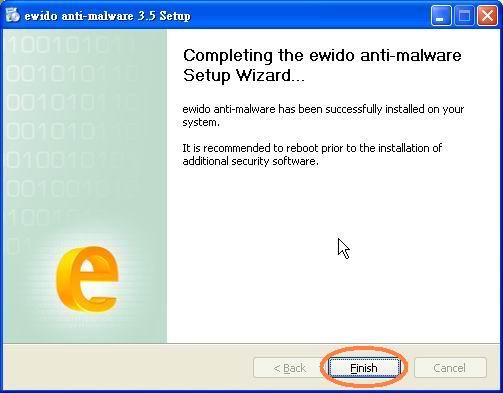
8.按 "Finish"
QUOTE:
[color=red]********因目前 Version 3.5 使用中文面板似乎會有問題,可以作以下臨時更正,改變為英文介面,以免無法儲存 ewido 掃瞄報告:
C:\Program Files\ewido anti-malware\chinese.mo
重新命名為:
C:\Program Files\ewido
anti-malware\chinese.oldmo
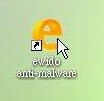
9.按二下桌面上的 "大 e" icon,開啟 ewido
10.按左邊 "update" 按鍵:
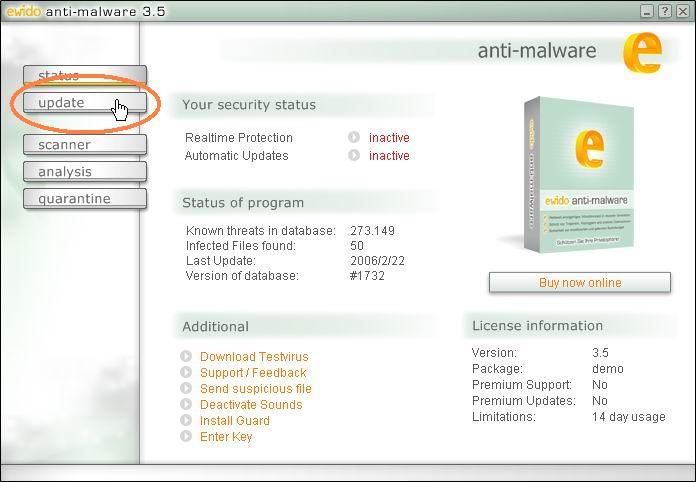
11.按中央 "start update" 按鍵:
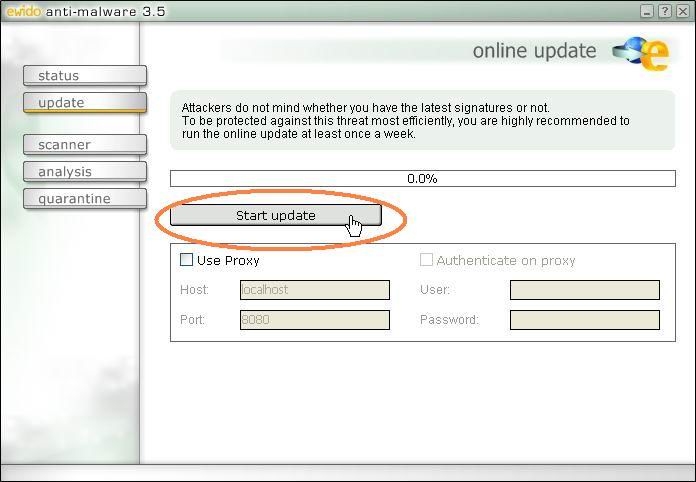
12.update完,會在左下角會顯示 "update sucessful" 或者 "No update available"
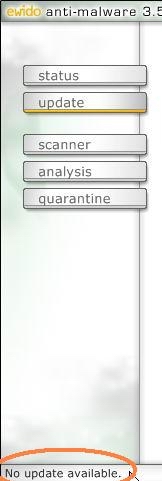
*************以下請在安全模式中執行
13.按左邊 "scanner" 按鍵:
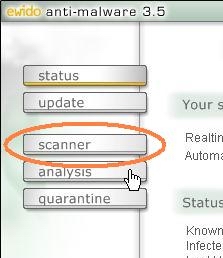
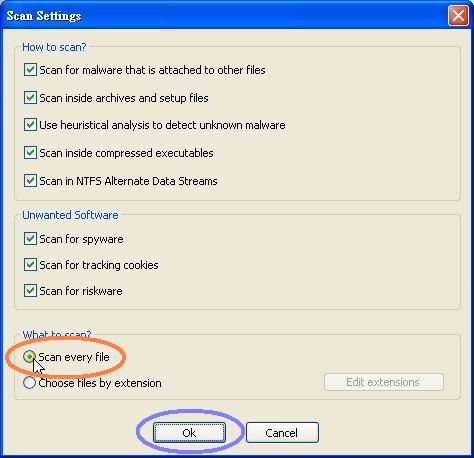
14.按中央下方 "Settings" 按鍵:
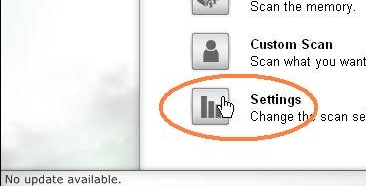
15.在下方,點選 "Scan every files",按 " ok":
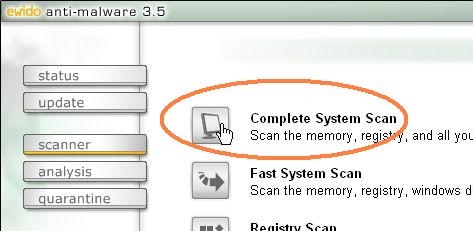
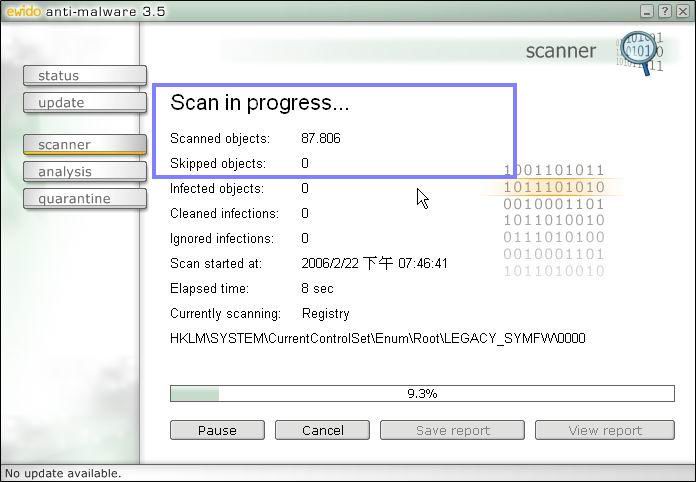
16.按 "Complete System Scan" 按鍵,程式會開始掃瞄:
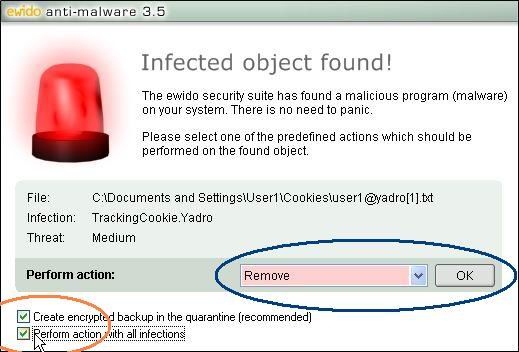
17.如果程式掃瞄到威脅,會彈出視窗,勾選左下方 "Perform action with all
infections" ,確定下拉式選單選
"
Remove",按 "OK" 按鍵:
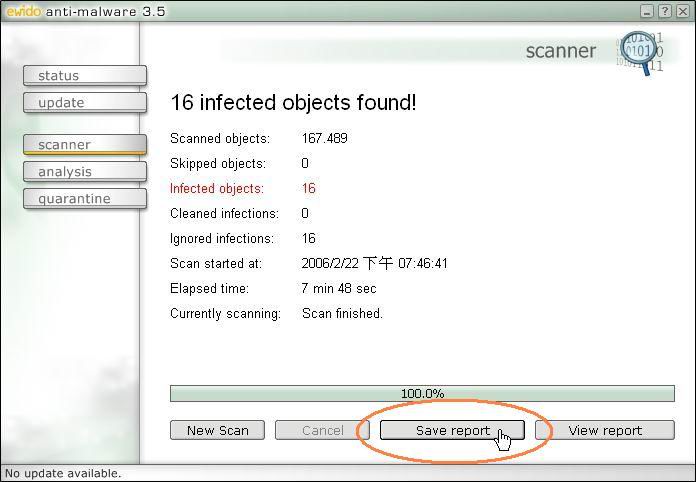
18.掃瞄完成,按 "Save report":
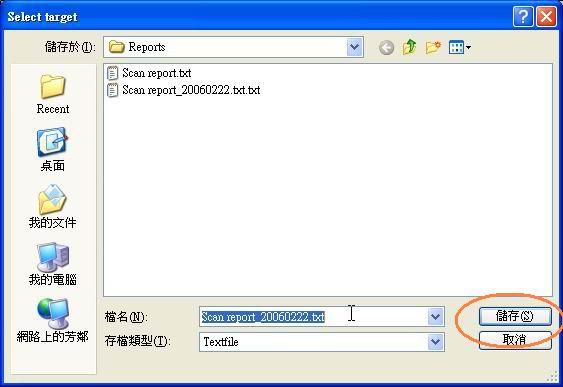
19.儲存檔案,可以儲存到桌面,方便將內容貼上論壇,按儲存後報告會自動打開:
注意:
有以下程式不宜使用:AOL,AVG
不可以在掃瞄期間使用電腦