These programs must be loaded on the Web Server and/or your PC (if you are
developing on your PC).
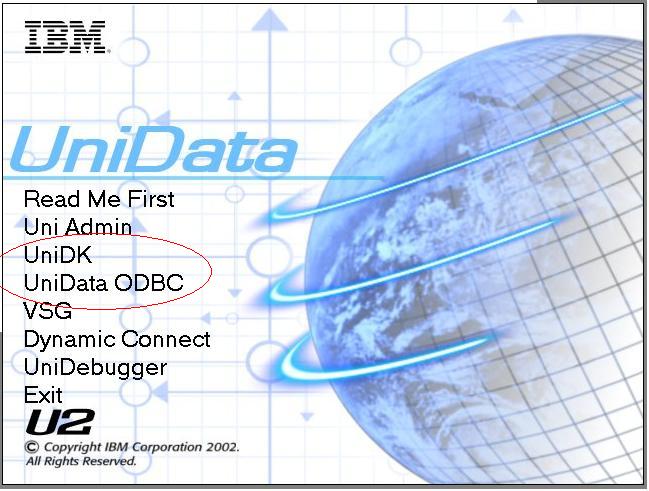
Using the CD titled "UniData Clients"
If the menu doesn't appear automatically, on the Web Server or your PC, from the
D: Drive run install.exe.
Run the wizards for UniDK and UniData ODBC
 Note:
If UniDK has been installed and an error message appears while running the
ASP script stating that the object Uniobjects.Unioaifctrl can't by found;
set objSession = Server.CreateObject("Uniobjects.Unioaifctrl")
then you can try running, regsvr32.exe "C:\IBM\UniDK\bin\uniobjects.dll" from the command prompt.
Note:
If UniDK has been installed and an error message appears while running the
ASP script stating that the object Uniobjects.Unioaifctrl can't by found;
set objSession = Server.CreateObject("Uniobjects.Unioaifctrl")
then you can try running, regsvr32.exe "C:\IBM\UniDK\bin\uniobjects.dll" from the command prompt.