| How To Make A Map |
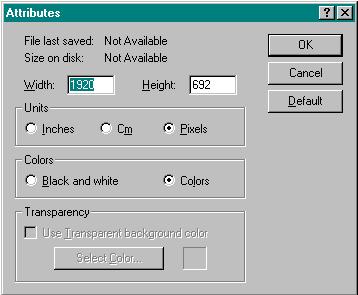 |
| First, Set The Size In Paint 1920x692 |
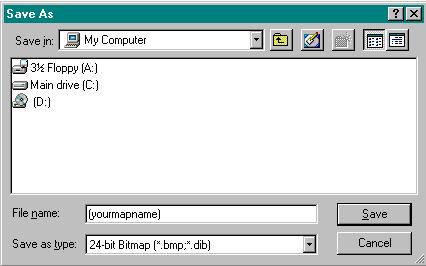 |
| After you have made your map in black and white save as 24-bit Bitmap. In The Import folder of worms. |
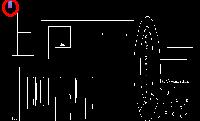 |
| The cirlced object in the top left corner is the anti-warp provided here in the download section. You just copy paste it into your picture which guarentees no warp. |
| After you have done this load in worms and save it as a bit file..... ENJOY!! |
| ============ Worms/News ============ Home ============ Downloads ============ Help&Info ============ Graves&Flags ============= |
 |