| Making star designs |
 |
 |
 |
 |
 |
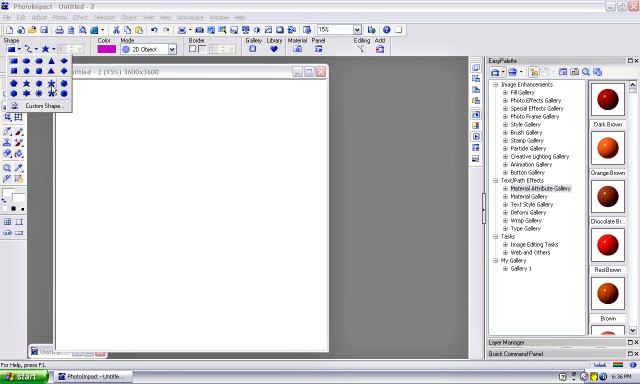
| Open a new canvas to the size you desire. Click on the 'path' tool on the left tool menu. Then choose a star or flower pattern |
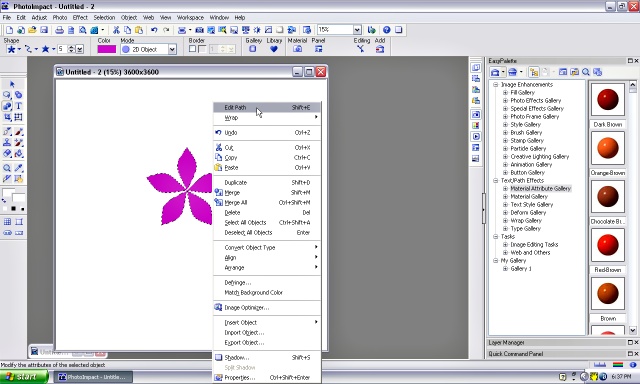
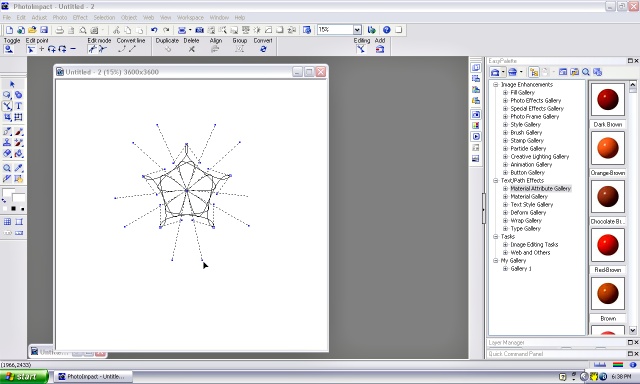
| Click and drag your mouse to create your starting design. Right click your mouse and choose 'Edit path'. |
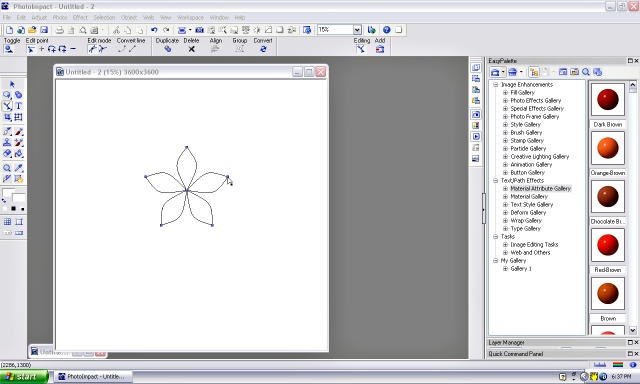
| An outline of your design will show with some dots on it. |
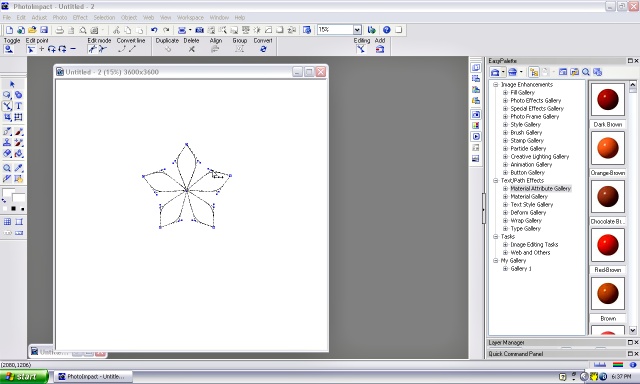
| Click on a dot and some other lines may show. Click and drag on these lines/dots to change the pattern. |
| Make the design as complicated as you like but not too big. Dont worry, you can use the back arrow if you don't like what you have done. |