How To Burn The Data(s) On CD-R

The second one is : Video Compilation

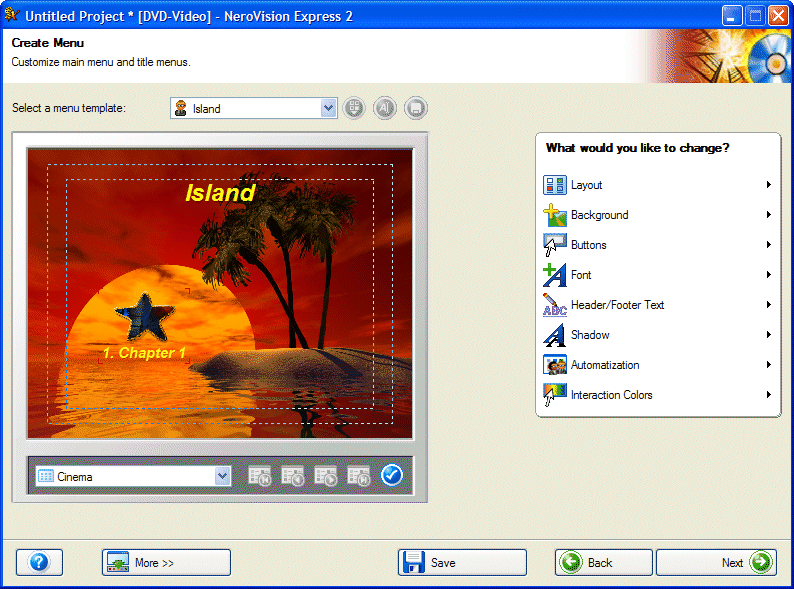
On the left window we can see which opportunities we have for the menu setting. We can use ready-made templates or else compile a menu according to our own requirements. This way we can give our own films that little bit extra!

Nero 8 Nero 9

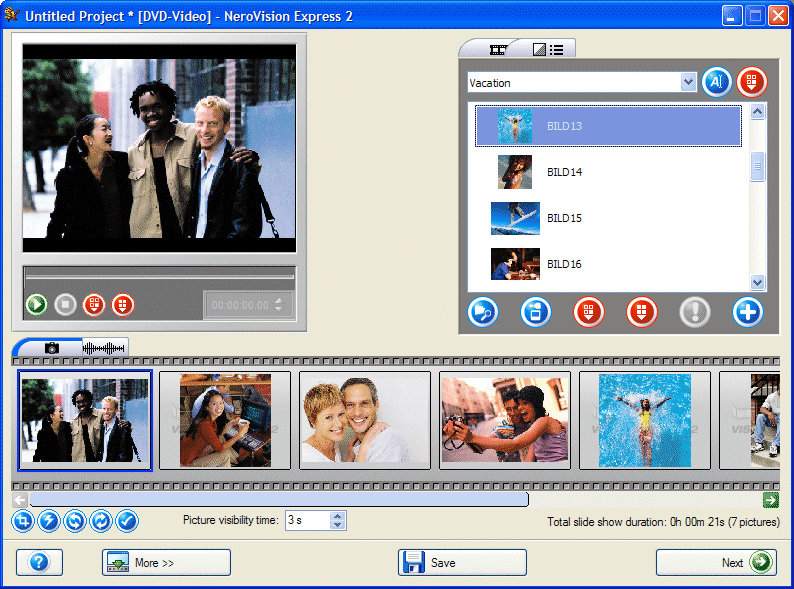
On the right window then create our own digital slide show (we'll be able to play it on just about any normal DVD player). We can give the slide shows our own personal style by adding our own background music.

Before burning films or slide shows, we do have the chance to check them.
Nero Digital: MPEG-4, the future of video and audio compression, is already included in this software package. Unlimited HE-AAC (MP4) audio encoding allows one to fit 100s of songs onto a CD or 1000s of songs onto a DVD with near CD quality. Unlimited video encoding for spectacular video at low bit rates will be included shortly.
Nero ShowTime: A software DVD player that turns the computer into a home theatre.
The last one is : Back-Up Procedures
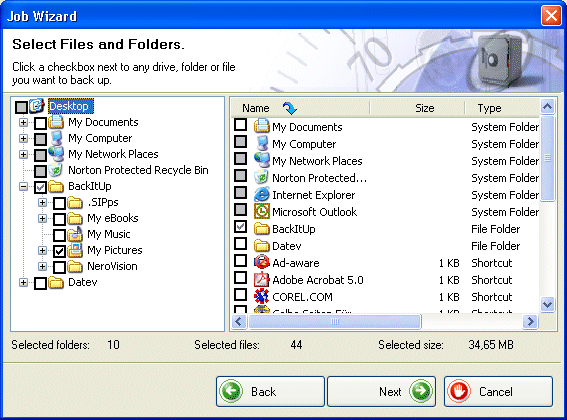
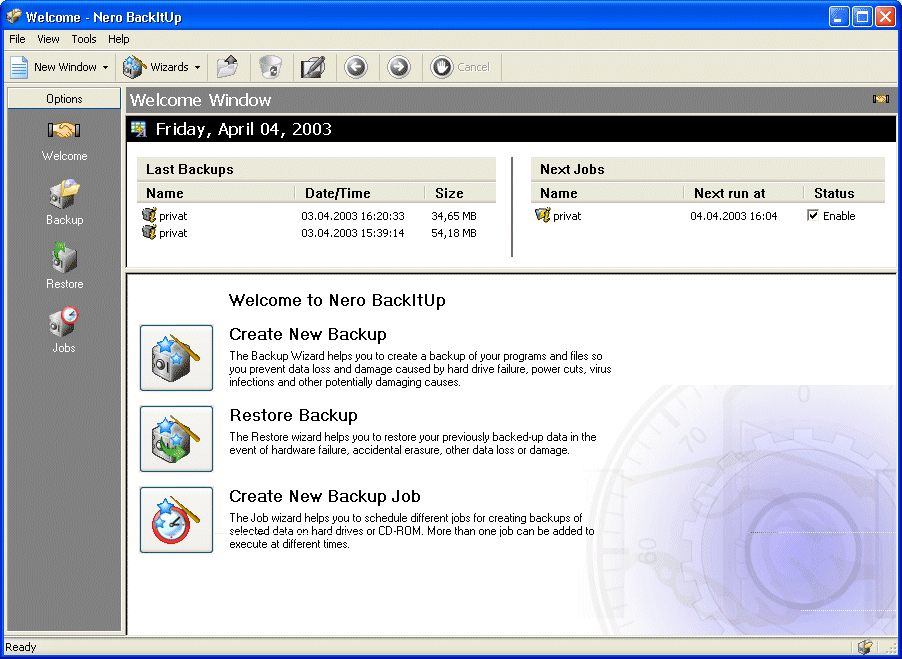
On the left window, we can see the BackItUp welcome window. We can choose between a variety of backup functions. Thanks to BackItUp, We can now delete the phrase "data loss" from your vocabulary.Nero 10 Nero 11

On the right window, all important items of information are presented in a clear and concise way - and we can even call up Cover Designer from the program interface and print a suitable cover.

Nero BackItUp also makes it possible for data to be saved automatically. We can assign folders and files via so-called 'jobs' which we have saved at self-defined intervals.

Nero BackItUp: An easy to use wizard interface allows for multiple backup modes, automatically scheduled backups, and backups spanning several CDs or DVDs.

If you are interested in using Nero 6 CD-burning software, you can visit the !Web site! to download the Trial Edition freely!!!.

The End
H O G A N
Hosted by www.Geocities.ws

1