| Video Conversions : |
| Here are some frequently asked questions and some answers to them: "How do you take the VHS and put it on the computer?" Answer : I have several ways that I can accomplish this feat depending on what I know will be the target audience. For maximum quality I use the Digital 8 camcorder connected to the computer via 1394 ieee (or ilink) for more reliability, and better quality. I prefer using Pinnacle 8 DV Studio for my editing and processing. "How do you burn (or make) Video CDs? or Super Video CDs" Answer : Simple.My prefered choice is to use Pinnacle 8 DV Studio, although I can use either Roxio's Easy CD Creator Platinum 5 edition, or Nero StarSmart. The formats in mpeg must comply with the Video CD format or Super Video CD format. It can't be just any mpeg format. Both versions require different formats. The standard for VCD or SVCD in The United States is NTSC while in other countries - it is PAL. The formats are different, but I do have the capabilites of burning either/or. The Video CDs are in MPEG1 format with a screen resolution of app. 320 x 240 and the SVCD is in 480 x 480. On a standard blank CD-R (700 MB) - a Video CD can hold about 55- 60 minutes of video, while the SVCD can only hold around 40. You have to take in comparison the size and quality of the video. Do you want quality or quantity? VCD hold a little more but in comparison isn't as good as quality as Super VCD. "How do you make the video footage into different formats?" Answer: When I "shoot" the video to the computer with either method (ilink or USB stream) I can use either of these following options: 1) Pinnacle DV Studio 8 has abilities whereas it can convert the formats to either : avi, mpeg1, mpeg2, wmv or even Real One. 2) If I am wanting a more Windows based
format then I will use Windows Movie Maker 2.0 to put the final touches on
the video so that I can compress it to more a desired format - (i.e.
dial-up, broadband etc..)
|
 |
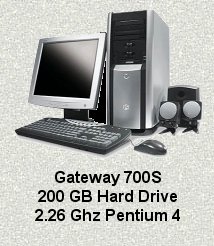 |
| Gateway 700 SE |
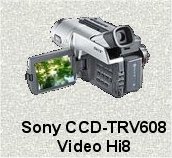
| Sony Hi-8 mm Video Camera |
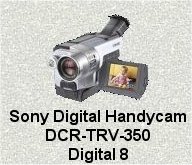 |
| Sony Digital 8mm |