
|

 HOME
HOME
 |
 |
 |
 |
 |
 |
*You must have ICQ 99b or higher version and ICQ Plus installed. Icq plus loads itself into ICQ's menu and after your first re-boot of the computer, it will load itself into ICQ automatically on startup and will always be there.
*After loading ICQ plus and re-booting your computer, you will find it in the icq menu (it is a plus +symbol).
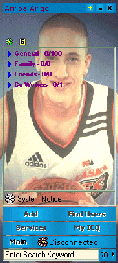
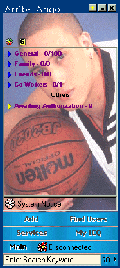
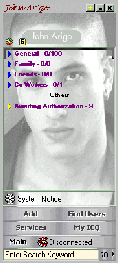
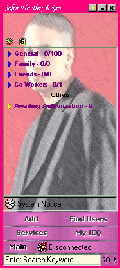
*Click on the image/theme of your choice to download the skin. You must have a WINZIP utility.
*Load the skin you just downloaded by going to your icq plus dialog box. Click on the Plus symbol. The icq Plus box will appear. Click on the "Import" Button.
*Now that you have clicked on the "import" button. A box will appear. Direct this to the place you have stored your icq plus theme (currently in .zip format) Note: The skin in .zip format dose NOT have to be in the icqplus/skins directory. Once you have done this Click on "Open" then Apply.
*Now you're done. Enjoy.
NOTE: These are for your PERSONAL USE only.