
** HOME **
How to fix T39 No Network Bug
** First of all, this article is for your reference only and I take no responsibility to any consequences or damage to you and your phone! **
One of a well known bug of T39 is "No Network"!
Before we try to fix it, lets find out why it happens.
Ask yourself, what is the most frequent key you'll press in your T39? I think the answer must be the "Yes" key. Specially you have activated the voice-dial function.
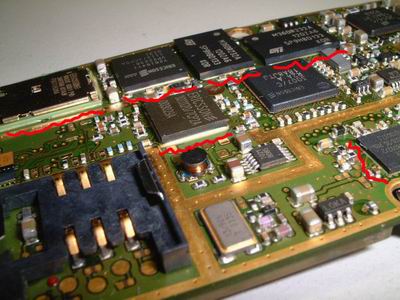
One of the poor-design of T39 is, the PA IC (to control the network) is just behind the "Yes" key, so when you press the "Yes" key too hard, the PA IC will disconnected from the motherboard! In some case, it will be cracked! If it is cracked, the only way is to replace this PA IC. But I think it is not easy to do it at home, so you better send it to some phone shop for repair.
How to fix, steps-by-steps:
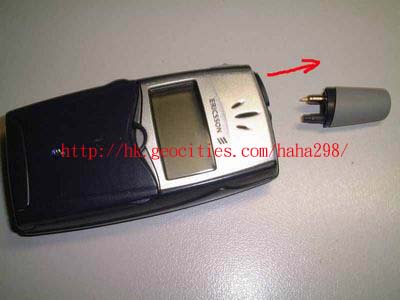
1) Pull the antenna out as show. Don't worry, you won't break it, just pull it out with some force!
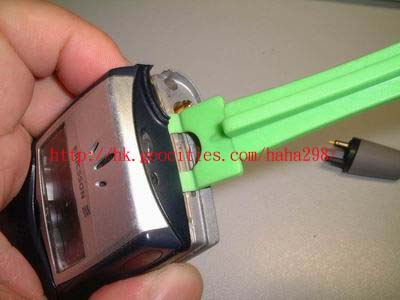
2) Open the case with an opening toys (plastic). You can find these opening tools in phone shops
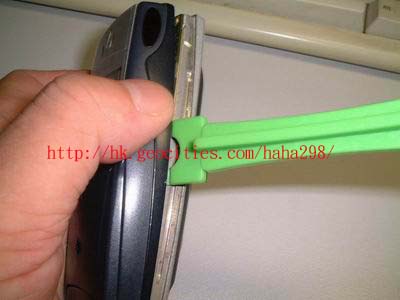
3) Open the housing carefully. Beware that there is a wire (the mic) connected between the front-housing and the motherboard. Take it off carefully!
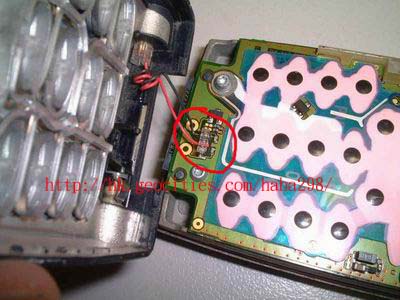
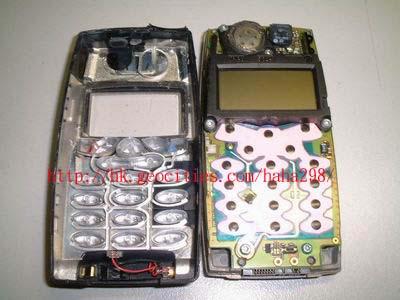
4) Take-off the motherboard with a T6 screw driver. There are 7 screws as shown (red-crosses) in the picture.
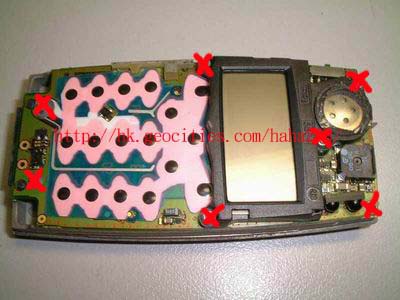
5) Take the motherboard out from the back-housing.
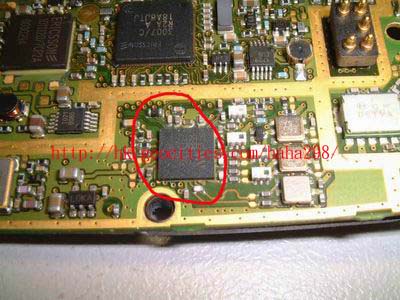
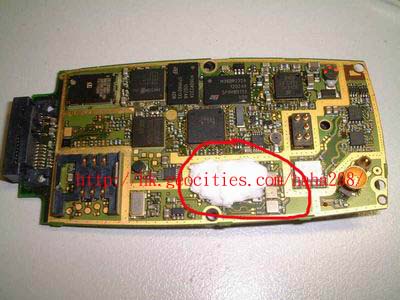
Find this PA IC (red circled in above picture). This is right behind the "Yes" key. In some newer model, this IC is protect by some epoxy glue, if your T39's ICs are glued, sorry to tell you that the chance to fix is very much lowered!
Steps:
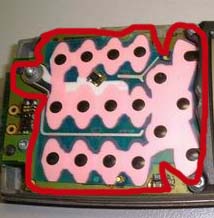
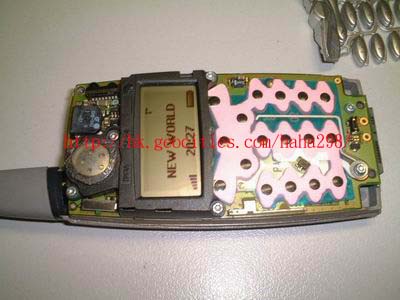
6) Now, your T39 shall work again ........... if you are lucky enough :P
** HOME **