** HOME **
3310 Upgrade
to 3315
Material
- MBUS
Cable (4-in-1 in this example) - US$5
- A flasher software, called
Knok-Phoenix
- If your 3310 have firmware
version 5.57 or below, you will need a Flash
Cable for flashing DCT3 phones - US$15
Steps
- Check your 3310 software
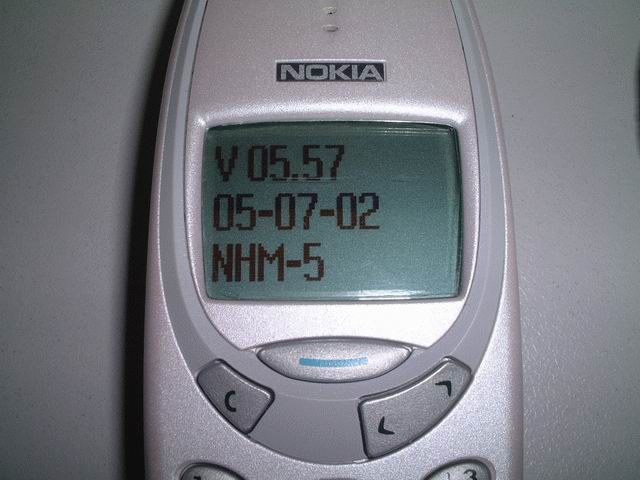
version, by pressing *#0000#
- If it is version 5.57
or up, you don't need to upgrade it by flashing, only use the MBUS Cable and
Knok-Phoenix is enough
- If you have any version
below 5.57, you need to flash your phone with your Flash Cable! For details
of flashing, I find a very good good site : Tutorial
- How To Flash Nokia Dct-3 Phones
- OK, if you have Version
5.57 or above, now connect your 3310 with the MBUS cable.
- Switch on your phone
without sim card
- Run the software Knok-Phoenix
and select Phone Model = "NHM-5 3310"
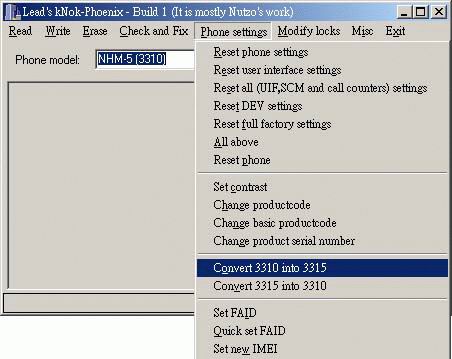
- Select function from
"Phone setting -> Convert 3310 into 3315"
- Switch off the phone
and insert sim card. Switch it on and your will have a 3315 now!
Ssoftware version 5.57
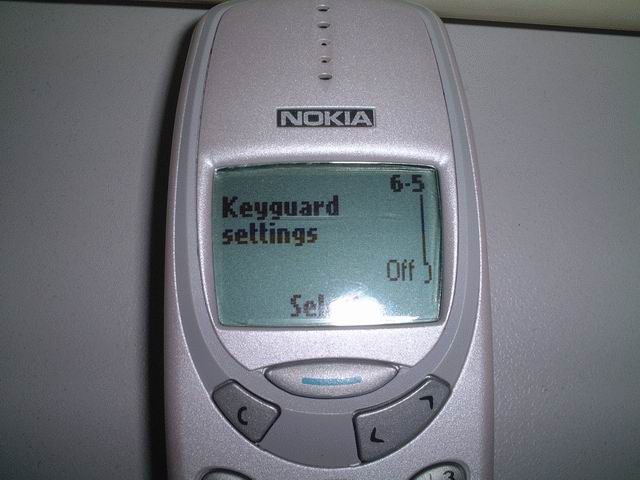
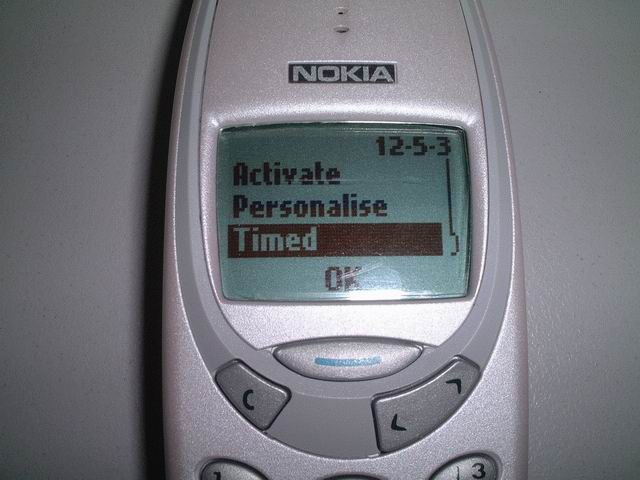
Upgraded to 3315, now with
Auto Keylock
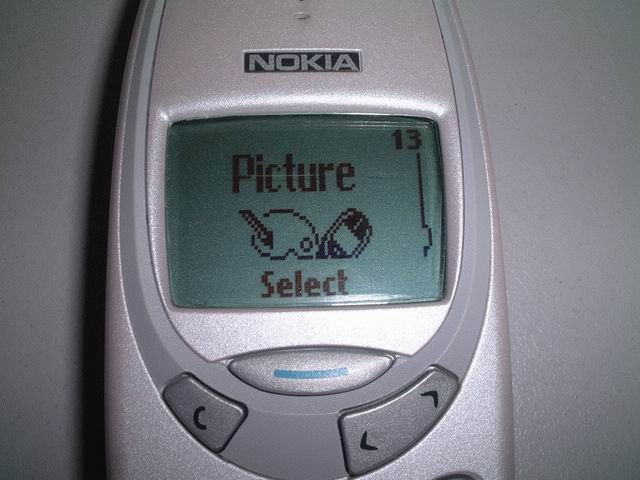
With Picture Editor
With very useful "Timed
Profile"
Drawbacks
May be the Memory of 3310
is smaller than 3315, after upgraded to 3315, I can only use 3 Voice Tags! Originally,
3310 shall have 8 Voice Tags! May be the new function, such as Picture Editor
used up some memories! When I tried to record the 4th Voice Tag, an error message
"Voice System Error" will be shown!
I have been using this "upgraded
3315" for 2 months, everything is normal, there is no auto-reboot, no hang,
and no auto-power off!
The best function is the
"Auto-Keylock", even my 8310 does not have this useful function!!
It is not faired!!!
** HOME **