 |
|
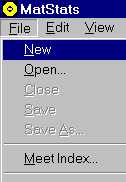
| To create a brand new score sheet do the following steps: 1) Select the New File icon: OR Select the File menu, New item: |
 |
 |
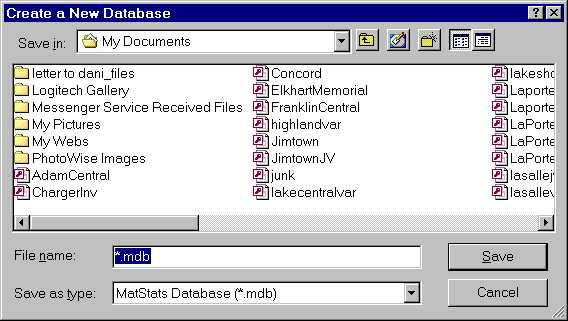
| 2) Enter a File name and then press the Save button: |
 |
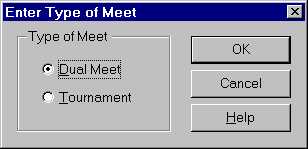
| 3) Choose whether this is a Dual Meet or a Tournamen and press OK: |
 |
| 4) Next, enter your lineup and if a dual meet, enter the opponents lineup and press OK: NOTE: Matstats remembers your lineup from the previous scoresheet entered, it also remembers all wrestlers ever entered for each weight group, so once the name is entered for a weight group, you need only select it from a list. |
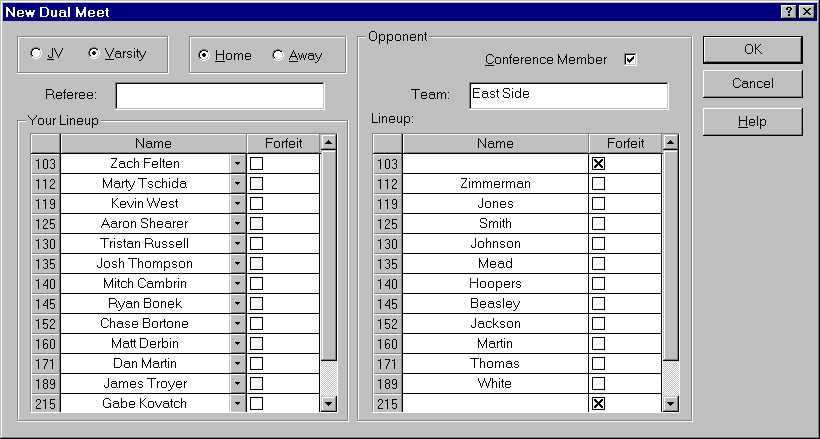 |
| 5) An empty score sheet (except for the names) will be created, to start entering match results, simple double click in the 1st period column in the row of the match that you wish to enter: |
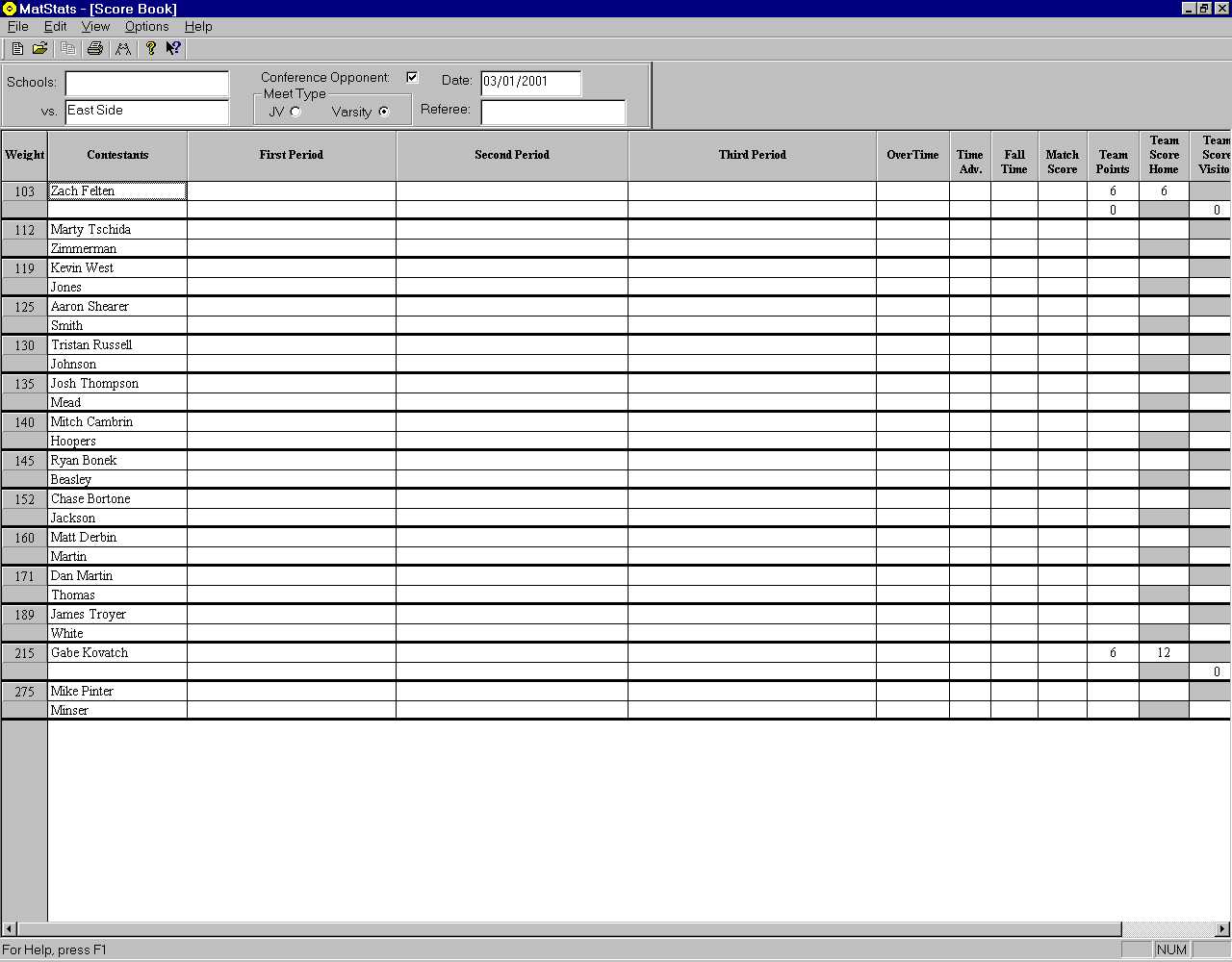 |
| 6) Enter in the scoring for this match in the 1st period. When the 1st period is over, press Next Period. Another dialog box will be displayed similar to this one except it adds Choice and Who made the Choice options. There are other dialogs for the 3rd period and overtime if the 3rd period ends in a tie. MatStats automatically figures out the team points and adds them to the score sheet: |
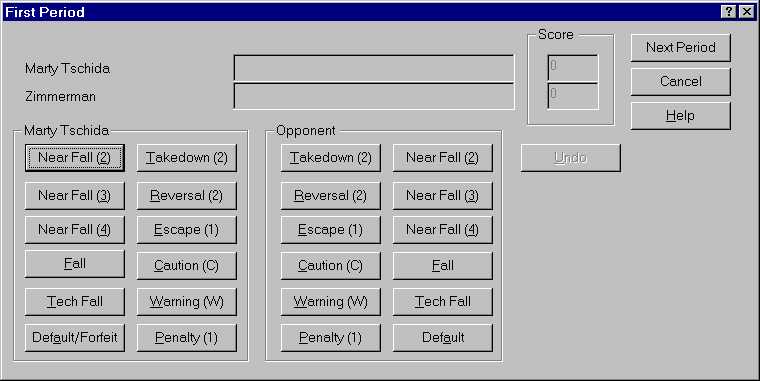 |
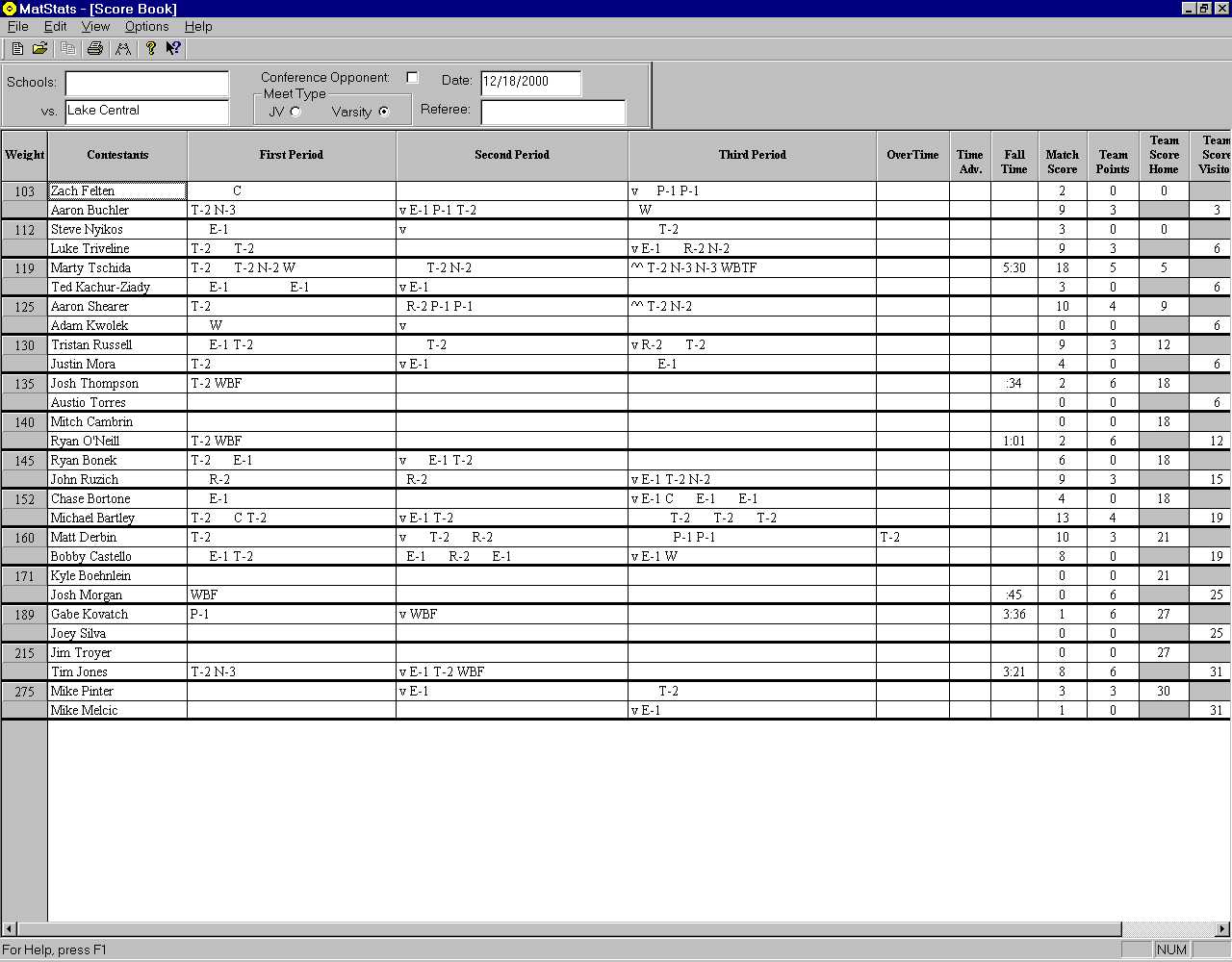
| 7) An example of a finished score sheet: |