NAYORI GRAPHICS 2006
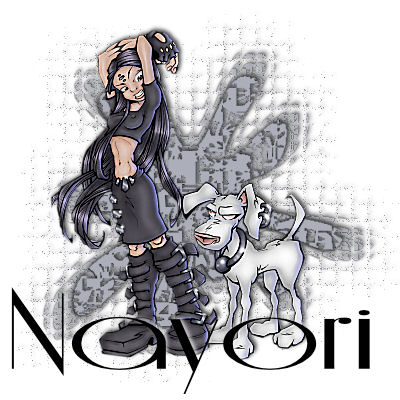
Basically what we are making is a background for a sig tag. You can save it and add different tubes, names or whatever to it later. You can also change the colors of the background in PSP whenever you want.
What you will need for this tutorial is, PSP 9 you can get a trial version HERE
VM Distortion Filter which you can download ( it is the third one from the bottom of the list )HERE
A tube of you choice, or you can have mine. I am not sure
where I got this one, so if it belongs to you or you know who
should be credited, please let me know. ( I think it is a Rion )
TUBE
Okay, lets get started. Open in PSP a 400X400 transparent image.
You will need to have your tube open to pick the colors your are going to use.
Make your foreground color black and your background a color from
your tube. Click on your preset shapes tool and choose INK BLOT.
Your Width should be 1.00 and anti-alias checked.
Draw a large ink blot in the center of your canvas. In your layer pallette this will show as Raster 1. Right click on this layer and duplicate, we will be working on the Copy of Raster 1.
Now click on your magic wand and use the following settings.

Now we are going to add some effects. Go to Effects~Plugin Filters
~VM Distortion ~Tilomat 2000. Use the following settings.
XTiles ~ 13, YTiles ~ 2, Wierdness ~ 96
Randon Seed 1 ~ 71, Random Seed 2 ~ 184.