 |
| Screenshot Gallery |
| Click on a picture below to view it in full size |
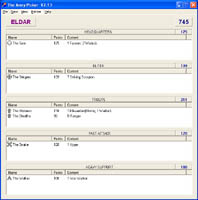
| The Main Window: This is the main Graphical User Interface of the program, with detailed information on Army, Units, Models and Points |
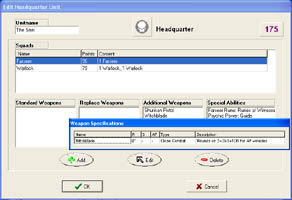 |
| Add a Unit: The main trooptypes consist of Units. In this window you can add or edit Units. By rightclicking on a weapon or special ability, a detailed description is displayed. |
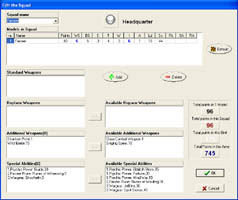 |
| Edit Squad: A Squad consists of Models, each with it's own weapons and special abilities. The characteristics of a model can be altered if needed by simply filling in the desired value. The color of an altered characteristic is blue for higher values and red for lower ones. |
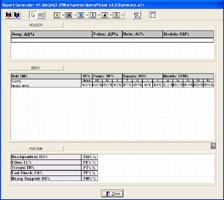 |
| The Report Generator: This module can be used to create your own reports on paper! It creates template files, that are used by the program to print army listst to paper. The variables are divided into 6 groups: Army, Unit, Squad, Model , Weapon and Special Ability. |