
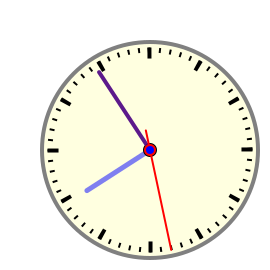
SVG Viewer installation should be done whith all the browsers closed!
If you have Acrobat Reader installed,
you should copy the following files to your Classilla Plug-ins Folder:
Applications/Acrobat Reader 5.0/Web Browser Plug-in/SVG Plugin
Applications/Acrobat Reader 5.0/Web Browser Plug-in/SVGViewer.zip
To display the graphic, open one SVG file and tell the browser to use:
Applications/Clasilla/Plug-ins/SVG Plugin
This action it will be needed only once!