Spyware Removal Instructions

         
NOTE: The steps must be followed as mentioned and in the order given below. After every step restart the computer and confirm that the spyware still exists and then continue with the next step. Try and follow all the steps given below in safe mode.
         

Warning:

Please check all the entries listed by the anti-spyware software to make sure you do not delete any entry used by a legitimate software eg: A remote administration software provided by the computer manufacturer.


* Download, install and run ad aware. Delete any infections found.

* Download, install and run spybot. Delete any infections found.

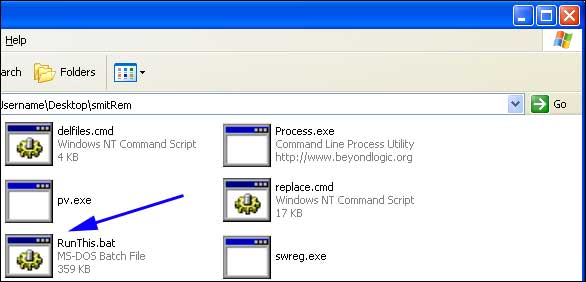
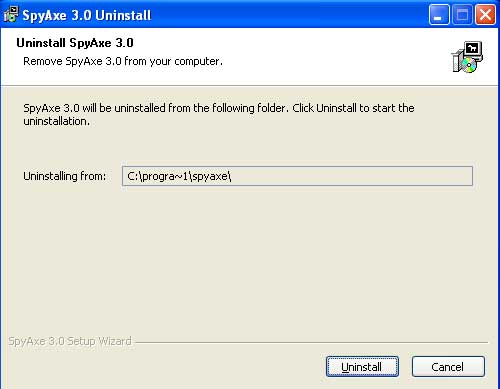
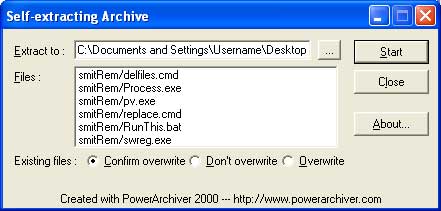
* This step is specifically for removing spyaxe. If your problem is being caused due to this software then follow the steps given below otherwise skip to the next step. Before we move forward with the removal here's some information about the program:

Spyaxe is a anti-spyware program that is known to issue fake warnings on your computer in order to manipulate you into buying its full commercial version. If you are infected with this program you may receive warnings in your task bar that appear to be from Microsoft Security Center stating that you are infected with spyware and to run its special anti-spyware tool. This tool turns out to be the commercial version of Spyaxe. These warnings are fake and are a goad to have you buy the commercial version of this software.
* Download the trial version of ewido. * Uninstall the programs listed below: (if present) * In some cases spywares create entries in the hosts file. To automatically repair the hosts file download The hoster and run hoster.exe. Press the Restore Original Hosts button and then press the OK button. When it's done exit the program.

* There might be situations wherein a website like the one for an online virus scan may not open or the other way around a malicious website is shown as a trusted site in internet explorer. To correct this download the DelDomains.inf file by right clicking on the link and select save as and save it to the desktop. Once the file is downloaded locate it on the desktop. Right click on the file and select install.

Important: You do not get any confirmation message or screen activity after you click on install. Please take care while performing this step because this will remove all entries in the trusted and restricted sites and ranges.

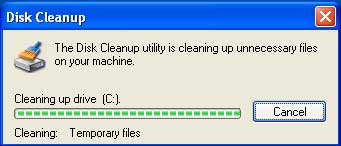
* Download, install and run CleanUp!

* Run the online panda virus scan called ActiveScan to clean up any left over traces of these infections.

* In most cases the steps performed above should solve the problem. If your spyware problem is not solved even after performing the above mentioned steps you can download HijackThis and post the log files on the HijackThis Forum that is dedicated to solving queries regarding these log files.


§§§ This is a self help guide and is provided as is. Use it at your own risk §§§


Hosted by www.Geocities.ws

1