devUtils
devUtils is a software designed to aid Visual Basic programmers and developers by providing tools that make programming easier and faster.
The features of the software include:
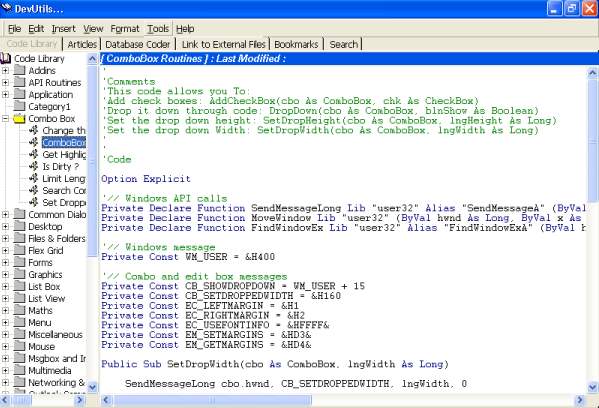
1) Code library : It is a repository of frequently used codes, generated by the user, or procured from other sources. The user can create logical sub folders to manage and efficiently use the codes that he/she has stored. The normal install of the software comes with a repository of more than 200 codes.
The codes are displayed in an RTB and has automatic code colorizing.
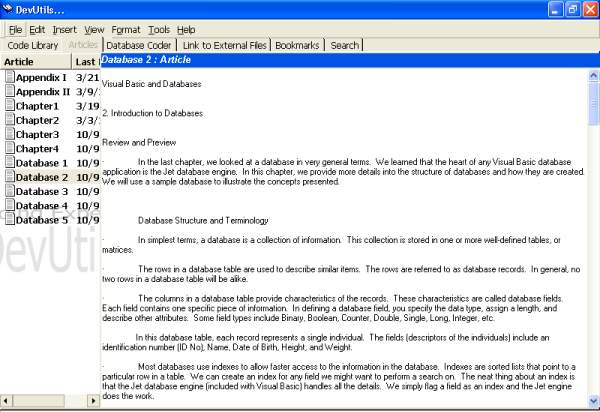
2) Articles Repository : The user can use this module to store articles, tutorials and papers for future reference. The articles are stored in an internal file format and displayed in a complete text editor. The text editor can itself be used for file creation and article generation. The module also has tools for the maintenance of the rich text articles.
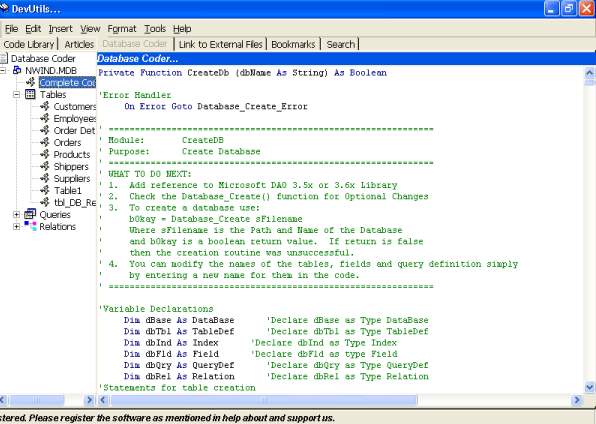
3) Database coder : The most innovative module of devUtils is the database coder. This utility allows the user to select any MS Access database, and generates database construction code in VB. The code generated, when used form within any VB application, can generate the database, with the exact same table, query and relation definitions. The user can simply cut and paste the code and use it within his/her VB application.
4) Bookmarks : The user can keep bookmarks to frequently used codes, articles or database codes. devUtils provides utilities to manage the bookmarks.
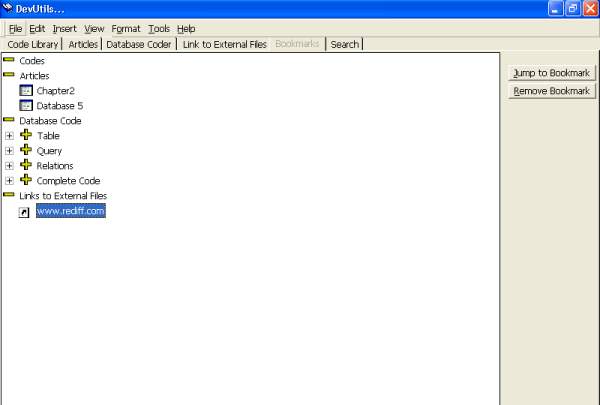
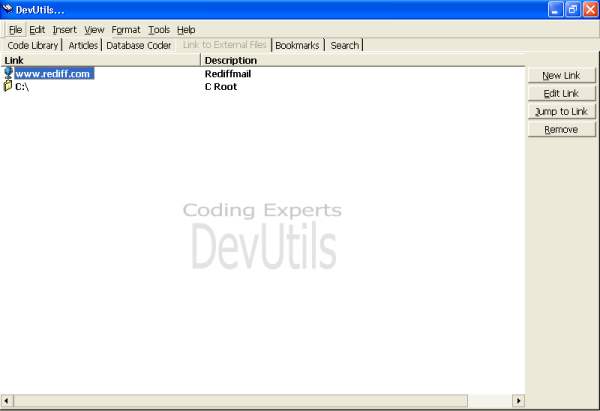
5) Links to external files : A list of favorite links to files, web-addresses and locations can be maintained and used.
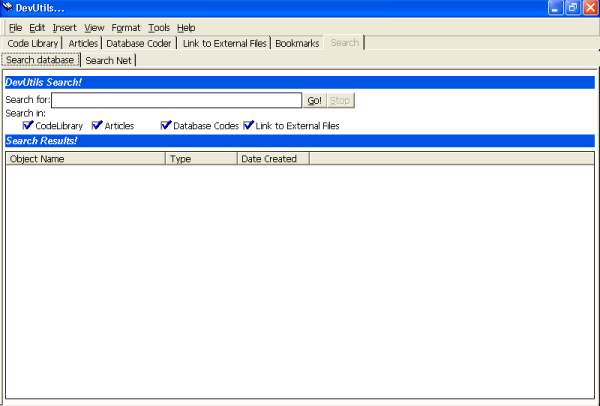
6) Search : devUtils provides a search module which provides for local searches in the codes and articles; and Internet searches from popular web-search engines like google, yahoo and altavista.
7) Advance Tools : API error lookup, API Spy, Menu Grabber, Window List are tools which are provided to aid developers to look up error definitions, API definitions and copy menus directly.
8) Error handler generators : These generate error handlers for subroutines and functions/sub-functions.
9) Wizards : To generate code for subroutines, message boxes, registry settings and reference colors and validate declarations.
10) File Utilities : devUtils files can be backed up using a backup utility. They can be documented using a documentation tool. Entire projects can be analyzed using a Project analyzer. The analyzer outputs a report that gives complete information in a VB project ( *.vbp ). It extracts forms, functions and subroutines, and gives information on declarations and lines of code used for each.
11) Microsoft Agent Assistant : Provided for users to get accustomed to the software.
Screenshots of the software