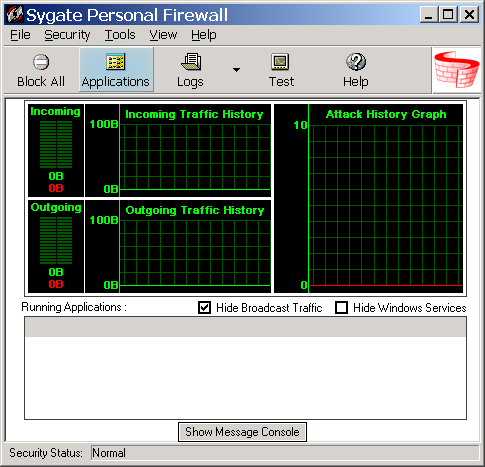
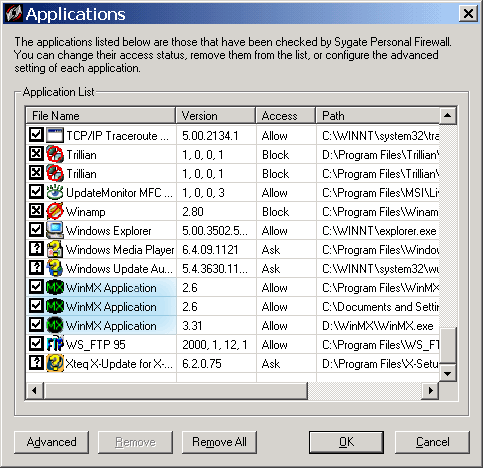
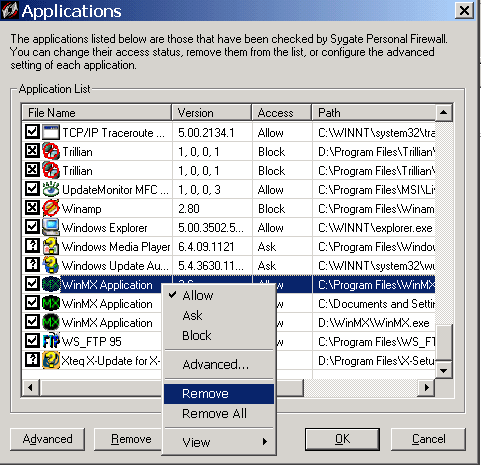
installed versions will be listed. If this is the case it might be a good idea to delete them all
from the list, right click select "Remove" then click "OK".
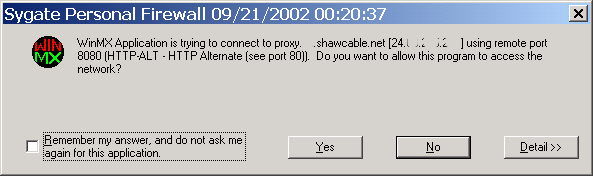
Next time you start WinMX a box will pop-up asking if you want to allow this program to connect, check the box for "Remember my answer..." then select "Yes".
Act as Client
Act as Server
Allow ICMP traffic
Allow during Screensaver mode
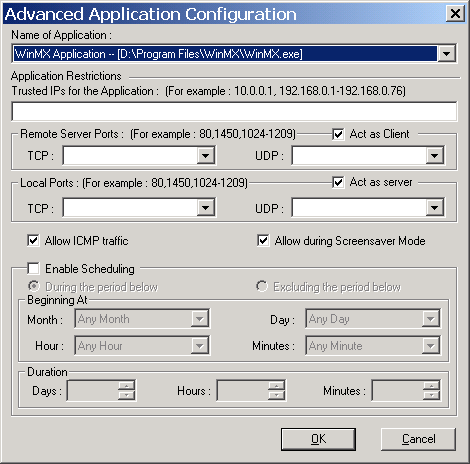
You can also limit the ports WinMX can
use on your computer by adding WinMX's TCP and UDP ports to the
"Local Ports" boxes. Leaving the boxes empty allows WinMX access
through any port numbers on your computer. Just leave "Remote Server
Ports" empty.
Then click OK on the Advanced screen and OK on the Applications screen.