|
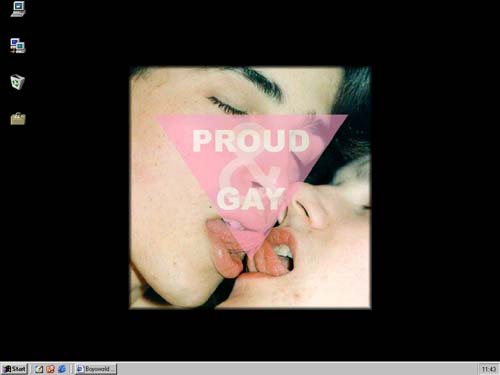
Get a cool background You can have this cool background on your computer:
Follow the instructions below:
You may want to change the background-colour to black as well ;-) Then the image should be shown as above!
Gay & Proud!!!
Feel free to use any material from this site as long as you refer your readers
to our web-address. |