You first need to get to the Walgreen's Photo Center web site. When you get there, remember to Bookmark, or make it a Favorite, this web site location. You can get there from here by clicking on this link, http://photo.walgreens.com/
Once there, you will see something that looks like this :
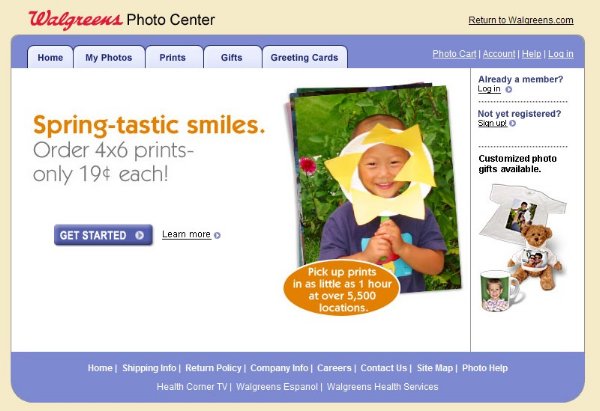
On the righthand side near the top, you will see Log in . Click on it and enter your User Name and Password. These were supplied in an earlier e-mail, but send an e-mail to the Scoutmaster if you've lost it. Once they are entered, click on the Log In button.
You will see a window that looks like this:
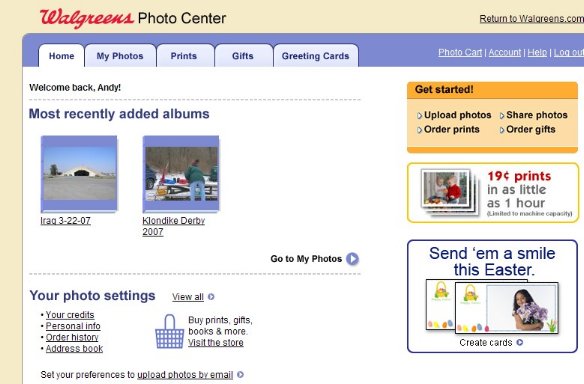
You can see the various albums
available at this point. Double-clcick on any one you want to see.
From this point forward, you are on your own. You can look at them as
a slideshow, you can copy them, even in Hi-Resolution, or you can
order copies and pick them up in about one hour at Walgreen's.
Please don't forget to Log Out before you leave the Walgreen's site.