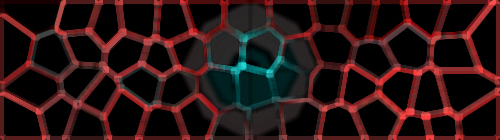
Right, in this tutorial we'll be learning how to make this neat affect:
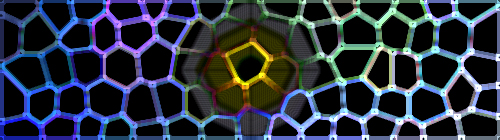
Makes a good background signature images or avatars or whatever you might want/need. So, let's get started, eh?
The first step is to make a new document. Simple. I used the size 500x140. No background. Next, take your gradient tool and select a a foreground and a background color that are similer. Such as, 2 reds, 2 blues, whatever. Just make sure they CONTRAST.
Now, set the gradient tool's mode to Difference and go crazy. Use different kinds of gradients, different sizes, whatever. Just keep going until you get something you like. This is mine:
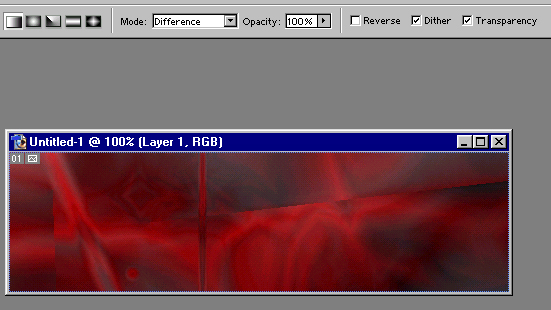
Once you're happy with your gradient, time to apply a few filters. First is the Stained Glass filter (Filters < Texture < Stained Glass). The settings may differ with each picture, but here's a good starting point:
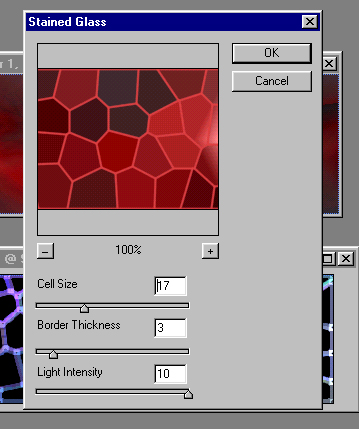
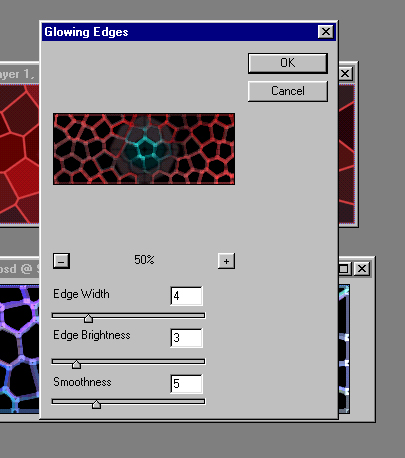
Neat, isn't it? Now then, our second and last filter. It's the Glowing Edges filter. Now, here's where the settings can really be different, and can really change the effect. I used the following:
After applying the filter, you'll have the finished effect. Pretty nifty, eh? Here's what I got: