
Step 1: Position your camera where you want
Step 2: Push the Scroll Lock button on the screen, to remove the text from the screen
Step 3: Push the Print Screen button
Note: Both of these buttons are on the same row as, and to the right of the function keys (F1-F12).
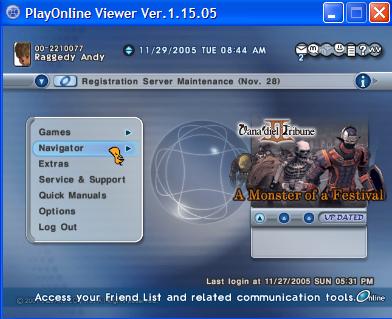
Log into POL and select the Navigator on your menu.
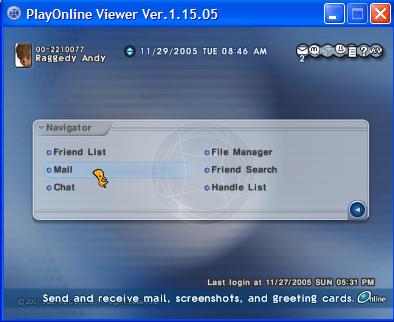
Select mail
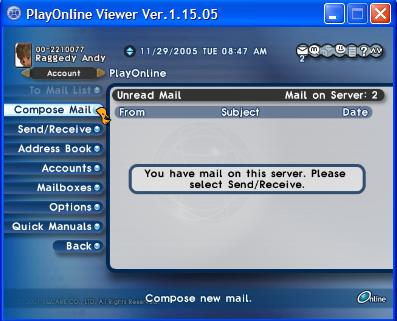
Select Compose
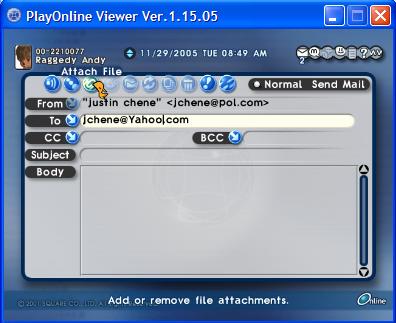
Type in [email protected] on the TO: line and then select Attachments to attach your files
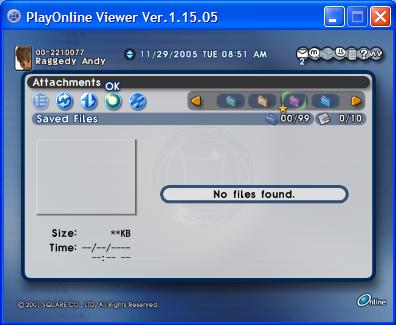
A list of your screenshots will appear, select the ones you want to send (up to 10 at a time), then select ok. You can include a message on your e-mail and then select send.