
Click here for more examples.


|
|
|
|
|
|
|
|
|
|
|
|
|
|
|
|
|
|
|
|
|
|
|
| ~ 3 ~ | ||||||||||||||||||||||
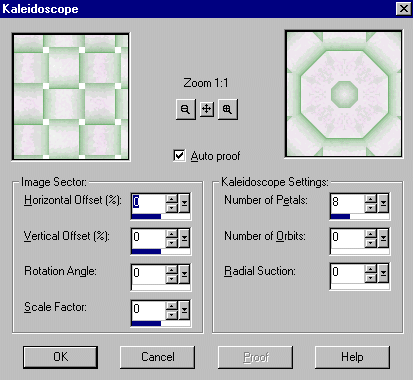
| For our next step, we will go to images, effects, kalaidoscope and apply according to the following settings: | ||||||||||||||||||||||
|
||||||||||||||||||||||
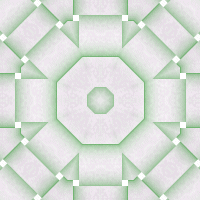
| Your image should look like this: | ||||||||||||||||||||||
|
||||||||||||||||||||||
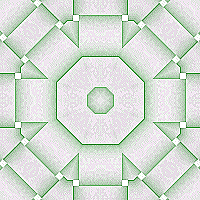
| Next, go to images, filter browser, edge enhance more (effects, effects browser, edge enhance more in 7.0). Your image should look like this: | ||||||||||||||||||||||
|
||||||||||||||||||||||
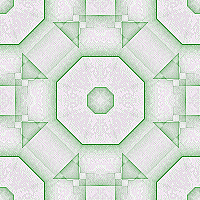
| Our final step is: images, plug-ins, simple, quick tile at 50% and we're done...your final image: | ||||||||||||||||||||||
|
||||||||||||||||||||||
| We hope you've enjoyed this tutorial and have some fun with it. Any questions? Email us! Click here for more examples. |
||||||||||||||||||||||
|
||||||||||||||||||||||
|
||||||||||||||||||||||