


|
|
|
|
|
|
|
|
|
|
|
|
|
|
|
|
|
|
|
|
|
| ~ 2 ~ | ||||||||||||||||||||
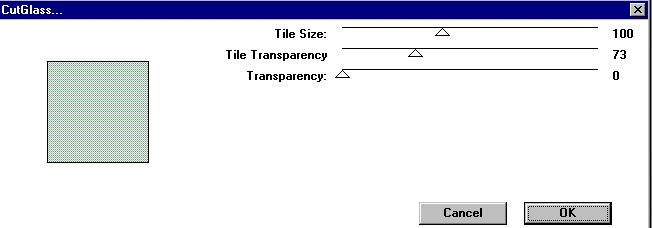
| The next step is to apply the "Cut Glass" filter. Go to Images, Plug-ins, Crescent Moon, cut glass and apply with the following settings. | ||||||||||||||||||||
|
||||||||||||||||||||
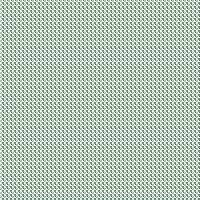
| Your image will look like this: | ||||||||||||||||||||
|
||||||||||||||||||||
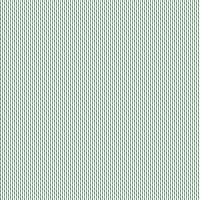
| Next, go to images, plug-ins, Simple and apply the Diamonds filter...your image will then look like this: | ||||||||||||||||||||
|
||||||||||||||||||||
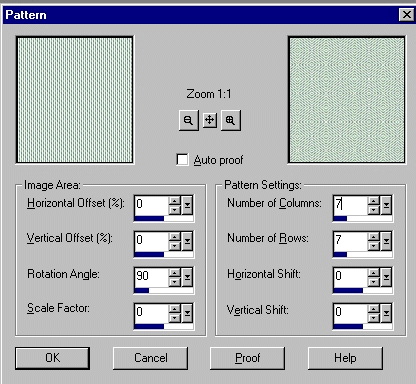
| Our next step will be to apply the pattern. Go to images, pattern and apply with these settings: | ||||||||||||||||||||
|
||||||||||||||||||||
|
||||||||||||||||||||
|
||||||||||||||||||||