




|
|
|
|
|
|
|
|
|
|
|
|
|
|
|
|
|
|
|
|
|
| ~ 2 ~ | ||||||||||||||||||||
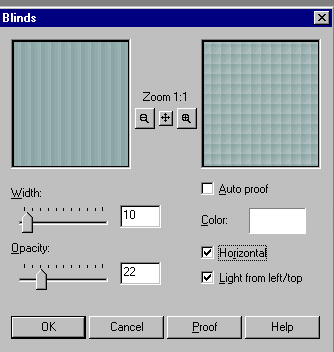
| Our next step is to apply the image effect blinds once again, using the settings below: | ||||||||||||||||||||
|
||||||||||||||||||||
| Your image should now look like this: | ||||||||||||||||||||
|
||||||||||||||||||||
| Our next step will be to go images, plug-ins, simple to apply diamonds. Your image should look like this: | ||||||||||||||||||||
|
||||||||||||||||||||
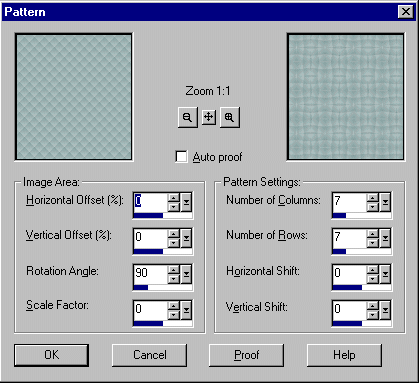
| Next, we will go to images, effects, patterns and apply using the settings below: | ||||||||||||||||||||
|
||||||||||||||||||||
|
||||||||||||||||||||
|
||||||||||||||||||||