
On to the next mask......
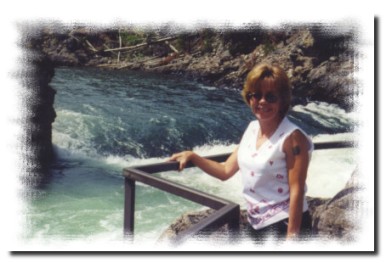
The pic to the right is yours truly. :) The photo edges have a mask on them. Now that mask was simple to make and it saved with no problems.
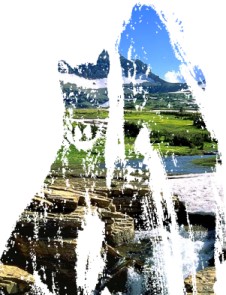
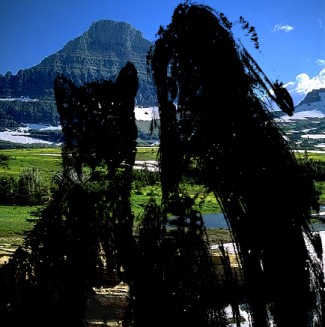
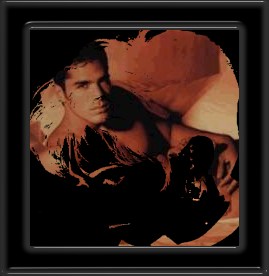
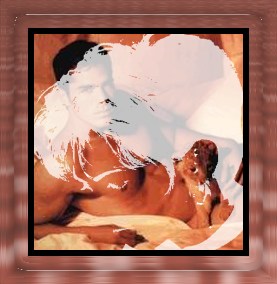
On the two images below..I took the freehand tool and cut the image of the indian lady and cat out..then used the image as a mask on top of another photo. After decreasing the lady and cat to black & white I masked the mountain photo..then did colors/negitive on the mask and reversed the blacks to whites then masked the photo again. I would like to have set the mask to semi transparent so that the lady and cat are more ghost-like in the photo on the right.. but..havent figured that one out yet.
and then.......
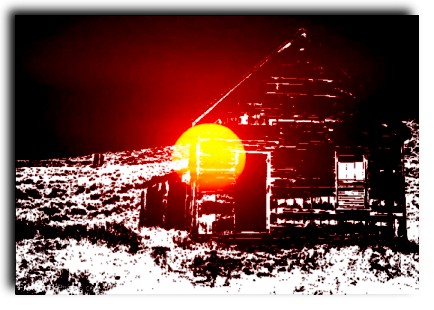
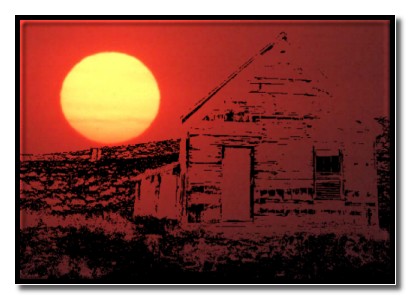
I cropped the sunset photo so that the sun was more to the top corner and not the middle...did a invert on the mask photo to reverse the blacks to whites..then masked the sunset again
And as before..the save mask to disk was greyed out. I can make em but not save em.
Home Back