Photoshop Grass Tutorial in Six Simple Steps:
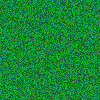
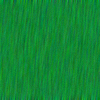
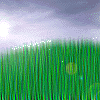
1. Create a 400x400 pix document and fill color with grass green 2. Add some noise filter 3. Put in some Motion blur
 |
 |
 |
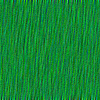
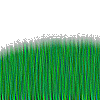
4. Use Sharpen Edges filter to clean up the blur 5. Then erase the upper half of the image using a rough brush and shape like a hilltop 6. Then add some Clouds and top it with some Lens Flare and you are done.
 |
 |
 |