 |
 |
 |
 |
 |
 |
|
| Save As Person Picture |
| FINAL ANIMATION |
| << Save As Image 2 |
| << Save As Image 3 |
| FINAL #2 PICTURE |
| FINAL #3 PICTURE |
| FINAL #4 PICTURE |
| << Save As Image 4 |
 |
| FINISHED ANIMATION |
 |
 |
 |
 |
 |
 |
 |
 |
 |
 |
 |
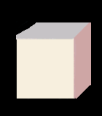
| save as 1 |
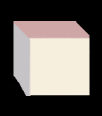
| save as 2 |
| save as 3 |
| save as 4 |
| finished 1 |
| finished 2 |
| finished 3 |
| finished 4 |
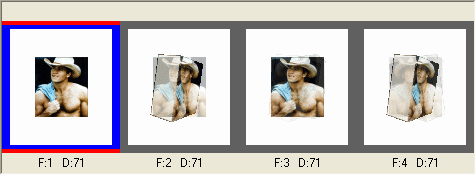
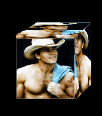
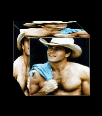
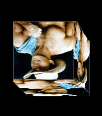
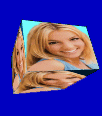
| Finished animation of a boxed man |
| This is another way to do boxes |
|
| Page Made By Jane The Frog Feb 23 2004 |
| All Boxes and Animation Made by Jane |
| This is more Advanced then above , |
 |
|
|
 |
 |
 |
 |
 |
 |
 |
 |
| finished 1 |
| finished 2 |
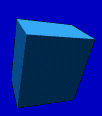
| finished 3 |
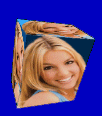
| Finished animation of a boxed lady |
| save as |
| Save As girl for box |
| save as |
| save as |
| Under Image is INCREASE COLORS |
| keep optimized file animation under 14.5 k by moving bar of better image quality up and down |
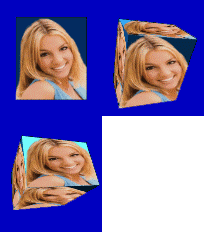
| This is same as above except you add pix in each part of the box |
| This is same as above except you add pix in each part of the box |
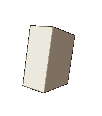
| open up person picture change colors to 16 million colors open up image 1 change colors to 16 million colors go to selection tool MAGIC WAND click with mouse, on box ( the dark grey area ) until theres a selection around box, where picture goes click with mouse, on person picture go to Copy, click with mouse click with mouse 1 image go to PASTE PASTE AS, INTO SELECTION SELECT NONE save as image 1 .gif |
| FINAL #1 PICTURE |
 |
| SELECT NONE is under Selections |
| Under EDIT is COPY and PASTE Funtion |
 |
 |
 |
 |
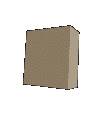
| open up image 2 picture change colors to 16 MILLION COLORS go to selection tool, MAGIC WAND click with mouse, on box ( the dark grey area ) until theres a selection around box, where picture goes click with mouse, on person picture go to COPY, click withy mouse, click with mouse 2 image go to PASTE PASTE AS. INTO SELECTION SELECT NONE save as image 2 .gif |
| SELECT NONE is under Selections |
| Under EDIT is COPY and PASTE Funtion |
|
|
|
|
| Under Image is INCREASE COLORS |
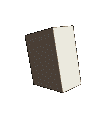
| open up image 3 picture change colors to 16 MILLION COLORS go to selection tool, MAGIC WAND MIRROR the person picture << new part makes the box look like its rotating better click with mouse, on box ( the dark grey area ) until theres a selection around box, where picture goes click with mouse, on person picture go to COPY, click withy mouse, click with mouse 3 image go to PASTE PASTE AS. INTO SELECTION SELECT NONE save as image 3 .gif |
|
|
|
|
| SELECT NONE is under Selections |
| Under EDIT is COPY and PASTE Funtion |
| open up image 4 picture change colors to 16 MILLION COLORS go to selection tool, MAGIC WAND MIRROR the person picture << new part makes the box look like its rotating better click with mouse, on box ( the dark grey area ) until theres a selection around box, where picture goes click with mouse, on person picture go to COPY, click withy mouse, click with mouse 4 image go to PASTE PASTE AS. INTO SELECTION SELECT NONE save as image 4 .gif |
| Under Image is INCREASE COLORS |
|
| Under Image is INCREASE COLORS |
|
|
|
| SELECT NONE is under Selections |
| Under EDIT is COPY and PASTE Funtion |
 |
|
|
| open up ANIMATION SHOP ANIMATION WIZARD check box same size as first image next check box upper left corner of the frame check box with canas color next check box yes repeat animation indefinity i use.......... speed on this animation next click on add image add 1 picture you saved open |
| click on add image add 2 picture you saved open |
| click on add image add 3 picture you saved open |
| click on add image add 4 picture you saved open |
| 71 |
| a pop up apears showing the frames |
| go to view to view the Animation file save as .............. .gif |
|
|
| << Save As Image 1 |
 |
 |
 |