!1. Right click on desktop one time...drop down to new and up to folder...left click folder...then hit enter bar this will put a new folder on your desktop...
2. Next you need to rename your folder... right click the new folder once.. click rename...hit backspace bar and type in sounds...hit enter bar...
3. Download wav sounds
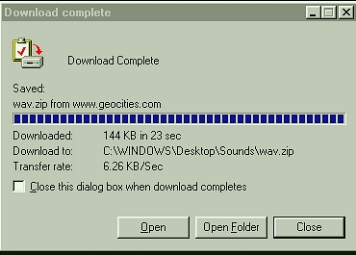
4.Window will pop up... left click Save..
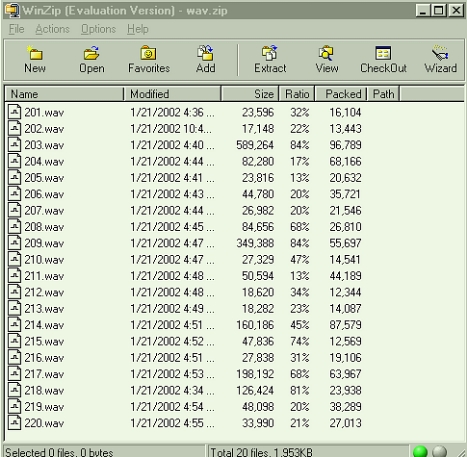
5 Left click open after its loaded...
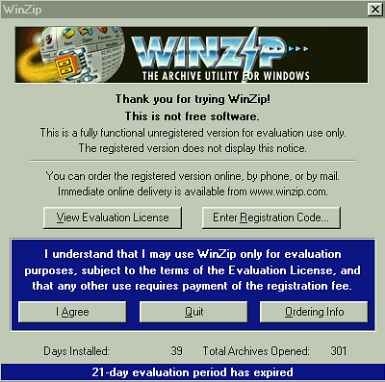
6. Left click ..I agree...
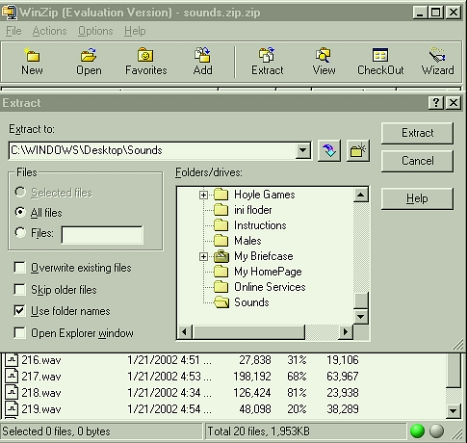
7 Click extract...
8. Save in C:\WINDOWS\Desktop\Sounds
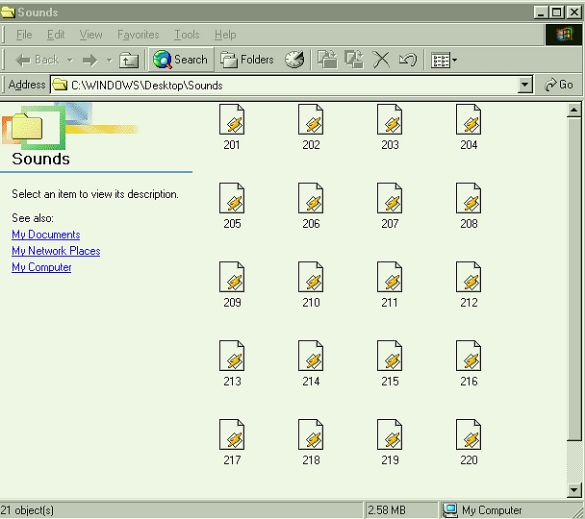
9. Open Sounds folder on your desktop...go to Edit and click select all..
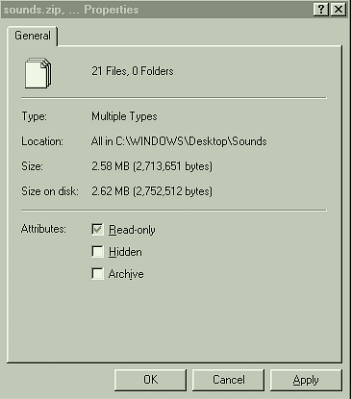
10. Go to File...click properties...make read only...click apply...
ok or done..
11. Go back to Edit and click copy....all the sound wav's must be highlighted before clicking copy...
12. Open My Computer...
13. Open C: drive
14. Open Program Files Folder
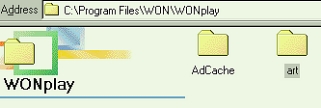
15. Open WON Folder..
16. Open WONplay Folder...
17. Open art folder...
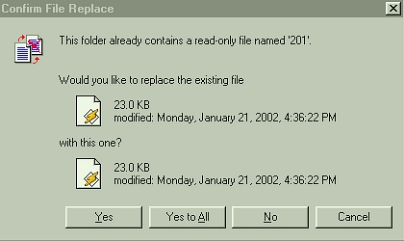
18. Right click in the art folder and click paste.. then yes to all
My files are the same size but...I already have the
new sounds installed...ENJOY !! |