


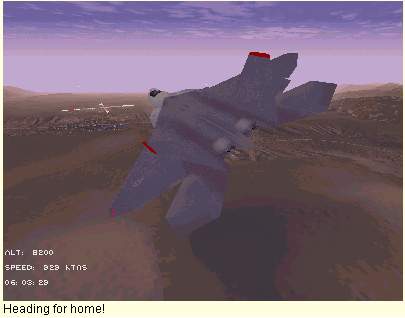
The easy way, you must be within 15 miles of the airfield and gain permission to land by selecting radio frequency PUSH 1, select it by pressing 1 on the keyboard.
Request permission for recovery from the tower by picking option 2 Airfield, and then choosing option 2, "FOR RECOVERY" (or options 3, 4, 5 depending on your urgency!) from the menu on the top left of your Helmet Mounted Display, when the tower grants permission reply by pressing Y on the keyboard.
Go to the Systems MFD by pressing 0 on the extended keyboard, press the relevant MFD button to select the Auto pilot mode on that MFD, and then select landing on the Auto pilot list of buttons, then engage the Auto pilot by pressing A on the keyboard.
NOTE the Auto pilot will land the F22, and taxi it back to a parking slot, all necessary messages, and steps will be handled automatically. You will only be responsible for engine shut down once parked.
When you need to return to an airfield it will be for one of five reasons:
1, You are following your pre planned route.
2, You have requested a vector for recovery at your mission start base.
3, You have requested a divert airfield from the AWACS.
4, You intend to land at an airfield of your choice.
5, You are low on fuel, you request a vector to Texeco. (air refueler)
Texeco is out of range.