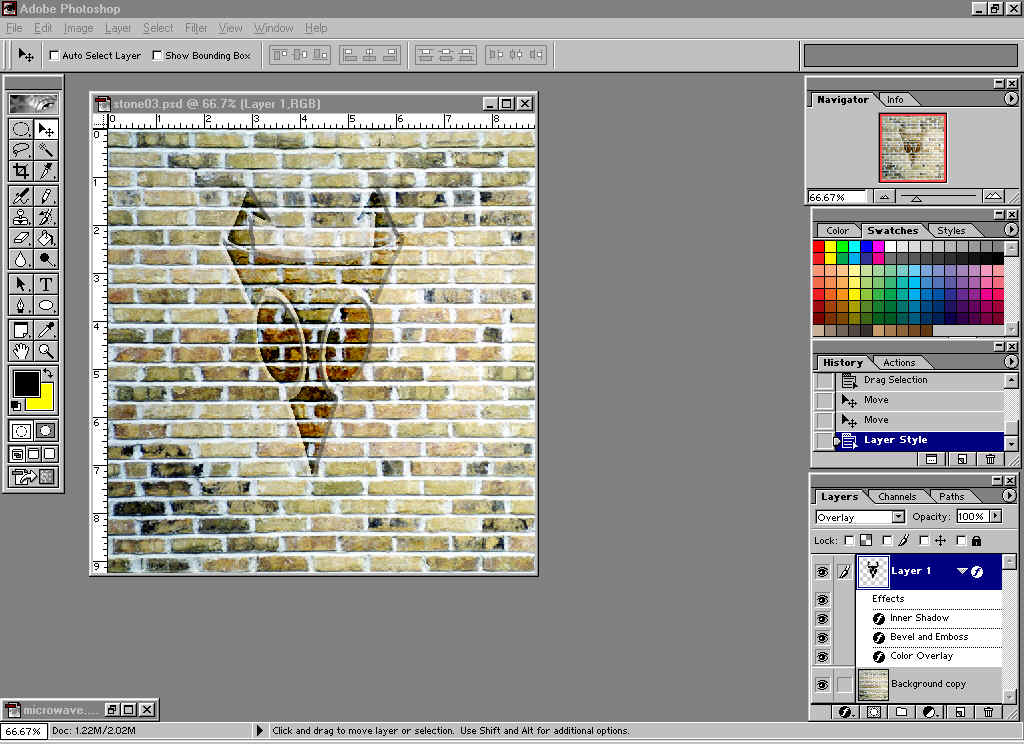
How to do a wall carveing tut
Open 2 pictures.
1 B&W simple clipart or text. go to barrys clipart. www.barrysclipart.com
1 pattern background or picture of a flat surface (i.e. wall, Door, rocks, grass. Easy to do if the face is faceing you A good place to get this is
http://www.3dcafe.com/asp/photographs.asp
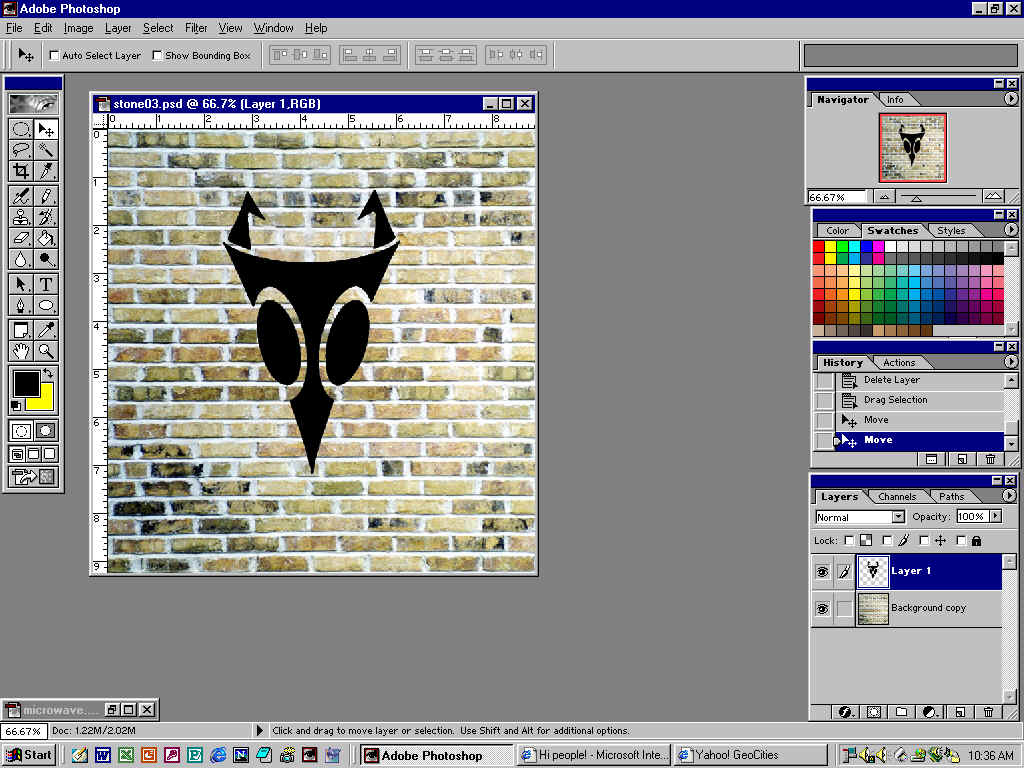 Remove all white by using the magic wand (make sure contagious is not on)
Click on white. And inverse selection (or just click black and not click inverse)
Use the Cut/drag tool to drag onto the background.
Remove all white by using the magic wand (make sure contagious is not on)
Click on white. And inverse selection (or just click black and not click inverse)
Use the Cut/drag tool to drag onto the background.
Make this layer Overlay. Use free transform to morph into the size that fits you.
Open blending options for the clipart.
Blending options- General Blending
Blend mode: overlay
Opacity: 100%
Adv. Blnd.
No knockout
Blend interior eff as grup on-
Blend if gray
Inner shadow
Blnd mode Overlay Black 85%
Bevel & Emboss
Style outer bevel or Pillow emboss
Tech; chisel hard
Color overlay
Blend mode: color: black: 49%
Play around with textures to help it fit and look better.