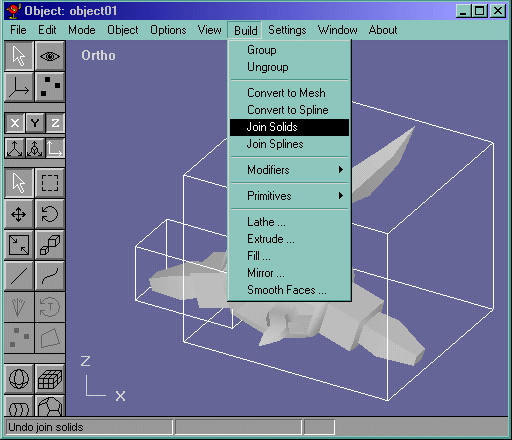
 . The mirrored model should now look like its part of the original model. Now go back to object edit mode and select both the objects and go Build->Join Solids like in Figure 5
Here I am going to show you how to mirror objects and join them into 1 solid in anim8or
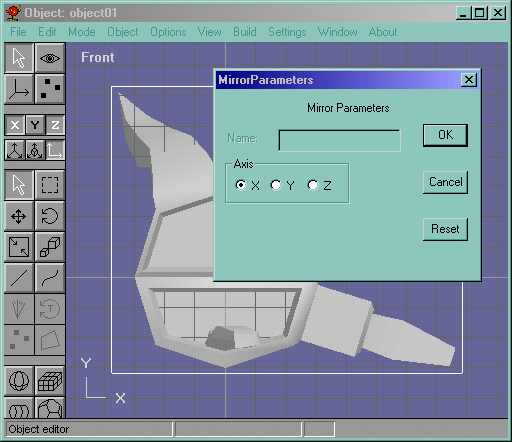
First, start out with the object you wish to mirror. Then select the object in object mode and mirror it on the x axis using Build->Mirror like in Figure 1
Figure 1
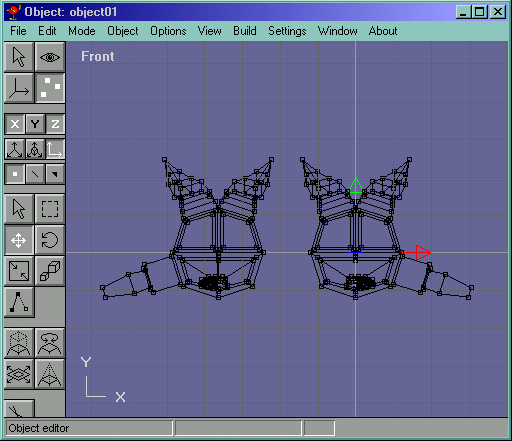
In the example, I had to mirror an arm on the "left" side. So when I mirrored it, I selected the mirrored object and moved it to the left, so that I could work on the rest of the mirroring process. It looked like Figure 2
Figure 2
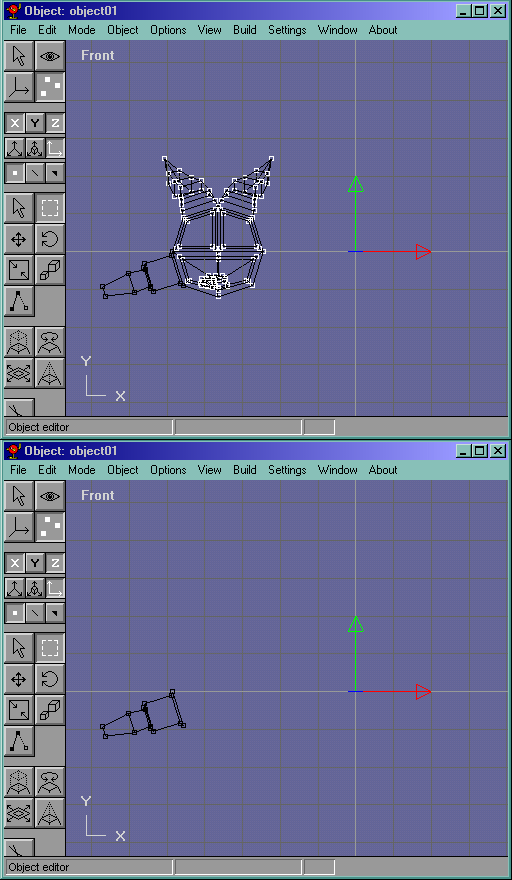
Now, since I only needed the left arm to be added to the main object, I select the rest of the body and delete it. Figure 3 shows the sequence of deleting those points
Figure 3
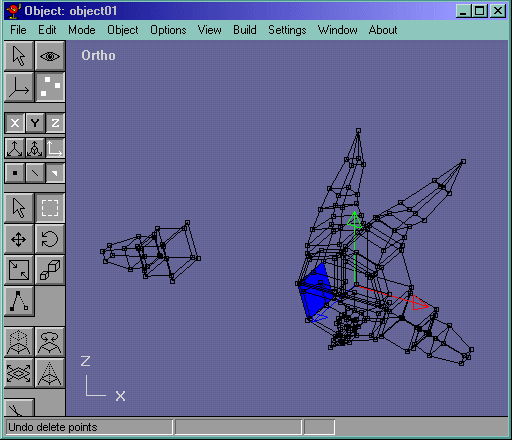
Now I select the face on the original model that is where the arm is going to go, and delete it. The face I am talking about is in Figure 4.
Figure 4
Now I select all the vertices of the mirrored model in point edit mode and move them right. But first I have to lock the y axis to get a more accurate result. The mirrored model should now look like its part of the original model. Now go back to object edit mode and select both the objects and go Build->Join Solids like in Figure 5
Figure 5
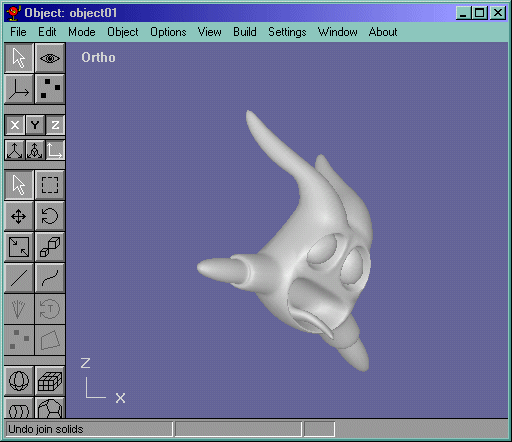
Now all you have to do is select the overlapping vertices that join the solids, and merge them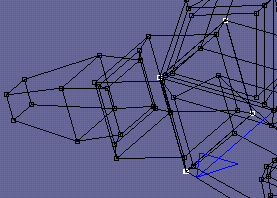 and you are done! The result of this can be seen in Figure 6
Figure 6
Hope this tutorial was of some use to you. Thank you for visiting!