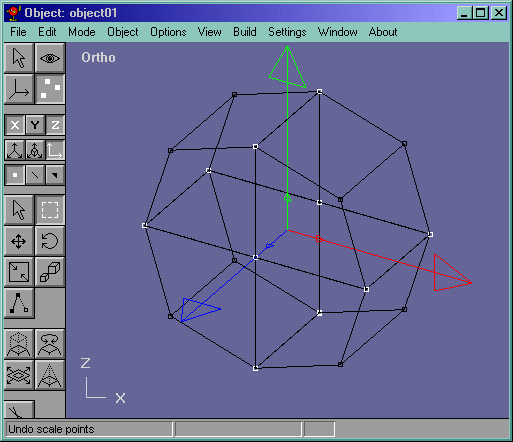
Now goto object edit mode and select the mesh. Do Build->Mirror and select x. Select both objects and do a Build->Join Solids to join them. It looks like Figure 3
Figure 3
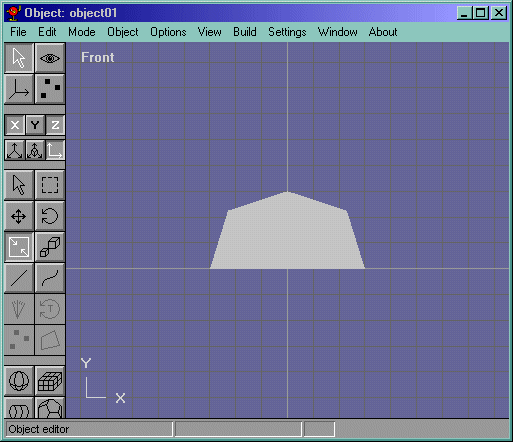
Now select that mesh and do a Build->Mirror, but this time on the y axis. Now join those two meshes. It should be 1 mesh now. To make it a smoothable mesh now, select the overlapping faces and the center edge and delete them, as shown in Figure 4. (The edge is shown in green)
Figure 4
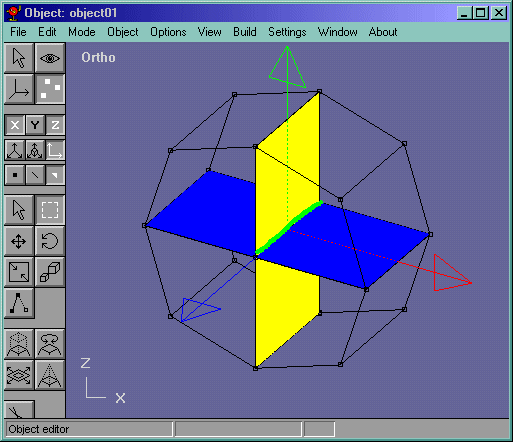
Now select all the vertices that need to be welded, and weld them. For the tutorial, the ones needing to be welded are shown in Figure 5.
Figure 5