| Project | GWU CS185 2004 Project 3 | |
| First Person Shooter Game Enhencement: Shooter In The House | ||
| Instructor | Dr. James K. Hahn | |
| Assistant | Sang-Joon Lee | |
| Code written by | Grace E. Cho | |
| Documentation written by | Grace E. Cho | |
| Created in | November 2004 |
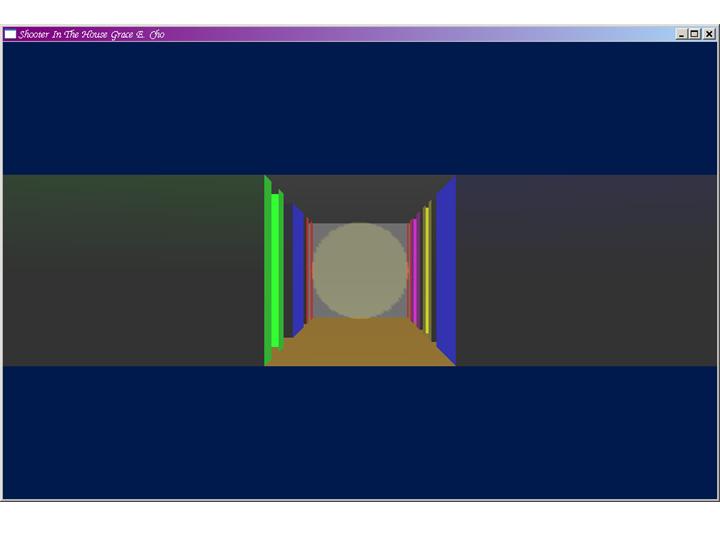
Some rooms have one door, some do two. There is a corridor between some rooms, but some rooms are adjacent to each other by a wall, sometimes with a door. In each room, there is a target. In this game, a target is represented by yoda (yoda.d). All targets face a door and located in the middle of the room.
The shooter can wonder around freely as long as he doesn't collide with any game objects. These include rooms, walls, and targets.
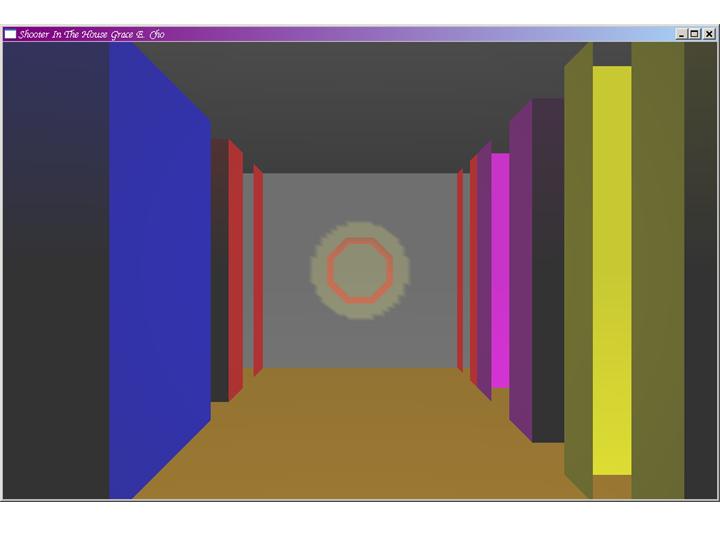
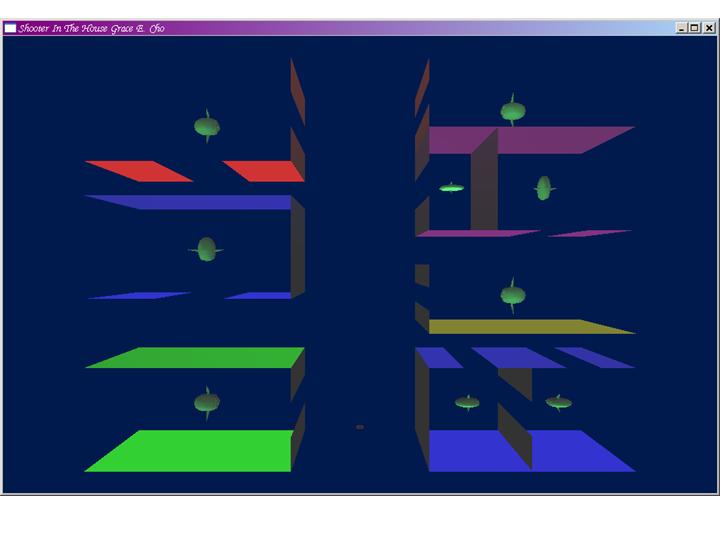
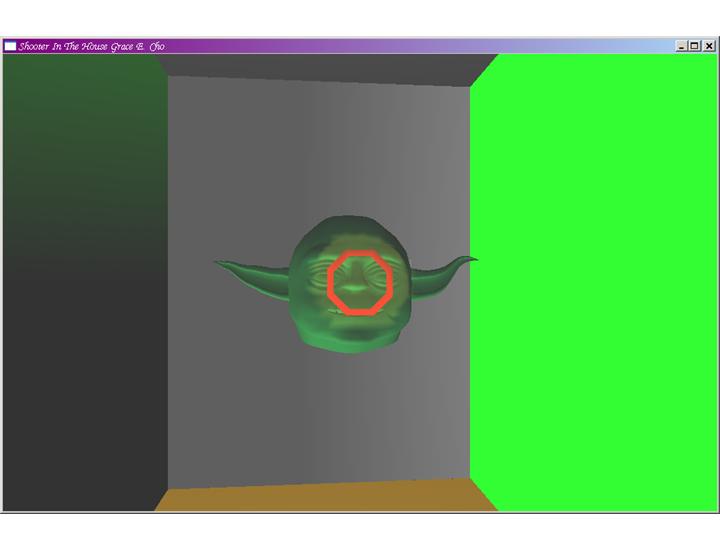
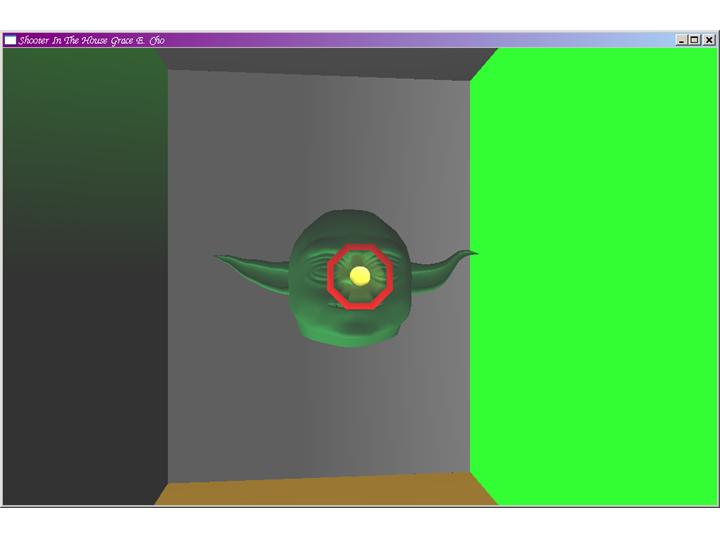
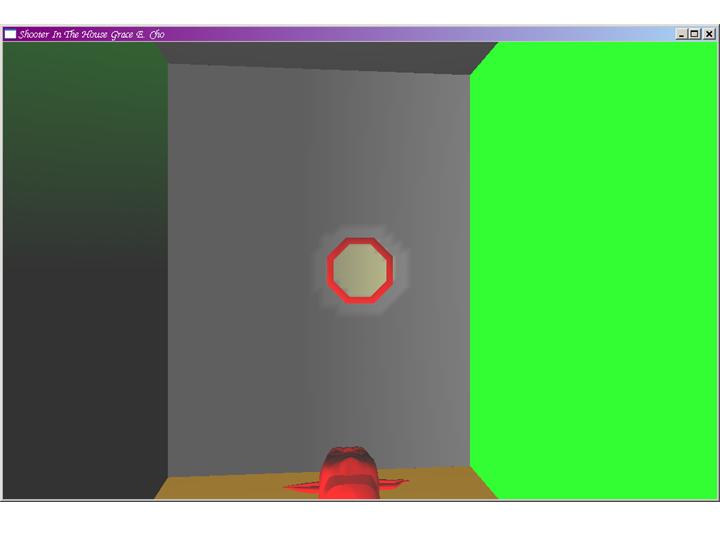
(Unfortunately, Geocities does not allow an executable to be downloaded. Please email me to obtain the executable.)
List of Key Commands for Shooter Movement
(Use the keys above with SHIFT key to multiply move step by 5).
| ARROW UP | Move a step forward | |
| ARROW DOWN | Move a step backward | |
| ARROW LEFT | Turn counter-clock-wise one unit | |
| ARROW RIGHT | Turn clock-wise one unit | |
| HOME | Turn counter-clock-wise 90 degrees | |
| END | Turn clock-wise 90 degrees | |
| PAGE UP | Move straight upward | |
| PAGE DOWN | Move straight downward | |
| INSERT | Toggle passive mouse motion option |
List of Key Commands for Shooting and Exiting the Game
| ENTER or space bar | Fire the gun | |
| ESC | Quit the game |
Use of Mouse
| Left Button Pressed Down | While the left button is down: Move the mouse forward to move the shooter forward; Move the mouse backward to move the shooter backward. |
|
| Right Button Pressed Down | While the right button is down: Move the mouse to the left to turn the shooter counter-clock-wise; Move the mouse to the right to turn the shooter clock-wise. |
|
| When passive mouse motion is enabled (use INSERT key) |
While no button is pressed down: Move the mouse to the left to turn the shooter counter-clock-wise; Move the mouse to the right to turn the shooter clock-wise; Move the mouse to the left to turn the shooter counter-clock-wise; Move the mouse to the right to turn the shooter clock-wise. |
Additional Key Commands
Following keys are mainly for the debug purpose
or to get a better view of the the shooter position.
| F1 | Get the far front view | |
| F2 | Get the far right-side view | F3 | Get the far back view |
| F4 | Get the far left-side view | F5 | Get the far top view |
| F6 | Get the far bottom view | |
| F12 | Return to the normal near view | |
| `r' | Toggle draw rooms option | |
| `w' | Toggle draw walls option - use only for the near view | |
| `s' | Use larger shooter mark - use only for the far view | |
| `0'~'7' | Turn on light0 to 7, respectively | |
| `0'~'7' with SHIFT key | Turn off light0 to 7, respectively |
Questions and comments to Grace E. Cho