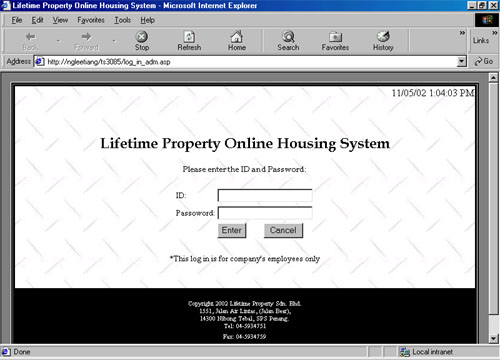
interface12.jpg (37935 bytes) This log in is for company's employees. User can:
  • Delete Records - Delete the customers' records who haven't make any booking within 3 days.
  • Lot Status - Record the damage of houses.
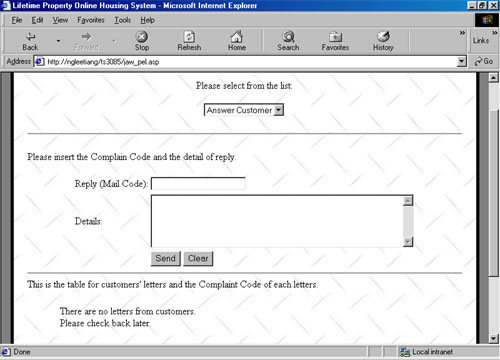
  • Answer Customer - Company's employees answer customers questions, complaints and suggestions.
  • Report - Company's employees can check the customer's record, payment record, lot status record.
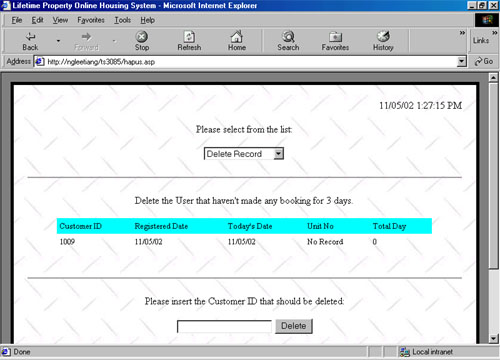
Customer IDs will be listed in this table if they have not make any booking even they have registered as a member. User only have to key in the customer's ID and press the 'Delete' button then all the information about this customer will be deleted from database.   interface13.jpg (41807 bytes)

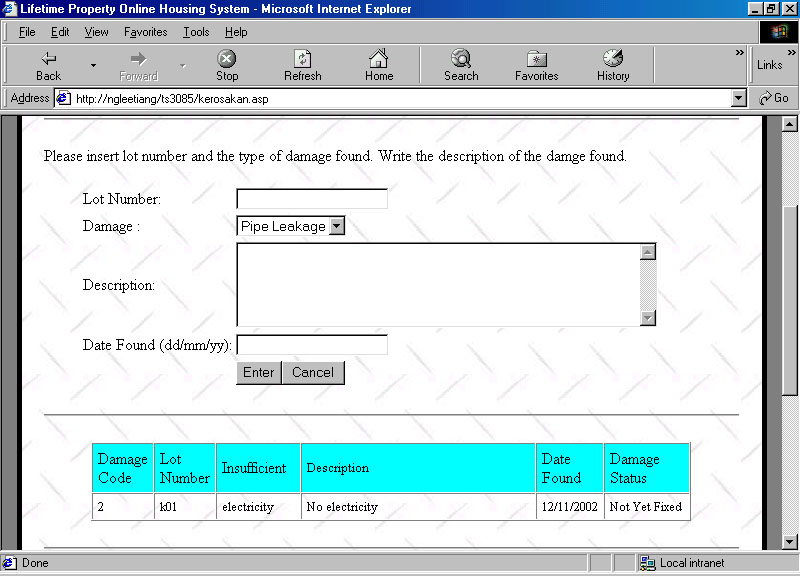
interface14.jpg (95830 bytes) This is lot status interface. If company's employees have found any damage on houses, they need to record down the damages. They need to insert lot number, damages and the description of the damages. After the employee has make the record, just press the enter and a table will be shown lists about the record. 

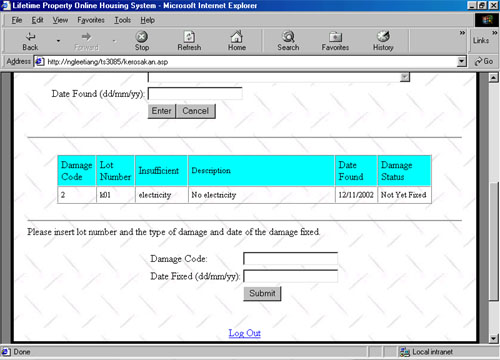
If the damages have been fixed, employee has to make record on this too. Information needed are only the damage code and date fixed.          

interface15.jpg (44085 bytes)   

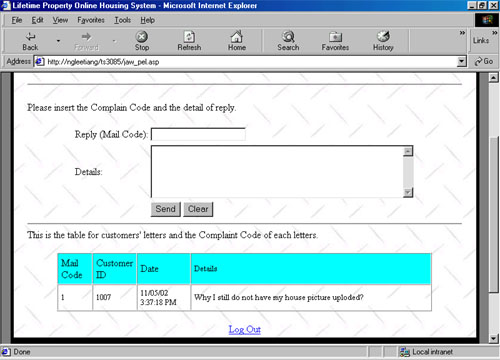
interface16.jpg (42147 bytes) This is the interface where company receive messages from customer. All the messages from customers will be listed in this table. Each message will be given a mail code so that company's employees can specified which message they are replying to.   interface17.jpg (38287 bytes)

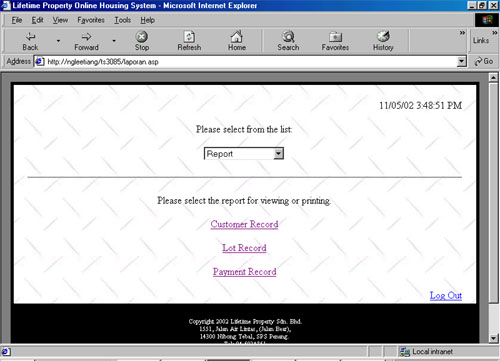
interface18.jpg (38394 bytes) Company's employee can get the report from the system. The reports are customer record, lot record and payment record. 

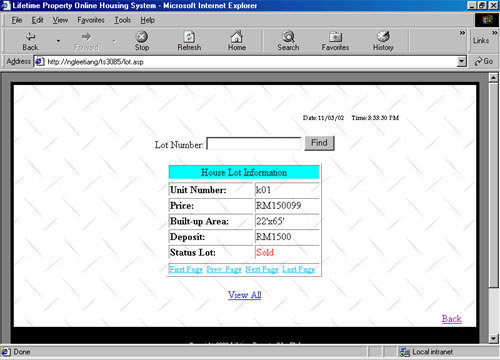
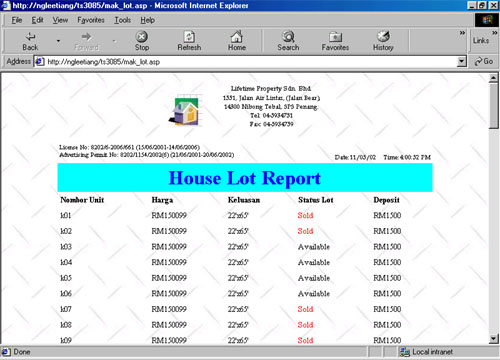
interface19.jpg (39671 bytes) This is one of the report that viewable in this system - Lot Record. User can check the first record, last record, search the record one by one and can search the record by just key in the Lot Number. interface20.jpg (48602 bytes) 

Next (Customer Log In)

Hosted by www.Geocities.ws

1