User Manual
|
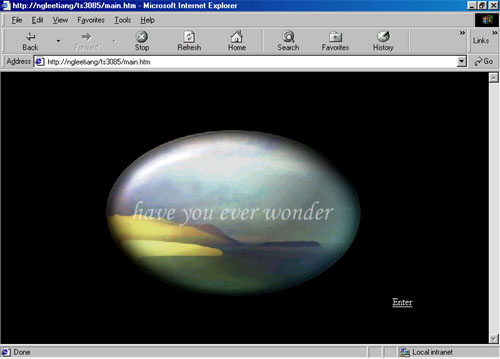
This is the main interface of the system. It is a welcome
page before user/customer access into the system. This welcome animation is
created by using Macromedia Flash 5.
|
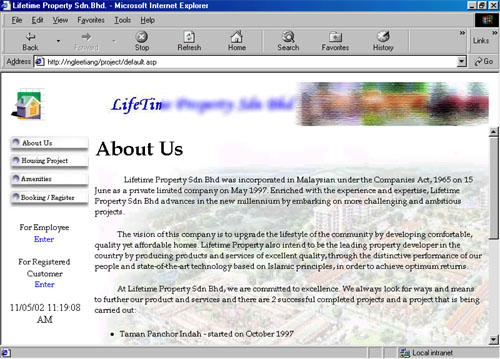
User can make choices on the transaction they want to
make:
There are 2 logs in for user to access the system.
|
 |
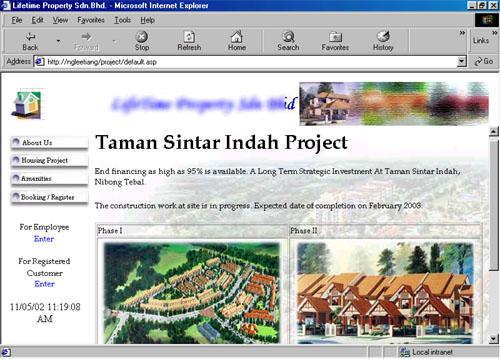 |
When user click on the button 'Project', this interface will be shown. This project's name is Taman Sintar Indah where there are 2 phases to be sold. Phase one is single-storey Terrace and Phase two is double-storey terrace. When user click on the pictures of the phases in this interface, a small interface will pop up which describe the houses. User can view the model and plan of the houses. |
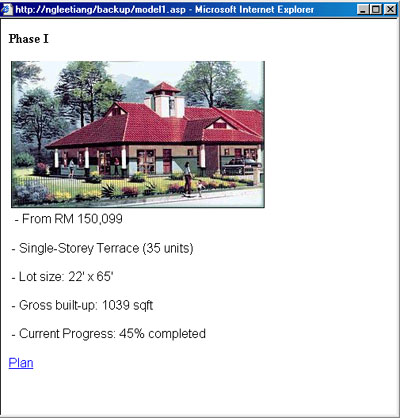 |
If user want to view the model or plan, they only have to click on the words shown in the interfaces. | 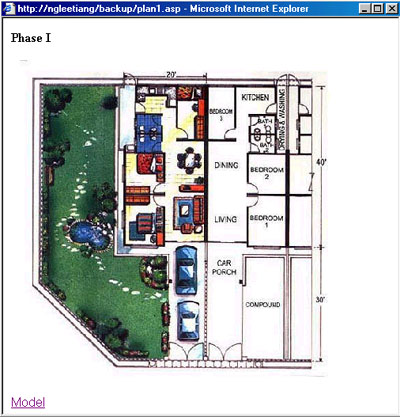 |
Next (Customer Registration and Booking)