Periodically I'll post some little project that I think is interesting here. The semester long projects can be found through the links on the left. (Note: some of the clips may not be loaded because the servers hosting them are down ... I'm starting to not like geocities ... the servers seem to be down quite a bit.)
Rendering Water
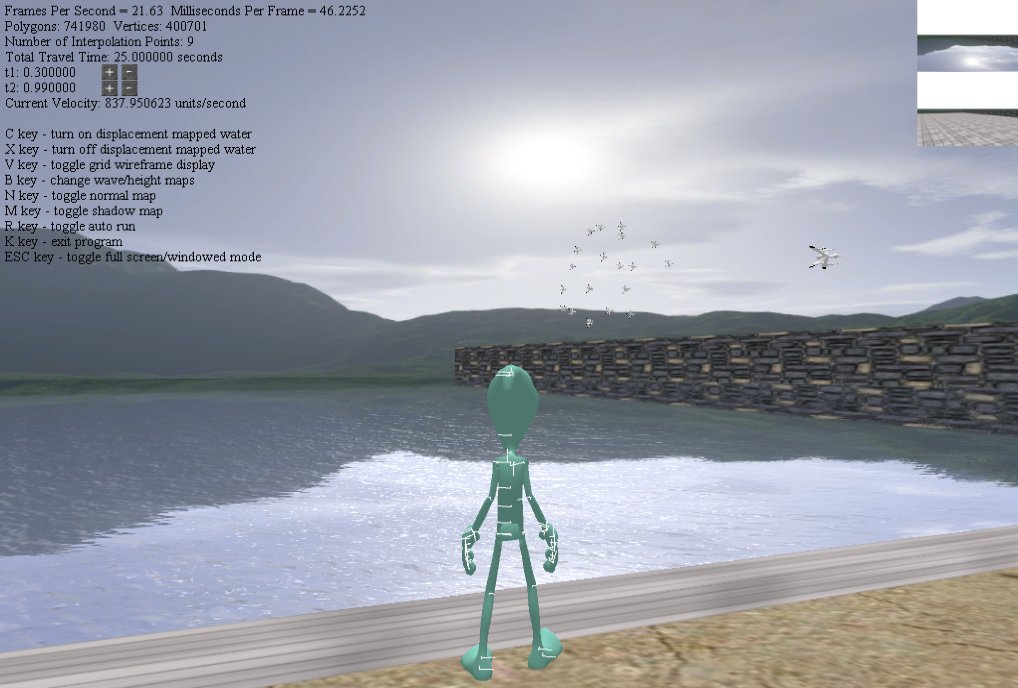
Water rendered with normal and displacement maps combined with reflection and refraction maps. The typical way of doing it.
Physics In Action
Here's a little clip with the physics simulation in action. When the mouse button is clicked, a ray shoots out to hit the ship, and a force is applied to it. The torque is then calculated and used to update the ship's rotation. The ship was first locked in place so that it doesn't fly around. After it's released, the linear force also pushes it around.
Scene Management
Been working on implementing a scene graph. So far so good. It's not much right now, but it does what I need. It does node-based hierarchical culling. It's nice when a group node can be culled (basically a whole branch can be ignored). Here's a little test. I randomly generate three 100x100 mazes (three floors although the clip only shows one floor.) Without the culling, it's almost impossible to draw the three mazes without choking the renderer. Right now, it's still overdrawing things that can't be seen (like walls behind walls). Later on, I'll add some kind of occlusion (probably BSP tree based) to the engine. It's hard to read the numbers, but instead of drawing 30000+ walls, most are culled and only about 100 - 200 are drawn.
Group Behavior (again)
Same flocking behavior but with ships.
Group Behavior
Implementing a little flocking simulation. The steering behaviors are pretty easy to understand and implement. The simulation has about 20 flying objects chasing around another flying object. It's really simple, but the result is fairly interesting. With the same behaviors assigned to each member, the group changes formation when certain parameters (like individual mass and number of neighbours) are changed at run time. It's kinda fun to play with.
Inverse Kinematic
There are several algorithms to solve inverse kinematic problem. The simplest algorithm is probably cyclic coordinate descent, which is what I have implemented here.
Animation and Path Modeling
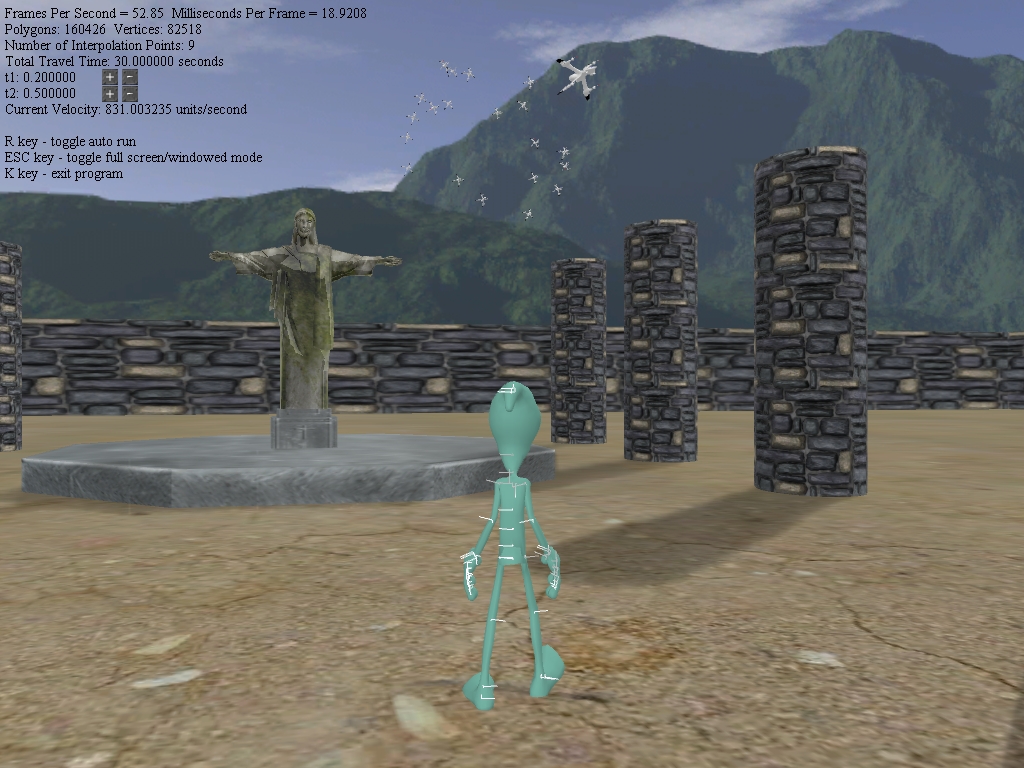
This little project involves implementing animation by interpolating between key frames. Basically everything DirectX's animation controller does. I'd rather just use DirectX, but it's a good exercise to go through the process of animating a hierarchy model, and I suppose doing things ourselves would give more flexibility.
The mesh and animation key frames are exported to .x format. I wrote a little parser to parse the animation data. Interpolations are done linearly, but it's easy to switch to some form of slerp.
Path modeling is done by solving the linear system that generates a natural spline. The character follows the path with a tiny step ahead as its center-of-interest. Speed control is implemented via a easy-in/easy-out mechanism using 2 sine functions. The walk and run animations also blend as needed according to the character's movement speed.
Binary-Space-Partitioning Tree and Visibility Culling with Hierarchical Occlusion Maps
This one is actually implementing two things together. First part is binary-space-partitioning tree that deals with recursively partitioning space with 3D planes. This is quite simple, just select a plane in space and cut the space into two halves. The trick is to select a plane that would create a balanced tree and not split too many polygons (when the plane goes through objects). Then, recursively builds the tree by cutting the space in halves. In addition to the spatial property of the tree, it also automatically sorts polygons from back to front which is pretty cool ... not that we need to sort them or anything.
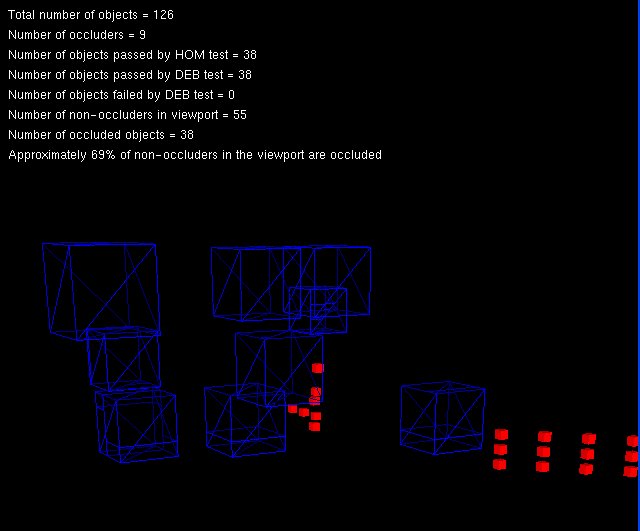
Second part deals with visibility culling by using the Hierarchical Occlusion Maps technique. The goal of doing occlusion is to not draw objects that can't be seen on the screen. It actually takes some amount of work to figure out what objects are occluded. So unless the scene is really dense and a large amount of objects can be occluded, there really isn't much saving in terms of rendering time considering how fast today's graphics card is. The HOM algorithm uses texture mapping technique similar to MIP mapping in that the occlusion maps are hierarchical with each level of the hierarchy approximating a region of the screen. The whole idea basically revolves around reducing a 3D problem to a 2D problem. A bunch of occluders are selected and projected onto the viewport of various dimensions (this is the HOM). Once this is done, the non-occluders are then projected on the viewport. Given the projected area of the non-occluders, the algorithm finds the appropriate occlusion map. Once that's done, all it takes to decide if some objects are occluded by the occluders is comparing the depth of the occluders and the objects within the occlusion region.
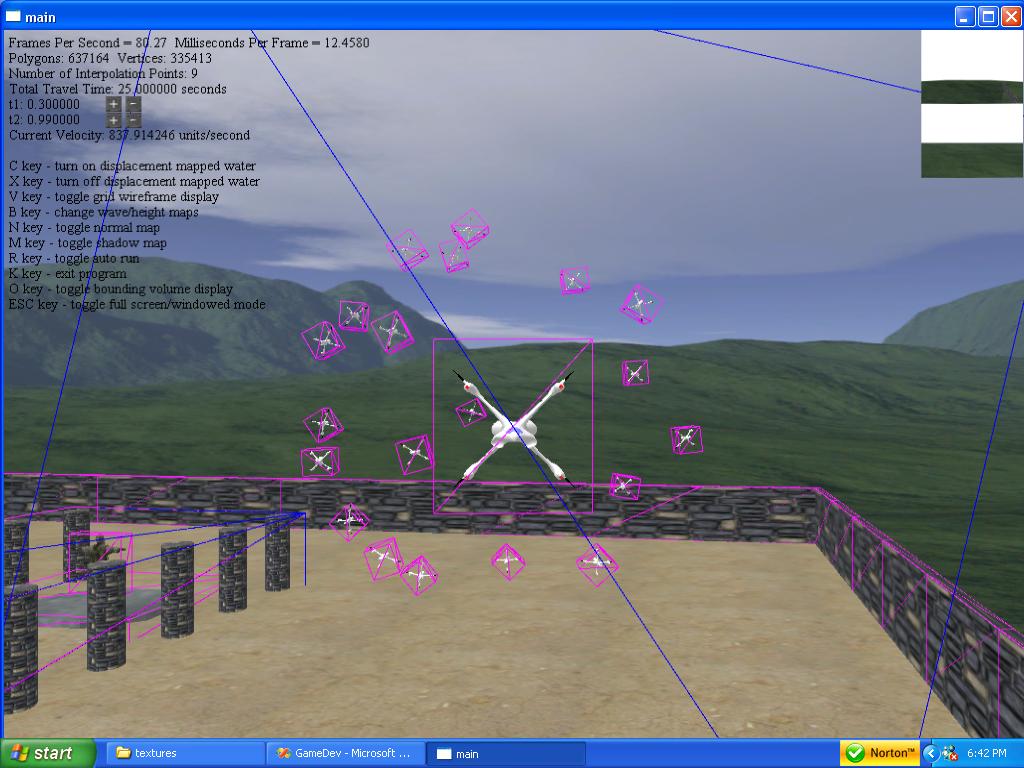
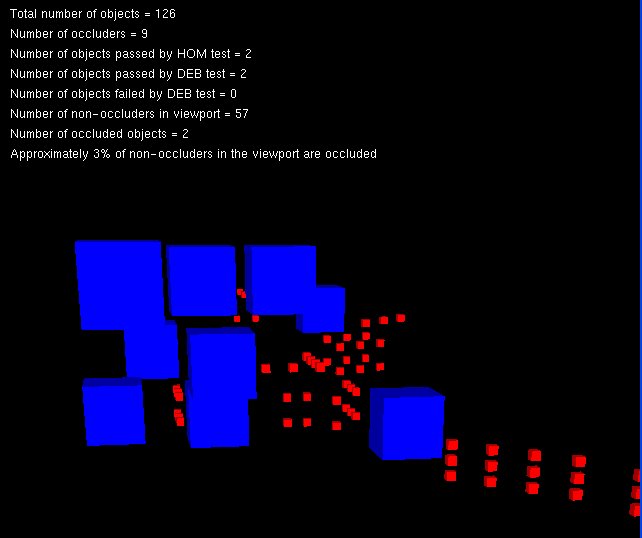
These two pictures show the scene from two different view points. The bottom one shows a bunch of blue occluders drawn in wire frame, and that the occlueded objects behind them aren't being drawn.
Phong Lighting and Shading
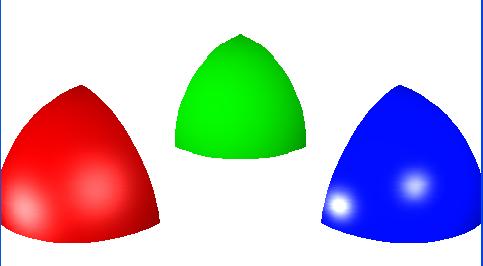
This project involves implementing Phong lighting and shading by integrating the emperical model into the z-buffer algorithm. Given surface characteristics (color and shininess), a light value is calculated based on the Phong lighting model, and the surface normals are interporated across the surface to get a smooth shading.
The prerequisite of implementing lighting and shading is actually implementing the scanline algorithm and clipping in projection space. This is quite a lengthy project since the whole graphics pipeline has to be implemented in software.
Of course, OpenGL and Direct3D do everything this little project can do. But, implementing in software the graphics pipeline going through the processes of modeling objects in local space and transforming them to a 2D viewport really shed some light on what OpenGL and Direct3D are doing.
MIP mapping
This project explores the MIP mapping technique for solving aliasing problem. Given a texture, sampling problem occurs when 1 pixel of the texture no longer maps to 1 pixel of the screen. In particular, MIP mapping solves the sampling problem when a large texture maps to a small area. In simple terms, it solves it by assigning a color to a pixel by averaging a region of texture elements. Because of this, MIP mapping has a slight blurring effect. This particular implementation uses a simple box filtering when generating the MIP maps.
non-MIP mapped textures.
MIP mapped textures..
Bump Mapping
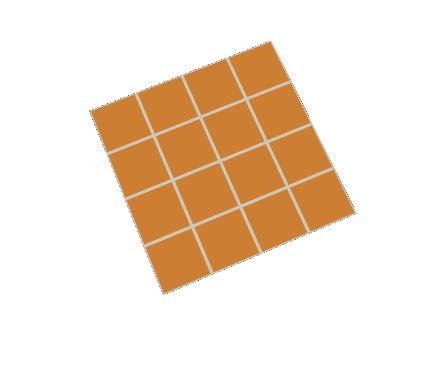
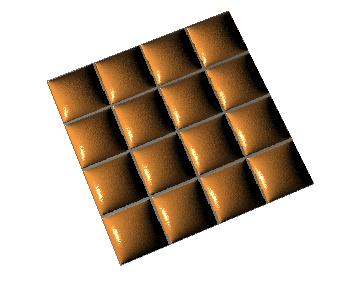
Interesting little project implementing bump mapping. A surface normal is calculated according to a height map. When the normal is fed into the Phong lighting and shading model, we get a 3D effect when in fact the polygon is a smooth surface. The following pictures show a textured polygon without bump mapping, and one with bump mapping.
Humvee Model
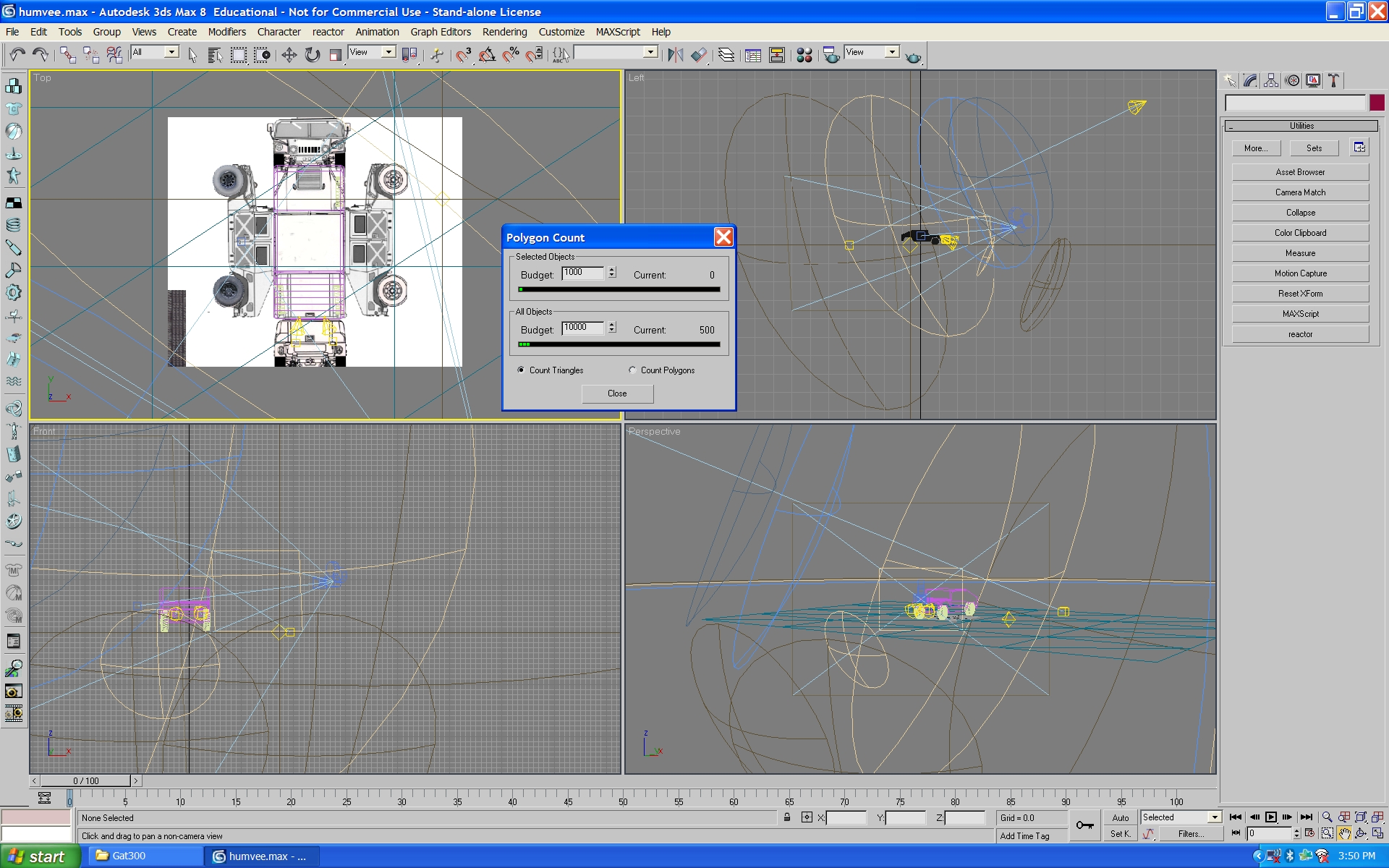
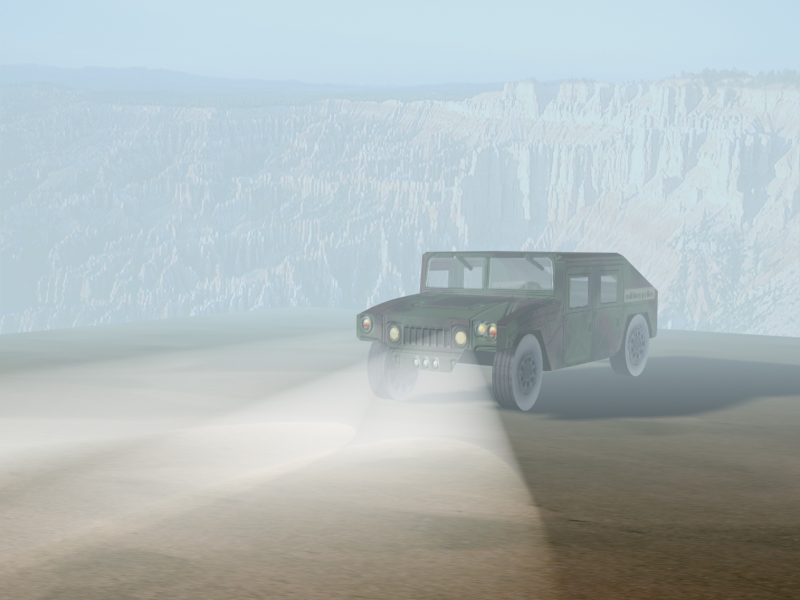
I thought this is a rather interesting project. It's one of the homework assignments from the animation class.The whole assignment involves creating the humvee model, adding different texture maps to the model, and playing with lights and cameras to create a scene. This is what I came up with. It probably isn't that great. Michelle thinks it's too dark and foggy. Although fog was what I was going for ... the scene is a bit dark. I could probably light the scene a little better BUT it is a PAIN to light a scene properly. The artists that create CGs and game models and animations must be really talented. This stuff is not easy to do at all. Anyway, since I'm not really an artist, this is good enough for me.
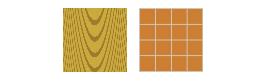 non-MIP mapped textures.
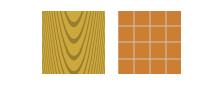 MIP mapped textures..